Build with AI
How to Set Up OpenClaw: Your Own AI Assistant That Actually Does Things
OpenClaw is an open-source AI agent that actually gets stuff done. Learn how to set it up, secure it, and turn it into your own 24/7 AI employee.

Contents (10)
Quick answer: OpenClaw is an open-source, self-hosted AI agent that started in late 2025 as Clawdbot, became Moltbot, then OpenClaw after an Anthropic trademark dispute, and has since collected 180,000 GitHub stars. You install it with curl -fsSL https://openclaw.ai/install.sh | bash or npm install -g openclaw@latest, run openclaw wizard to add your Anthropic or OpenAI key, then connect Telegram or WhatsApp. Setup takes 10 to 20 minutes on Node.js 20+ with 4GB of RAM.
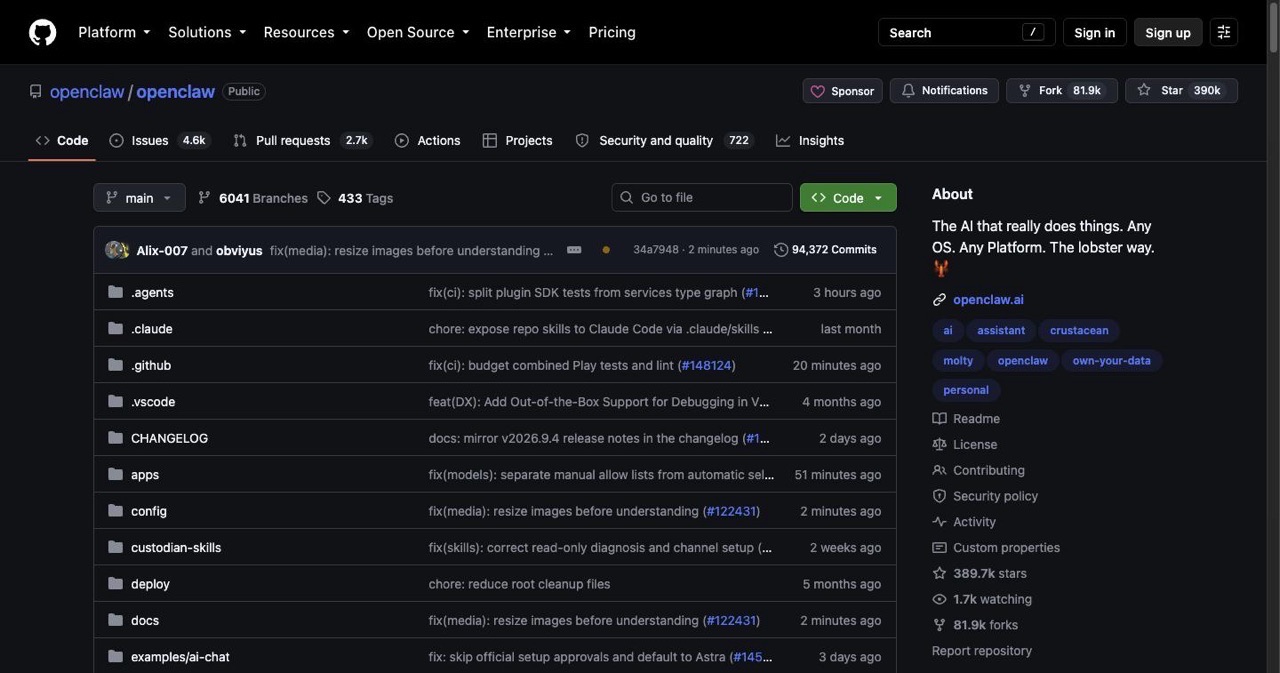
OpenClaw is kind of blowing up right now. Started in late 2025 as Clawdbot (then Moltbot, then OpenClaw after Anthropic threw some trademark shade), this open-source AI agent has racked up 180,000 GitHub stars and millions of visitors. Why? Because unlike most chatbots that just sit there and talk to you, OpenClaw actually gets stuff done—clearing your inbox, managing your calendar, even checking you in for flights.
If you've seen the demos going viral on Twitter (X) and Reddit and want to try it yourself, you're in the right place. This guide walks through everything: basic setup, advanced configs, security (because yes, giving an AI system access is a bit scary), and real ways people are using it. Whether you're messing around on a spare laptop or deploying on a cloud server, you'll have your own 24/7 AI employee running by the end.
Key Takeaways
- Built by a known developer: Peter Steinberger, the maker of PSPDFKit, wrote OpenClaw in TypeScript and Swift.
- It acts, not just chats: It runs shell commands, edits files, browses the web, and calls APIs, and the heartbeat feature lets it check in and work without being asked.
- Any model you want: It works with Anthropic, OpenAI, or local models through Ollama at
http://localhost:11434, so there is no subscription beyond API usage. - Two install paths: A local install on a Mac or PC via the install script, or a VPS install on Ubuntu 22.04 kept alive with
pm2, on droplets from around $6 per month. - Messaging is the interface: WhatsApp, Telegram, Discord, Slack, iMessage, and email all work as front ends.
- Cost control matters: Claude Sonnet is the cheap default, and people have spent $20 on Opus in an afternoon.
- Sandbox before you trust it: Run it in a VM or Docker container, skip root, limit API sub-accounts, and watch actions in the dashboard.
What Makes OpenClaw Different
OpenClaw is basically a self-hosted AI agent that runs on your hardware and connects to messaging apps. Peter Steinberger (the guy behind PSPDFKit) built it with TypeScript and Swift, and it bridges LLMs like Claude or GPT with your files, apps, and messages. The big difference from regular chatbots? It keeps running in the background, remembers everything, and takes action without you constantly telling it what to do.
Here's what it can do:
It runs shell commands, edits files, browses the web, and talks to APIs based on your instructions or its own ideas. You can message it through WhatsApp, Telegram, Discord, Slack, iMessage, or email—feels like texting an actual person. It can even write code to give itself new abilities. It's open-source and works with whatever LLM you want—Anthropic, OpenAI, or local models through Ollama. No subscriptions, just pay for API usage. The heartbeat feature lets it check in periodically and do stuff without you asking.
People on X are doing wild things with it—automating emails, trading crypto, one developer gave it a GitHub account to submit PRs. But yeah, giving it system access can get messy if you're not careful. We'll cover that later.
Why Bother Setting This Up?
Honestly? It's practical. Thousands of people are using it to automate boring tasks—summarizing news, booking restaurants, watching stocks. Since it's open-source, you can fork it and make it do whatever you want (crypto wallets, custom APIs, you name it). It runs locally so your data stays on your machine (though API calls still go out). And it's free except for API costs—Claude Sonnet is cheaper than Opus if you don't want to burn through $20 in an afternoon.
Some examples from users: One dev used it to clone Linear and spawn AI workers for code reviews. Another hooked it up to 1Password and Obsidian as a second brain. Crypto people are giving it wallets to trade on their own. If you're in tech or just curious about where AI is going, OpenClaw is a hands-on way to see what agentic AI actually feels like.
What You'll Need
Before you start, grab these:
- Hardware: Something that can run 24/7. Either a local machine (Mac Mini works great) or a VPS from DigitalOcean, Hostinger, AWS—whatever. Minimum 4GB RAM, Ubuntu is easiest.
- Software: Node.js version 20 or newer. Docker if you want containers. Git to clone the repo.
- API Keys: From Anthropic (for Claude), OpenAI, or whoever. Sign up on their sites and generate keys. Start with Claude Sonnet to save money—people have burned $20+ on Opus in no time.
- Messaging App: Telegram or WhatsApp. For WhatsApp, use a separate number so you don't mix it with personal messages.
- Security mindset: Be ready to sandbox this thing (VM or limited user account) so it can't accidentally nuke your system.
If you're new to this, a clean Ubuntu VPS is the way to go. It's remote, always on, and keeps any potential chaos away from your main computer.
Installation Steps
Setup usually takes 10-20 minutes. Here are the main paths:
Local Setup (Mac/PC)
- Install the CLI: Open terminal and run
curl -fsSL https://openclaw.ai/install.sh | bashThis detects your OS and installs everything. Or do it manually withnpm install -g openclaw@latest - Run the setup: Type
openclaw wizardor justopenclawto start. Pick QuickStart mode. It'll ask for your API keys (likeANTHROPIC_API_KEY=your-key-here). Install it as a service if you want it always running. - Start it up: Run
openclaw startto launch the server. Save your gateway token somewhere—you'll need it. - Connect messaging: For Telegram, create a bot with BotFather and add the token to OpenClaw's config. For WhatsApp, use a dedicated number and scan the QR code during setup. Test it by sending "Hello, OpenClaw!"
On Windows? Use WSL or look up specific Node setup guides.
VPS Setup (For 24/7 Cloud)
If you want it running all the time without your computer on:
- Pick a host: DigitalOcean has $6/month droplets that work fine. Hostinger too. Get Ubuntu 22.04 or newer.
- Set up the server: SSH in with
ssh root@your-ip. Update everything:apt update && apt upgrade -y. Install Node.js withcurl -fsSL https://deb.nodesource.com/setup_22.x | bash -and thenapt install -y nodejs - Clone and install: Run
git clone https://github.com/openclaw/openclaw.git, thencd openclawandnpm install. Or use one-click deploys if your host has them. - Configure: Run the wizard, add API keys to the
.envfile. Usepm2 start openclawto keep it running. - Access the dashboard: OpenClaw has a web UI at
http://your-ip:portfor monitoring.
Using Local Models (Ollama)
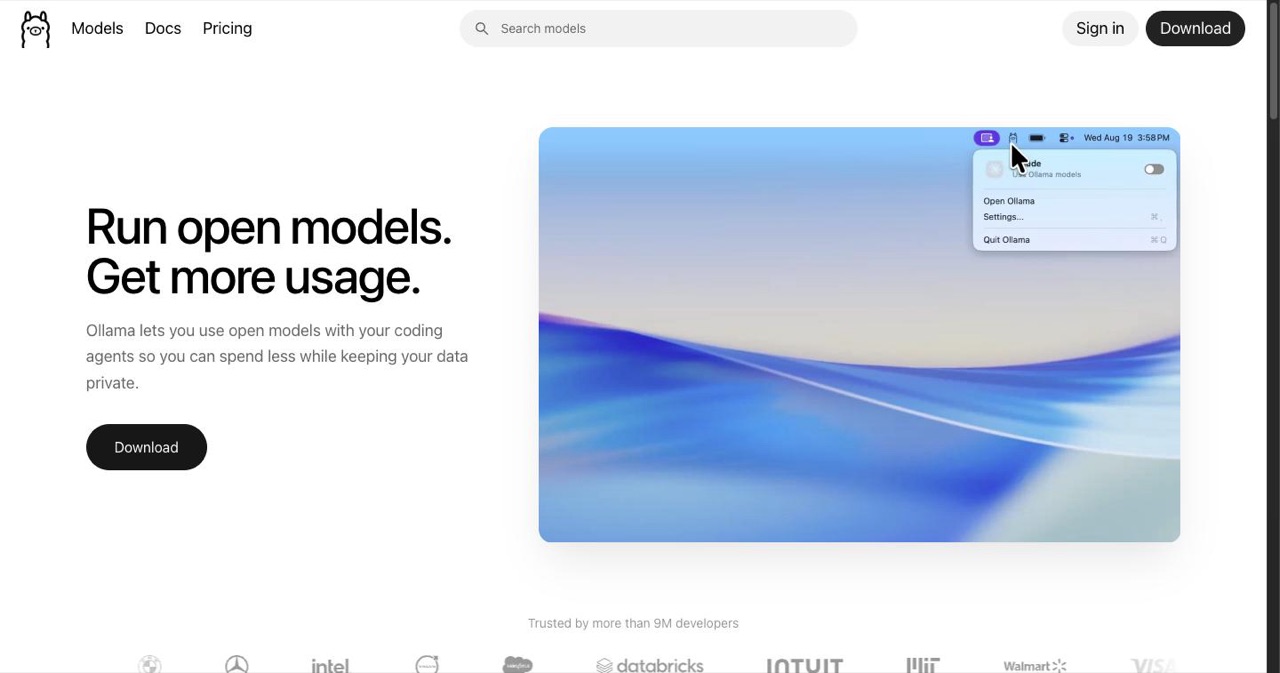
Want to avoid API costs or keep everything private? Run Ollama. Install it with curl https://ollama.ai/install.sh | sh, then get a model with ollama pull llama2. Connect to OpenClaw by running ollama launch openclaw (old command names still work) and point OpenClaw to http://localhost:11434 in config. Note: Local models are slower but free.
Making It Yours
After basic setup:
- Add skills: OpenClaw starts with basics like web browsing and file operations. Community skills (crypto stuff, etc.) are on GitHub. Install with
openclaw skills add. - Set up profiles: Do this during setup so it remembers your preferences.
- Configure heartbeat: set periodic tasks, like daily summaries, in the config.
- Connect other apps: Gmail (OAuth), GitHub, 1Password. Use service accounts for better security.
- Switch models: Use
openclaw config set model claude-3-5-sonnetto save money.
Don't Skip the Security Stuff
OpenClaw's power is also its biggest risk. Giving it system access can go wrong fast. People have called it a security nightmare when misconfigured. Here's how to stay safe:
- Sandbox it: Run in a VM (VirtualBox) or Docker container. Don't use root unless you have to.
- Watch permissions: No sudo access unless absolutely needed. Revoke it after specific tasks.
- Manage APIs carefully: Use sub-accounts with limited permissions. Check your usage so you don't get hit with surprise bills.
- Privacy: Review any skills for sketchy code. Anonymize sensitive data before feeding it in.
- Monitor actions: Use the dashboard to see what it's doing. Tools like Uploade can help share knowledge between agents securely.
Treat it like hiring someone—vet it, train it, supervise it.
Tips and Troubleshooting
- Scale for teams: Set up multiple instances (one per department if you want).
- Crypto integration: Add a wallet through skills. People are using it for autonomous trading.
- Common problems: API costs getting out of hand? Switch to Sonnet early. Connection failing? Check firewall ports (default is 3000). Slow responses? Upgrade your hardware or move to cloud.
- Community help: Join discussions on X or Reddit. Tons of tutorials and videos out there.
What People Actually Use It For
- Personal assistant: Clear my inbox and summarize the important stuff. It remembers your preferences over time.
- Developer workflows: Ship a PR for this bug. Hooks into GitHub and your code tools.
- Business automation: Managing calendars, triggering workflows, even trading stocks.
- Creative projects: Building apps or analyzing data autonomously. One person on X gave it a $1000 budget to try self-earning experiments. Wild.
Final Thoughts
Setting up OpenClaw isn't just installing some software—it's stepping into a future where AI actually helps with real work. From that first curl command to a fully autonomous agent, the process puts cutting-edge tech in your hands. The community keeps growing, with new integrations popping up (like Moltbook, a social network for agents).
Start small, keep an eye on what it's doing, and scale up as you get comfortable. If you run into issues, the open-source community is pretty helpful—just open a GitHub issue. Welcome to AI that actually does stuff instead of just talking about it.
What's the first thing you're going to have it do?
Get your SaaS in front of founders
List your product on the SaaSCity live city map - a permanent listing, real discovery, and a backlink from a high-DR directory. Free to start; upgrade for a dofollow link and a building on the map.