Build with AI
Open Source AI SaaS Boilerplates Compared: Build vs Buy in 2026
Should you build your AI SaaS from scratch or use a boilerplate? We compare the top open source and commercial AI SaaS boilerplates — Next.js, Supabase, Stripe — to help you decide what's worth paying for and what you should build yourself.


Contents (8)
Quick answer: AI SaaS boilerplates fall into three tiers in 2026. Full-stack commercial kits: SaaSCity AI Boilerplate ($79.99 one-time, the only one with a credit system, multi-provider AI, moderation and streaming), ShipFast ($199) and Makerkit ($299/year). Free open source starters: Create T3 App, Next-SaaS-Starter and the Supabase + Next.js starter, which need 50 to 120 hours of extra work. Minimal starters like create-next-app need 200 to 400 hours to production.
You've decided to build an AI SaaS. Good. Now you're facing the decision that will either save you 200+ hours or cost you 200+ hours: build the infrastructure from scratch or use a boilerplate?
Let's cut through the marketing noise. This is an honest comparison of every viable AI SaaS boilerplate and starter kit available in 2026 — open source and commercial — with a clear framework for when to build, when to buy, and when to do something in between.
Key Takeaways
- AI-specific features are the real divider: credit systems, AI provider integration, content moderation, streaming and rate limiting are missing from ShipFast, Makerkit, T3 App and Next-SaaS-Starter.
- Price does not track AI readiness: ShipFast costs $199 and Makerkit $299 a year, against $79.99 one-time for the AI-specific SaaSCity kit.
- Free is not free: T3 App needs 60 to 100 hours of extra work, Next-SaaS-Starter 50 to 80, and the Supabase starter 80 to 120 to reach parity.
- From-scratch infrastructure runs 71 to 135 hours: roughly $3,550 to $6,750 of time at a conservative $50 an hour.
- Makerkit wins on multi-tenancy: it is the only kit in the matrix with team and organization support plus role-based access control.
- Timeline decides it: weekend projects should use a boilerplate outright, while a 6+ month build only justifies custom work if the infrastructure is the product.
- The hybrid path is the default recommendation: buy auth, payments and credits, build the AI layer, restyle the UI, replace pieces later.
The Build vs. Buy Decision Tree
Before comparing specific boilerplates, answer these three questions:
Question 1: What's your timeline?
| Timeline | Recommendation |
|---|---|
| Ship this weekend | Use a boilerplate. No debate. |
| Ship in 2-4 weeks | Boilerplate + customization |
| Ship in 2-3 months | Either approach works |
| Ship in 6+ months | Custom build may make sense (if the infrastructure IS your product) |
If you're building a weekend project, stop reading and grab the SaaSCity AI Boilerplate. Seriously. The rest of this article is for people with more nuanced timelines.
Question 2: What are you building?
| Product Type | Build Recommendation |
|---|---|
| AI wrapper (call API, show result) | Boilerplate — this is exactly what they're designed for |
| AI-native product (AI is the core IP) | Boilerplate for infra, custom AI layer |
| Platform / marketplace | Custom build — boilerplates won't cover the complexity |
| Internal tool | Lightweight boilerplate or custom |
Question 3: What's your budget?
| Budget | Options |
|---|---|
| $0 | Open source boilerplates (see below) |
| $50-100 | Commercial boilerplates (best value per hour saved) |
| $500+ | Enterprise templates or custom development |
The Boilerplate Landscape in 2026
We've categorized every relevant boilerplate into three tiers based on how much they handle out of the box.
Tier 1: Full-Stack AI SaaS Boilerplates
These include everything: auth, payments, credit systems, AI integration, and admin dashboards.
SaaSCity AI Boilerplate
Price: $79.99 (one-time) | Stack: Next.js 16 + Supabase + Stripe | License: Commercial
The SaaSCity AI Boilerplate is purpose-built for AI SaaS products. It's the boilerplate we built because nothing else handled the specific challenges of AI apps — credit systems with race conditions, multi-provider AI integration, content moderation, and streaming responses.
What's included:
- ✅ Next.js 16 with App Router and Server Components
- ✅ Supabase auth (email, Google, GitHub, magic link)
- ✅ Stripe payments with full webhook handling
- ✅ Credit system with atomic deduction (no race conditions via PostgreSQL functions)
- ✅ Multi-provider AI integration (OpenAI, Anthropic, Fal.ai, Replicate)
- ✅ AI content moderation pipeline
- ✅ Admin dashboard with user management
- ✅ Rate limiting per user and per endpoint
- ✅ Streaming response support
- ✅ Mobile-responsive UI
- ✅ NEW (April 2026): Seedance 2.0 cinematic video generation
What makes it different: Most boilerplates treat AI as an afterthought — they give you auth and payments and say "now add your AI stuff." SaaSCity starts from the assumption that you're building an AI product and handles the hard parts: credit-based billing tied to API costs, multi-model provider switching, content safety, and streaming.
Best for: AI wrappers, image generators, text generators, video tools, Seedance 2.0 video platforms — any product where the core loop is "user pays credits → AI generates output."
Honest limitations: It's opinionated about the stack (Next.js + Supabase + Stripe). If you want Django or Rails, this isn't for you. And if your product doesn't use a credit-based model, you'll need to modify the payment flow.
For a detailed code walkthrough, see our complete technical guide to building an AI SaaS.
ShipFast
Price: $199 (one-time) | Stack: Next.js + MongoDB/Supabase + Stripe | License: Commercial
ShipFast by Marc Lou is one of the most popular SaaS boilerplates. It's a general-purpose starter that's been extended by the community.
What's included:
- ✅ Next.js with App Router
- ✅ Multiple auth providers
- ✅ Stripe + LemonSqueezy payments
- ✅ Email integration (Mailgun, Resend)
- ✅ Blog with MDX
- ✅ SEO optimization
- ✅ Landing page components
What's missing for AI:
- ❌ No credit system (you'll build this yourself)
- ❌ No AI provider integration
- ❌ No content moderation
- ❌ No streaming response handling
- ❌ No rate limiting
Best for: General SaaS products that don't need AI-specific infrastructure. If you're building a project management tool, CRM, or analytics dashboard, ShipFast is solid.
Honest assessment: At $199, it's 3x the price of SaaSCity but doesn't include AI-specific features. If you're building an AI SaaS, you'll spend 40-60 hours adding what SaaSCity includes out of the box.
Makerkit
Price: $299/year | Stack: Next.js or Remix + Supabase/Firebase + Stripe | License: Commercial (subscription)
Makerkit is a well-maintained boilerplate with strong documentation and regular updates.
What's included:
- ✅ Multi-tenancy (team/organization support)
- ✅ Subscription billing with Stripe
- ✅ Role-based access control
- ✅ Onboarding flows
- ✅ Email templates
What's missing for AI:
- ❌ No AI integration
- ❌ No credit system
- ❌ No content moderation
Best for: B2B SaaS products with team accounts. The multi-tenancy support is the strongest selling point.
Tier 2: Open Source Starter Kits (Free)
These are free and community-maintained. You get a solid foundation but less polish and no guaranteed support.
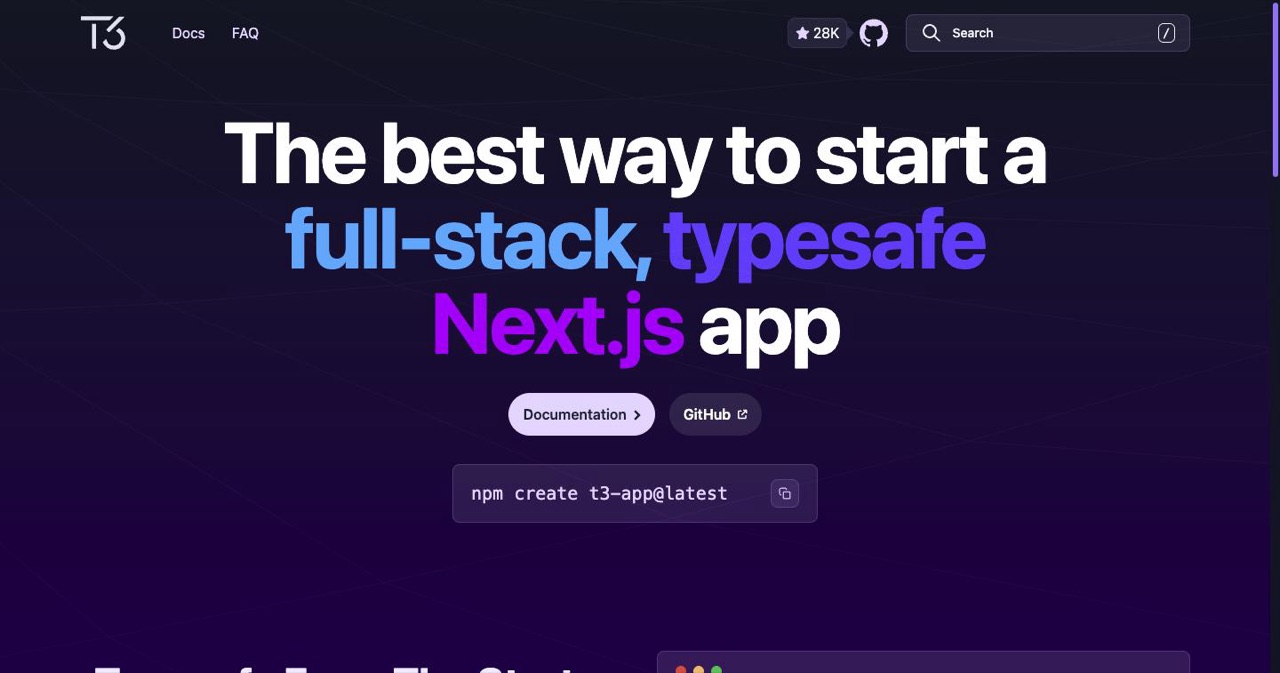
Create T3 App
Price: Free | Stack: Next.js + tRPC + Prisma + NextAuth | License: MIT
The T3 stack is the most popular open source full-stack Next.js starter. It's type-safe from database to frontend.
What's included:
- ✅ Full-stack type safety with tRPC
- ✅ Database ORM (Prisma)
- ✅ Authentication (NextAuth.js)
- ✅ Tailwind CSS
- ✅ Strong community and documentation
What you'll need to add:
- Payments (Stripe integration)
- AI provider integration
- Credit system
- Content moderation
- Admin dashboard
- Rate limiting
Time to add missing pieces: 60-100 hours
Best for: Developers who want full control and don't mind building payment and AI layers from scratch. Also great for learning — the T3 stack teaches modern full-stack patterns.
Next-SaaS-Starter
Price: Free | Stack: Next.js + Drizzle + Stripe + NextAuth | License: MIT
A newer open source option that combines Next.js with Drizzle ORM (faster than Prisma) and includes basic Stripe integration.
What's included:
- ✅ Authentication
- ✅ Basic Stripe subscription billing
- ✅ Database with Drizzle ORM
- ✅ Landing page template
What you'll need to add:
- AI provider integration
- Credit system (Stripe subscriptions exist but not per-use credits)
- Everything else
Time to add missing pieces: 50-80 hours
Supabase + Next.js Starter
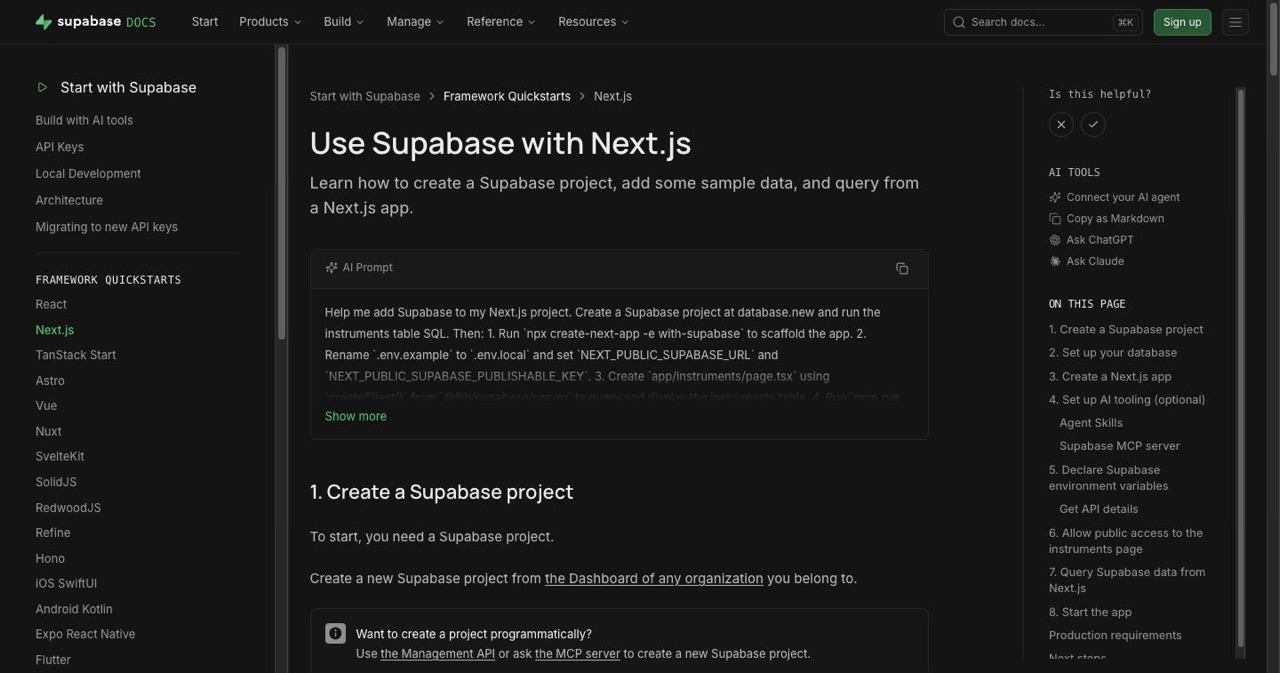 Price: Free | Stack: Next.js + Supabase | License: MIT
The official Supabase starter for Next.js. Minimal but well-integrated with Supabase features.
What's included:
- ✅ Supabase auth with SSR
- ✅ Database integration
- ✅ Row Level Security examples
- ✅ TypeScript throughout
What you'll need to add:
- Payments
- AI integration
- UI components
- Everything beyond auth + database
Time to add missing pieces: 80-120 hours
For a detailed comparison of using Supabase specifically for AI SaaS, see our Next.js + Supabase AI Boilerplate guide.
Tier 3: Minimal Starters (Building Blocks)
These aren't boilerplates — they're starting points. Use them if you want to build almost everything yourself but don't want to configure the toolchain.
| Starter | Stack | What You Get |
|---|---|---|
create-next-app | Next.js | Project structure, TypeScript, basic config |
| Vite React template | React + Vite | Dev server, build config, HMR |
| SvelteKit template | SvelteKit | Full-stack framework setup |
| Django Cookiecutter | Python + Django | Project structure, auth, admin |
Time to production: 200-400 hours from any of these starting points.
The Comparison Matrix
Here's every boilerplate side by side on the features that matter for AI SaaS:
| Feature | SaaSCity | ShipFast | Makerkit | T3 App | Next-SaaS |
|---|---|---|---|---|---|
| Price | $79.99 | $199 | $299/yr | Free | Free |
| Auth | ✅ | ✅ | ✅ | ✅ | ✅ |
| Stripe Payments | ✅ | ✅ | ✅ | ❌ | ✅ (basic) |
| Credit System | ✅ | ❌ | ❌ | ❌ | ❌ |
| AI Provider Integration | ✅ | ❌ | ❌ | ❌ | ❌ |
| Content Moderation | ✅ | ❌ | ❌ | ❌ | ❌ |
| Streaming Responses | ✅ | ❌ | ❌ | ❌ | ❌ |
| Rate Limiting | ✅ | ❌ | ❌ | ❌ | ❌ |
| Admin Dashboard | ✅ | ❌ | ✅ | ❌ | ❌ |
| Multi-Tenancy | ❌ | ❌ | ✅ | ❌ | ❌ |
| Blog | ❌ | ✅ | ❌ | ❌ | ❌ |
| AI-Specific | ✅ | ❌ | ❌ | ❌ | ❌ |
How Much Time Does a Boilerplate Actually Save?
Let's quantify it. Here's a breakdown of building common SaaS infrastructure from scratch vs. using the SaaSCity boilerplate:
| Component | From Scratch | With Boilerplate | Time Saved |
|---|---|---|---|
| Auth (email + OAuth + sessions) | 15-25 hours | 0 hours | 15-25 hours |
| Stripe checkout + webhooks | 10-20 hours | 0 hours | 10-20 hours |
| Credit system (atomic, race-safe) | 15-30 hours | 0 hours | 15-30 hours |
| AI provider integration | 8-15 hours | 0 hours | 8-15 hours |
| Content moderation | 5-10 hours | 0 hours | 5-10 hours |
| Rate limiting | 3-5 hours | 0 hours | 3-5 hours |
| Admin dashboard | 10-20 hours | 0 hours | 10-20 hours |
| Streaming responses | 5-10 hours | 0 hours | 5-10 hours |
| Total | 71-135 hours | 0 hours | 71-135 hours |
At a very conservative $50/hour opportunity cost, that's $3,550-$6,750 worth of time saved for a $79.99 investment. The ROI is absurd.
Even using a free open source boilerplate like T3 App still requires 60-100 hours of additional work to reach feature parity with a commercial AI-specific boilerplate.
When You Should NOT Use a Boilerplate
Boilerplates aren't always the answer. Skip them if:
-
Your product IS infrastructure. If you're building a novel auth system, payment processor, or AI orchestration platform, building from scratch IS the product.
-
You're deeply experienced with a different stack. A Rails expert will ship faster with Rails + custom code than with a Next.js boilerplate they need to learn.
-
You need extreme customization. If your payment model is unusual (metered billing + subscriptions + marketplace payouts), you'll spend more time modifying a boilerplate than building from scratch.
-
You're building for scale from day one. If you're backed by $5M in funding and need to handle 100K concurrent users at launch, you need custom architecture. (But you should still prototype with a boilerplate first.)
The "Hybrid" Approach (Our Recommendation)
For most AI SaaS founders, the optimal approach is:
- Start with a commercial boilerplate for auth, payments, and credits
- Build your AI feature layer on top (this is your product's unique value)
- Customize the UI to match your brand (most boilerplates use Tailwind, making this straightforward)
- Replace components over time as your product matures and you need more control
This gives you the speed of a boilerplate with the flexibility of custom code. You ship in days instead of months, then iterate based on real user feedback.
For the step-by-step process of building an AI SaaS with this approach, see:
- How to Build an AI SaaS in 2026: Complete Technical Guide
- Build & Launch an AI SaaS in a Weekend
- Best AI SaaS Boilerplates 2026 (our detailed comparison page)
After You've Built: Get Users
The boilerplate gets you to launch. But launching is just the beginning. Here's the playbook for what comes next:
- Submit to directories — start with the SaaSCity directories ranked by live DR
- Launch on 20+ platforms — Product Hunt Alternatives guide
- Get listed on AI directories — Best AI Tool Directories 2026 (374 AI tool directories ranked by DR)
- Build your backlink profile — Free backlinks guide
- Start content marketing — Programmatic SEO for SaaS
The founders who reach $10K MRR fastest aren't the ones with the most custom-built infrastructure. They're the ones who shipped fastest and spent their time on growth instead of boilerplate code.
Get your SaaS in front of founders
List your product on the SaaSCity live city map - a permanent listing, real discovery, and a backlink from a high-DR directory. Free to start; upgrade for a dofollow link and a building on the map.