Launch & Growth
Best Directories to Submit Your Chrome Extension in 2026 (Beyond the Chrome Web Store)
The Chrome Web Store alone won't get your extension found. Here are 20+ verified directories, launch platforms, and communities for Chrome, Firefox, Edge, and Safari extensions, with real DR data, submission steps, and developer sentiment from X.

Contents (9)
- Key Takeaways
- Why Chrome Extension Directories Matter More Than You Think
- What Makes a Good Browser Extension Directory?
- The Best Chrome Extension Directories in 2026
- Firefox, Edge, and Safari: Porting Your Extension
- The 30-Day Chrome Extension Directory Playbook
- Common Mistakes When Submitting Chrome Extensions to Directories
- What Chrome Extension Developers Are Saying on X
- Ready to Get Listed?
Quick answer: Beyond the Chrome Web Store (DR 99, $5 one-time developer fee), the directories worth submitting a browser extension to in 2026 are Product Hunt (DR 91, where a top-5 finish can drive 5,000 to 15,000 installs in a day), AlternativeTo (DR 79), SaaSHub (DR 78, free dofollow), BetaList (DR 77), Hacker News Show HN (DR 90), and Dev.to (DR 89). Ported builds also belong on Firefox AMO (DR 93) and Microsoft Edge Add-ons (DR 95).
You shipped a Chrome extension. Maybe it's an AI summarizer, maybe a tab manager, maybe a weird little tool that scratches your own itch. You submitted to the Chrome Web Store, got approved in under an hour, and then... 20 installs. All friends. Silence.
The Chrome Web Store has over 180,000 extensions. Its own search is decent but heavily favors established players with thousands of reviews. Its "Editors' Picks" slot maybe 30–40 extensions at any time. The rest of you? You're on page 47 of a query nobody types.
Directories won't fix this alone. But they solve three real problems the Web Store can't:
- Backlinks. Your marketing site needs them. Extension directories (including the Web Store itself at DR 99) pass link equity that feeds your Google rankings.
- Intent-matched traffic. People browsing Product Hunt, AlternativeTo, or "Show HN" are actively hunting for new tools. The Web Store's passive browsers are not.
- Social proof. Reviews, upvotes, and mentions outside the Web Store compound. They make cold outreach easier and feed back into conversion on your store listing.
This guide covers every platform worth your time in 2026, for Chrome, Firefox, Edge, and Safari extensions, with real domain ratings, submission notes, and honest developer sentiment. We pulled from current web sources, X posts from extension developers in 2025–2026, and the live pages of every directory listed. No ghost town links from 2019.
If you've already figured out how to launch a SaaS and are shipping an extension as a companion tool, this is the growth layer that makes it worth the effort.
Key Takeaways
- The store is crowded: The Chrome Web Store holds over 180,000 extensions, and Editors' Picks covers only about 30 to 40 at a time.
- Highest-DR link: The Chrome Web Store itself is a DR 99 dofollow backlink that costs a one-time $5 developer fee.
- Launch driver: Product Hunt (DR 91) is the consensus top non-store tactic, with top-5 finishes reported at 5,000 to 15,000 installs in 24 hours.
- Free dofollow wins: SaaSHub (DR 78) and SaaSCity both accept extensions for free and pass link equity permanently.
- Cross-browser is cheap: Porting to Firefox AMO (DR 93) and Edge Add-ons (DR 95) is mostly copy-paste and takes about 30 minutes each.
- Safari costs more: Safari extensions ship inside a macOS or iOS app through App Store Connect and need a $99/year Apple Developer account.
- Pace the work: Spread submissions across 30 days at 2 to 3 per day rather than dumping 50 in a weekend.
Why Chrome Extension Directories Matter More Than You Think
Most extension developers copy the SaaS playbook: submit to 100 random directories, wait. That doesn't work well for extensions because the funnel is different. Extension users install from the Web Store, not from your landing page. So directories serve two different jobs at once:
SEO fuel for your site. Many extension devs don't even have a marketing site. Big mistake. A good landing page with testimonials, a clear value prop, and a direct Web Store link converts dramatically better than sending cold traffic straight to the store. Directory backlinks feed that page.
Install velocity on launch day. An extension that hits Product Hunt's top 5 can see 5,000–15,000 installs in 24 hours. That spike boosts your Web Store ranking for days afterward. The algorithm rewards recent install velocity.
The mistake most devs make is treating directories as a one-day launch activity. The smart move is treating them as a 30-day rolling campaign: 2–3 submissions per day, different assets on each, compounded over a month.
What Makes a Good Browser Extension Directory?
Before you queue up 50 submissions, evaluate each site on these five criteria:
Domain Rating (DR). A backlink from a DR 80+ domain is worth 50 backlinks from DR 15 link farms. Prioritize accordingly.
Link type. Dofollow passes SEO value directly. Nofollow still drives traffic and brand signals that Google weighs. Both matter, so don't skip sites just because they're nofollow.
Audience fit. A developer-focused tool should hit Hacker News and Dev.to. A consumer productivity extension should hit Product Hunt and BetaList. Mixing audiences wastes submission effort.
Activity. If the last featured product on a directory is from 2022, skip it. Active curation = active users = real traffic.
Friction. Some sites accept a name, URL, and description in 90 seconds. Others demand a demo video, 10 screenshots, a tagline, a maker comment, and a moon-phase chart. Know what you're getting into before you start.
The Best Chrome Extension Directories in 2026
Tier 1: The Non-Negotiables (DR 80+)
These are the foundation. Every extension should be listed on all of them.
1. Chrome Web Store: DR 99 | Free ($5 one-time dev fee) | Dofollow
Obviously required for distribution. But it's also the single highest-DR backlink most indie devs will ever get. Extension developers regularly build small, simple tools adjacent to their main SaaS purely for the DR 99 dofollow link pointing to their marketing site.
Submission: Create a Chrome Web Store developer account → pay $5 one-time fee → upload ZIP → fill in listing (title, short description, 132-char summary, detailed description, category, screenshots 1280×800, icon 128×128, promo tiles, privacy practices) → submit. Most extensions clear automated review in under an hour. Anything requesting sensitive permissions triggers manual review (1–7 days).
Verdict: Table stakes. Optimize the title with one primary keyword, the short description with 2–3 secondary keywords, and the detailed description with real benefit language + keywords. This is 60% of your extension marketing.
2. Product Hunt: DR 91 | Free | Dofollow
The highest-ROI non-store move for any extension launch. Browser extensions do exceptionally well on PH because the audience (founders, makers, tech early adopters) is full of power users who install extensions constantly. A top-5 daily finish can drive 5,000–15,000 installs and a permanent DR 91 backlink.
Submission: Self-submit (no hunter needed, and paying one is against the rules). Schedule at least a week out. Launch at 12:01 AM PT. Prepare: tagline, first comment from maker, 3–5 GIFs showing the extension in action (GIFs consistently outperform static screenshots on PH), 60-second demo video optional but strongly recommended. Read the official launch guide first.
Verdict: Non-negotiable. Even a mediocre launch (top 20) gets you the backlink. A good launch reshapes your trajectory.
3. AlternativeTo: DR 79 | Free | Nofollow
Users search "alternatives to [popular extension]" constantly. If your extension competes with an established one, AlternativeTo sends high-intent traffic. Nofollow, but the referral quality makes up for it.
Submission: Create account → "Add Software" → link your extension as an alternative to 3–5 popular competitors → fill description and screenshots. Community upvotes determine ranking on competitor pages, so ask early users to upvote you there.
Verdict: Criminally underused by extension devs. If your extension replaces or competes with a well-known tool, skipping AlternativeTo is leaving free traffic on the table.
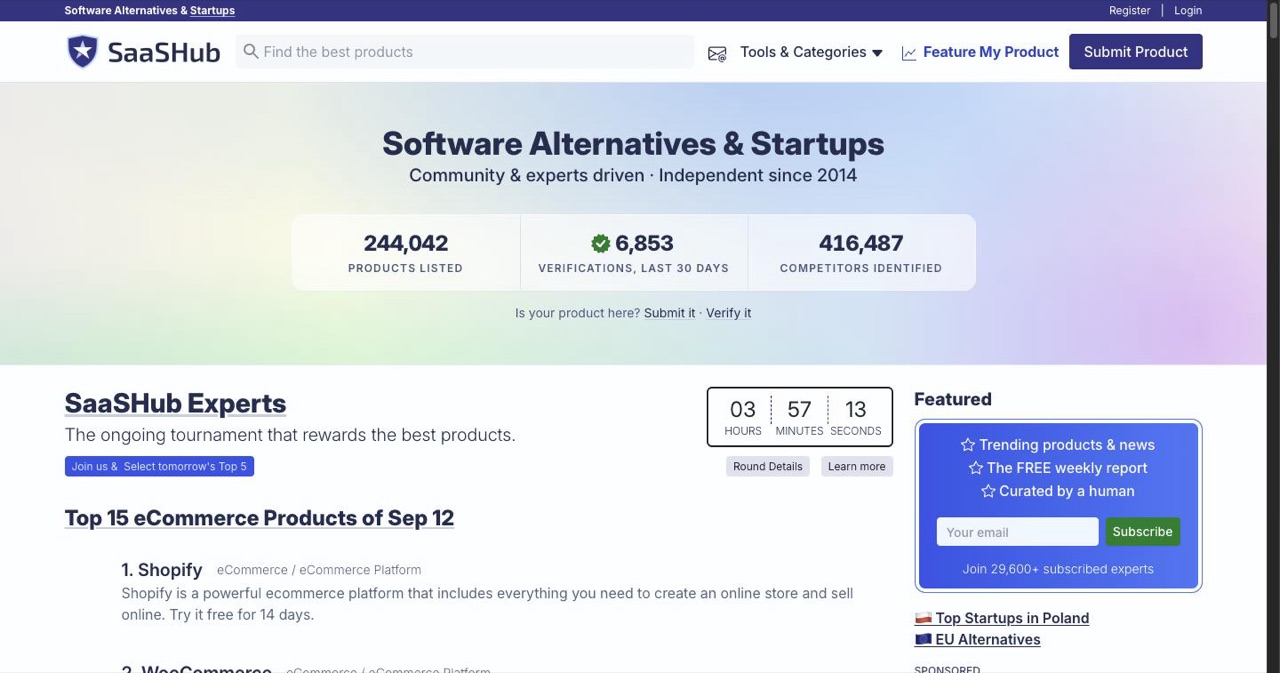
4. SaaSHub: DR 78 | Free | Dofollow
Not just for SaaS. Browser extensions absolutely fit. Permanent dofollow backlink and a listing in a well-trafficked comparison directory. One of the highest-value free submissions on the entire web.
Submission: Create a management page → verify ownership → add extension details, Web Store link, and screenshots → submit. Verified within a few days. Link alternatives once approved to boost visibility in competitor comparisons.
Verdict: Submit today. The SEO value alone justifies the 15 minutes it takes. We compare it with the other alternatives to SaaSHub separately.
Tier 2: Launch Platforms & Developer Communities (DR 70–90)
These drive real, high-conversion installs during launch weeks.
5. BetaList: DR 77 | Free (paid expedite option) | Dofollow
Perfect for pre-launch or early-access extensions. BetaList readers are heavy extension installers. They sign up to try new things for a living. Free submission has a 2–8 week queue; $129 expedite option skips it.
Submission: Submit via web form → landing page link, 155-char tagline, screenshots, logo → wait in queue or pay to expedite.
Verdict: Submit while you're in beta or just post-launch. The traffic is lower-volume than PH but higher-intent.
6. Hacker News (Show HN): DR 90 | Free | Nofollow
If your extension solves a technical problem or has an interesting build story, Show HN can be massive. Developer-heavy audience with exceptional install-to-active rates. Nofollow link, but the referral traffic and Reddit/X echo effect is real.
Submission: Post title as Show HN: [Name] – [one-line value prop]. Include a brief first comment explaining what you built, why, and how (tech stack counts here). Best post time: Tuesday–Thursday, 8–10 AM PT.
Verdict: High variance. Most posts die. The ones that hit front page drive 10,000+ clicks. Worth the 10-minute effort.
7. Dev.to: DR 89 | Free | Dofollow (in article body)
Not a directory, but the best developer community for writing a launch article with a dofollow link to your Web Store listing. Works especially well for extensions that solve developer pain points (API testers, DevTools enhancements, prompt managers).
Submission: Publish an article titled something like "I built a Chrome extension that [solved X problem]" → include install link, screenshots, and a technical deep-dive on how it works. Tag with #chrome, #webdev, #showdev.
Verdict: Excellent for dev-tool extensions. Skippable for consumer extensions.
8. Launching Next: DR 61 | Free + paid fast-track | Dofollow
General-purpose startup launch platform that accepts extensions. Less traffic than PH but solid backlink and an always-on "new launches" feed.
Submission: Free form submission → free tier may take 1–2 months; $49 fast-track gets you featured within days.
Verdict: Submit free and forget about it. Low effort, real backlink.
9. Indie Hackers (Products): DR 81 | Free | Dofollow
Maker-focused community. Extensions get real engagement if framed as an indie project with revenue or growth numbers attached.
Submission: Create product page under your profile → pair it with regular milestone posts (revenue, installs, user stories) in the Indie Hackers community.
Verdict: Great if you're open about the build-in-public journey. Low signal if you just drop a link.
Tier 3: Startup & SaaS Directories That Accept Extensions (DR 40–70)
Submit to these for long-tail backlinks. Low friction, real SEO value over time.
10. TinyLaunch: DR ~45 | Free + paid tiers | Dofollow Simple launch directory. Quick submission, minimal friction, dofollow link. Submit and move on.
11. Firsto: DR ~45 | Free + paid | Dofollow Early-adopter focused launch platform. Clean UI, growing audience, friendly to extensions.
12. Open Launch: DR ~40 | Free | Dofollow Community-voted launch platform. Submit, share your launch day link, get upvotes.
13. Shipybara: DR ~35 | Free + paid | Dofollow Maker directory popular with indie devs. Accepts extensions under productivity and devtools categories.
14. Fazier: DR ~55 | Free + paid | Dofollow Weekly launch competitions. Extensions can win product-of-the-week in quieter categories.
15. Uneed: DR ~55 | Free + paid | Dofollow Curated newsletter + directory. Real human review. Higher quality bar than typical auto-submit directories.
16. Peerlist: DR 65 | Free | Dofollow Developer social network with a projects directory. Strong for dev-tool extensions.
17. SaaSCity: DR 66 | Free | Dofollow Our own launch directory, where every paid listing is a building on a city map. It accepts extensions under Productivity or Developer Tools.
18. Startup Stash: DR ~72 | Paid | Dofollow Paid tier ($199+) but delivers a DR 72 dofollow backlink that sticks. Worth it if your extension has revenue.
19. Stackshare: DR 85 | Free | Nofollow If your extension has any developer-tool angle (API integration, dev workflow), list its tech stack on Stackshare.
20. G2 / Capterra / GetApp: DR 90+ | Free (paid upsells) | Nofollow If your extension is a B2B tool, create a free listing. Reviews compound over time and the DR is elite.
Tier 4: Communities & Niche Discovery
These aren't directories in the traditional sense, but they drive installs at surprisingly high rates.
21. r/chrome_extensions: Active subreddit. Post with a clear problem/solution framing, not a sales pitch. Respond to every comment.
22. r/SomebodyMakeThis and niche subs: Search for posts requesting a tool like yours. Reply with your extension as a genuine answer.
23. r/webdev "Showoff Saturday": Weekly show-your-work thread. Great for dev-tool extensions.
24. ChromeStats: Not a listing site, but an analytics platform that exposes your extension to devs doing competitor research. Claim your listing and keep metadata clean.
25. GitHub awesome-lists: Search awesome chrome extensions or awesome [your niche] on GitHub and submit a PR adding your extension. These are long-lived dofollow links with surprisingly strong SEO weight.
26. X / Twitter: Not a directory, but extension-specific hashtags (#buildinpublic, #chromeextension) and reply-guy relationships with bigger accounts drive steady installs over months.
Firefox, Edge, and Safari: Porting Your Extension
If you built your extension with a modern framework like WXT, Plasmo, Extension.js, or crxjs, porting to other browsers is mostly a config change. Here's where to submit the ported versions:
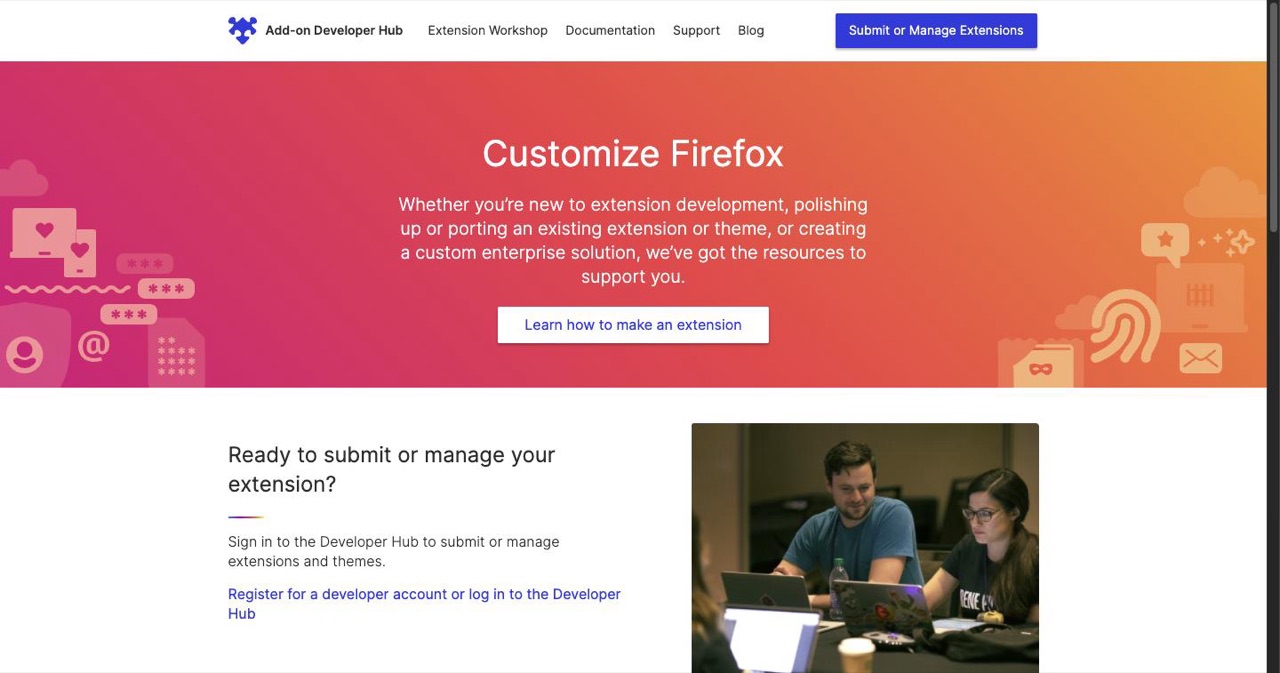
Firefox Add-ons (AMO), addons.mozilla.org: DR 93 | Free | Dofollow Mozilla's official directory. Submit via the Developer Hub. Free Mozilla account, upload ZIP, review (usually <1 week). Self-hosting is technically allowed but AMO listing is heavily recommended for signing and discovery.
Microsoft Edge Add-ons, microsoftedge.microsoft.com/addons: DR 95 | Free | Dofollow Submit through Partner Center. Chromium-based, so most Chrome extensions port with minimal changes. Review is typically quick (days). The DR 95 backlink alone justifies the port.
Safari Web Extensions: DR 100 (Apple App Store) | Free (requires $99/year Apple Developer account) | Dofollow Since ~2020, Safari extensions ship as part of macOS/iOS apps via the Apple App Store. Build the extension in Xcode using the Safari Extension App template, bundle it inside a host app, sign, and submit via App Store Connect. More friction than other browsers but opens you up to Safari's ~500M user base.
Cross-browser directories? None exist. Each browser maintains its own store. The winning workflow: build once with a cross-browser framework, submit separately to CWS, AMO, Edge Add-ons, and App Store. Your marketing site links to all four.
The 30-Day Chrome Extension Directory Playbook
Don't submit to 50 places in one weekend. Spread it across 30 days so momentum compounds.
Week 1: The Foundation
- Chrome Web Store: optimize title, description, screenshots, category, promo tiles.
- Product Hunt: schedule launch for day 10. Prepare GIFs, video, maker comment.
- SaaSHub: submit management page.
- AlternativeTo: link to 3–5 competitor alternatives.
Week 2: Launch Week
- Product Hunt launch (scheduled from Week 1).
- BetaList: submit free tier.
- Hacker News (Show HN): post Tuesday–Thursday.
- Dev.to article: launch story with dofollow link.
- Reddit (r/chrome_extensions): launch announcement post.
Week 3: Cross-Browser & Developer Communities
- Firefox AMO: port and submit.
- Edge Add-ons: port and submit.
- Indie Hackers: product page + first milestone post.
- Peerlist: project listing.
- Stackshare: tech stack listing (if applicable).
Week 4: Long-Tail & Community
15–24. Work through Tier 3 directories at 1–2 per day: TinyLaunch, Firsto, Open Launch, Shipybara, Fazier, Uneed, Launching Next, Startup Stash (if budget allows), GitHub awesome-lists, niche subreddits.
What to Prepare Before You Start
- Web Store URL + URLs for Firefox, Edge, Safari if ported
- Marketing landing page, not just the Web Store listing
- Short description (155 chars) and long description (300 words), with 2–3 variants each to avoid duplicate-content SEO penalties
- Icon (128×128 PNG, high-res 1024×1024 for some directories)
- 5–10 screenshots (1280×800 for CWS; resize for other platforms)
- 2–3 GIFs showing the extension in action
- 60-second demo video (optional but dramatically improves feature odds on PH)
- Privacy practices statement (required by CWS, useful everywhere)
Common Mistakes When Submitting Chrome Extensions to Directories
1. No marketing site, just a Web Store link. Directories link to your site. If you only have a Web Store page, every directory ends up with the same link and you lose the backlink SEO value. Build a simple one-pager with a clear problem/solution, a 30-second demo, a big "Install from Chrome Web Store" CTA, and testimonials. For guidance see our startup launch checklist.
2. Same exact description on every directory. Google discounts duplicate content across 30 sites. Write 3–4 variations with the same core message but different wording. Same for titles and taglines.
3. Asking for reviews on day one. Users haven't seen value yet. Prompt for a review on day 3–7 of use, after they've hit an "aha" moment. Conversion triples vs. day-one prompts.
4. Ignoring cross-browser. Firefox and Edge submissions are 90% copy-paste once you have the Chrome version. That's two high-DR backlinks (DR 93 and 95) for maybe 30 minutes of work each. Skipping them is leaving free SEO on the table.
5. Treating directories as a primary acquisition channel. They're not. Directories are a multiplier on top of a great product, strong Web Store SEO, and a smart launch. Want the primary acquisition playbook? See complete guide to SaaS directory submissions.
What Chrome Extension Developers Are Saying on X
We pulled recent posts from extension devs in 2025–early 2026. A few consistent themes emerged.
The Chrome Web Store is prized as a free DR 99 backlink. Multiple devs admit to building small utility extensions specifically to land the backlink to their main SaaS. The phrase "DR 99 dofollow" appears regularly. It's not the only reason to build an extension, but for SaaS founders the SEO math alone can justify a weekend project.
Product Hunt is the consensus #1 non-store tactic. Dev after dev posts screenshots of launch-day install spikes: 3k, 7k, 15k installs in 24 hours. The traffic decays fast but the backlink and Web Store velocity boost persist.
Optimize-and-clone is a controversial but working tactic. Several devs describe finding popular extensions with poor reviews (2–3 stars, 50k+ users), cloning the core feature better, and capturing the dissatisfied audience via Web Store search. Ethically grey, mechanically effective.
Nobody pushes obscure directories hard. The consensus is: CWS SEO + Product Hunt + Hacker News + 3–5 high-DR directories + community posts. Spending 40 hours on 100 low-DR submissions is widely seen as wasted effort vs. spending those hours on product improvements or content.
Extensions as SaaS funnels. Free extension with a "premium unlock" tied to a web SaaS account is a repeatedly praised pattern. Conversion from free extension install to paid SaaS user reportedly runs 2–8% in good cases. That is far higher than cold landing page traffic.
Sentiment is genuinely optimistic. Extensions are seen as quick to build, high-ROI side projects, especially with modern frameworks and AI copilots. The bottleneck is distribution, and that's what this directory list is for.
Ready to Get Listed?
You have the list. You have the playbook. Now do the work.
Start with the top four today: Chrome Web Store (if you haven't already), Product Hunt (schedule your launch), SaaSHub, and AlternativeTo. That's four high-DR listings, real referral traffic, and a launch vehicle, all free.
If you'd rather not fill in the long tail of forms yourself, our directory submission service is the done-for-you option: we submit your product to 100 to 370 directories, depending on the package, and email you a report of every submission, its status and a screenshot.
Keep Reading
- Product Hunt Alternatives for SaaS in 2026: 20+ launch platforms beyond PH
- Best SaaS Directories, Ranked by DR: all 1,669, filterable by pricing and link type
- Free Dofollow SaaS Directories for Backlinks: sorted by Domain Rating
- Best Subreddits for Indie Hackers and Founders: where devs actually hang out
- How to Increase Your Domain Rating: why these backlinks compound
Get your SaaS in front of founders
List your product on the SaaSCity live city map - a permanent listing, real discovery, and a backlink from a high-DR directory. Free to start; upgrade for a dofollow link and a building on the map.