Zum Hauptinhalt springen
BatchCrunch
Batch compress, convert, resize, crop and watermark video, audio and images in your browser — nothin
225Punkte
Neueste Unterstützer
Über BatchCrunch
BatchCrunch processes folders of video, audio and image files entirely inside your browser tab. It is ffmpeg compiled to WebAssembly, running on your own CPU, so files are never uploaded to a server. That removes the two limits every online converter has: there is no upload size cap and no queue behind someone else's machine. After the first load the encoder is cached, so it keeps working with the network switched off.
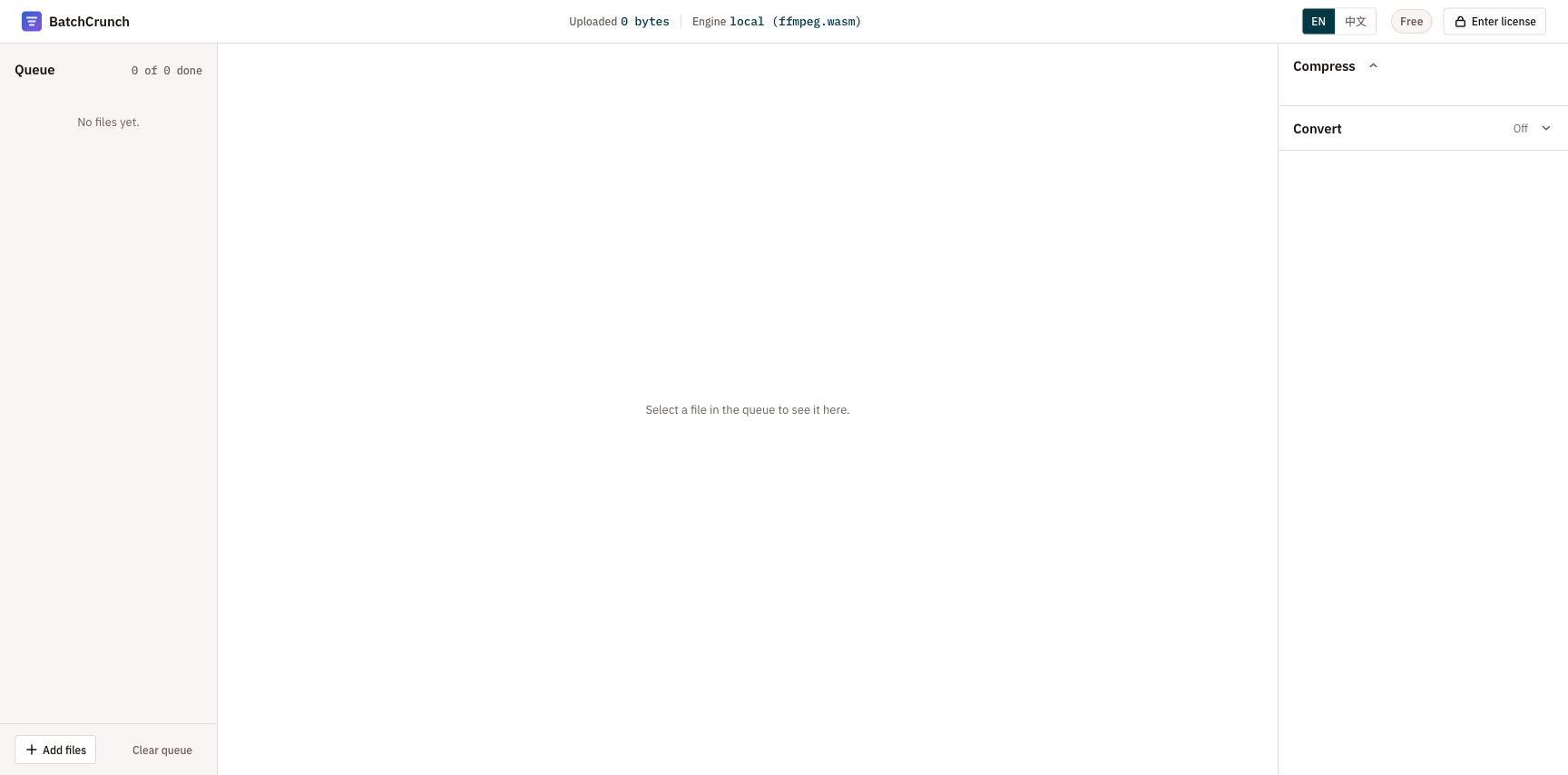
Drop a whole folder and set one recipe per media type. Compress and convert video, audio and images; crop or change aspect ratio, resize, rotate, flip and add a text or image watermark to video and images; rename the output files. Every file shows an estimated output size before it runs and its real size, delta and a side-by-side preview after. Each file has its own state and its own retry, so one bad file does not stop the batch.
It is not a video editor: no timeline, no trimming, no subtitles. It does one job, in bulk.
Free for 3 files per batch, no account and no email required. A one-time $19 licence removes the batch limit and changes nothing else — every format and every edit is already in the free tier. The key is signed and verified offline in the browser, so it does not depend on this site staying online, and there is no subscription.
Was BatchCrunch macht
BatchCrunch allows users to compress, convert, crop, filter, and watermark media files directly in their browser without uploading them to a server. By keeping all processing local, it ensures user privacy and control over their files. The product supports various media formats and tasks, allowing for batch processing of images, video, and audio files up to 200 MB each.
Users drag and drop media files into BatchCrunch. The application reads files from the disk, allowing users to adjust properties like compression, conversion, cropping, and more. Once adjustments are made, users can export processed files either one by one or as a single zip file. The entire process runs in the user's browser without sending any data to external servers.
BatchCrunch is designed for individuals and organizations needing to process media files securely and privately. Its local processing capabilities make it particularly suitable for handling sensitive files, as no data is uploaded to the cloud. Both casual users and professionals can benefit from its straightforward interface and powerful features.
Basiert auf batchcrunch.com, gelesen am 16.09.2026.