Zum Hauptinhalt springen
Snapester
Turn boring screenshots into beautiful visuals
300Punkte
Neueste Unterstützer
Über Snapester
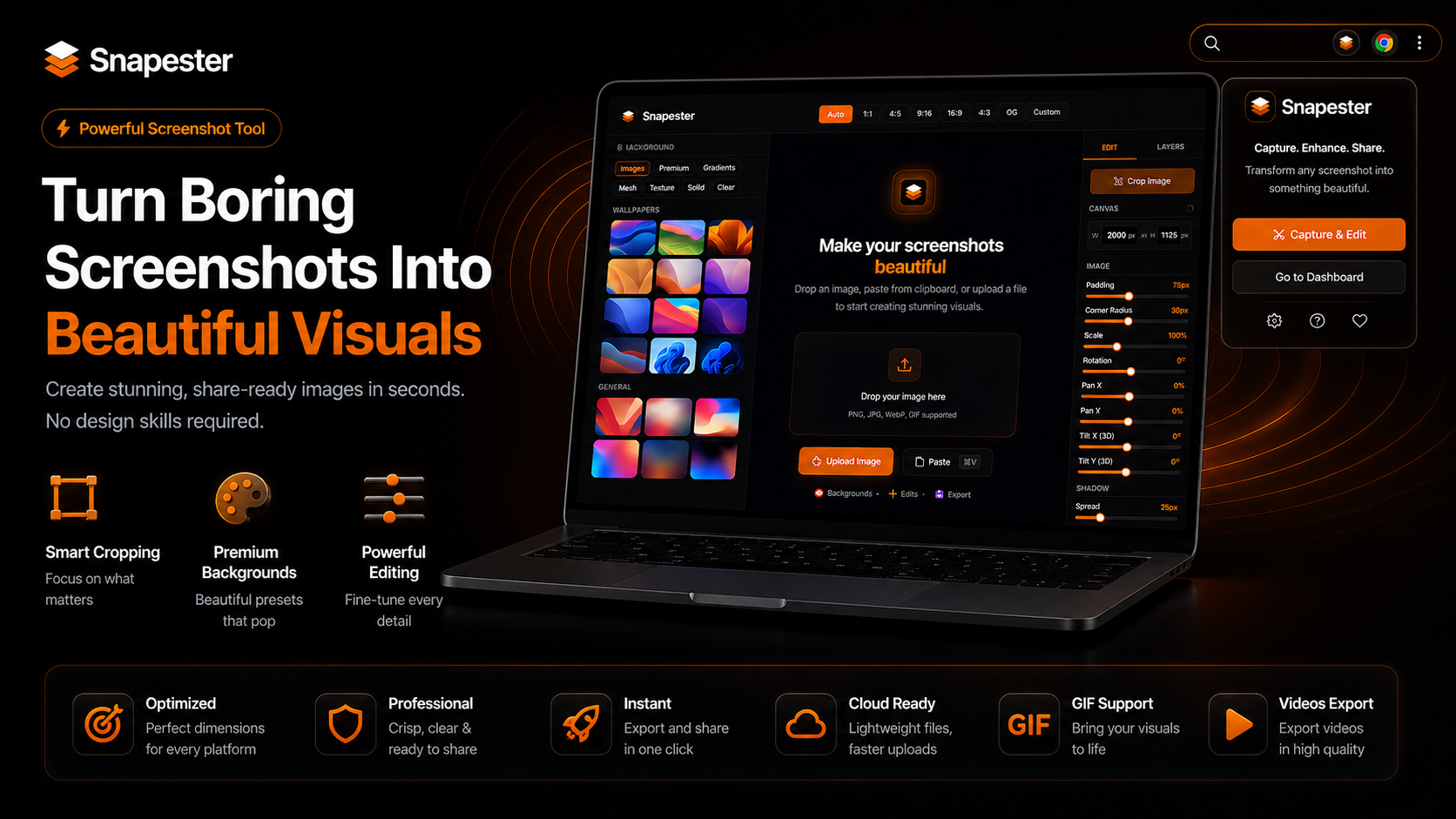
Snapester is a screenshot beautifier that turns plain captures into polished, presentation-ready visuals. It pairs a Chrome extension for grabbing content with a web-based editor for styling and exporting, and is aimed at developers, indie makers, product teams, and creators who need clean screenshots for social posts, demos, landing pages, and changelogs without opening a full design tool.
The workflow is split between the two halves: the extension handles capture (full tab, region selection, clipboard paste, or uploading an existing image), and the website handles editing. In the editor you can drop the shot onto wallpapers, gradients, meshes, or solid backgrounds, then adjust padding, corner radius, shadows, and a 3D tilt. An annotation layer adds text with typography controls, arrows, shapes, blur, and emoji directly on the canvas. Preset aspect ratios target Instagram, Twitter/X, Stories, LinkedIn, and OpenGraph so exports fit each platform.
Access is friction-light: you can install the extension in one click with no account required, and signing in simply syncs the extension with your Snapester account. The free plan covers 10 exports per month at up to 2K resolution, PNG only, with a small watermark. Pro is a one-time lifetime purchase (listed at $29) that removes the watermark and unlocks unlimited exports, higher resolution, and additional formats including JPG, WebP, GIF, and MP4. A 7-day Pro trial is available without a credit card.
What sets it apart is the two-part design splitting fast in-browser capture from a dedicated styling canvas, plus the lifetime pricing model and built-in social aspect ratios rather than a recurring subscription.
Was Snapester macht
Snapester allows users to transform standard screenshots into visually appealing images. It provides tools to capture browser tabs and windows, enhancing them in a web editor. Users can add backgrounds, annotations, and adjust formats for various social media platforms, making it easier to create eye-catching visuals.
Users install the Snapester Chrome extension to capture screenshots directly. They can choose to capture full tabs, specific regions, or upload images. After capturing, users can edit their visuals by adding backgrounds, adjusting padding, and exporting in multiple formats like PNG, JPG, GIF, and MP4 for shareable content across platforms.
Snapester is designed for individuals and businesses looking to enhance their visual presentations. This includes social media managers, marketers, and content creators who need to capture and share professional-looking screenshots quickly and easily.