Skip to main content
Launching Feb 22–28, 2027
This launch is approved and scheduled. The page and its dofollow backlink are live now - it joins the weekly drop in its launch week.
Filewhisk
Browser-based file tools that never upload your files.
About Filewhisk
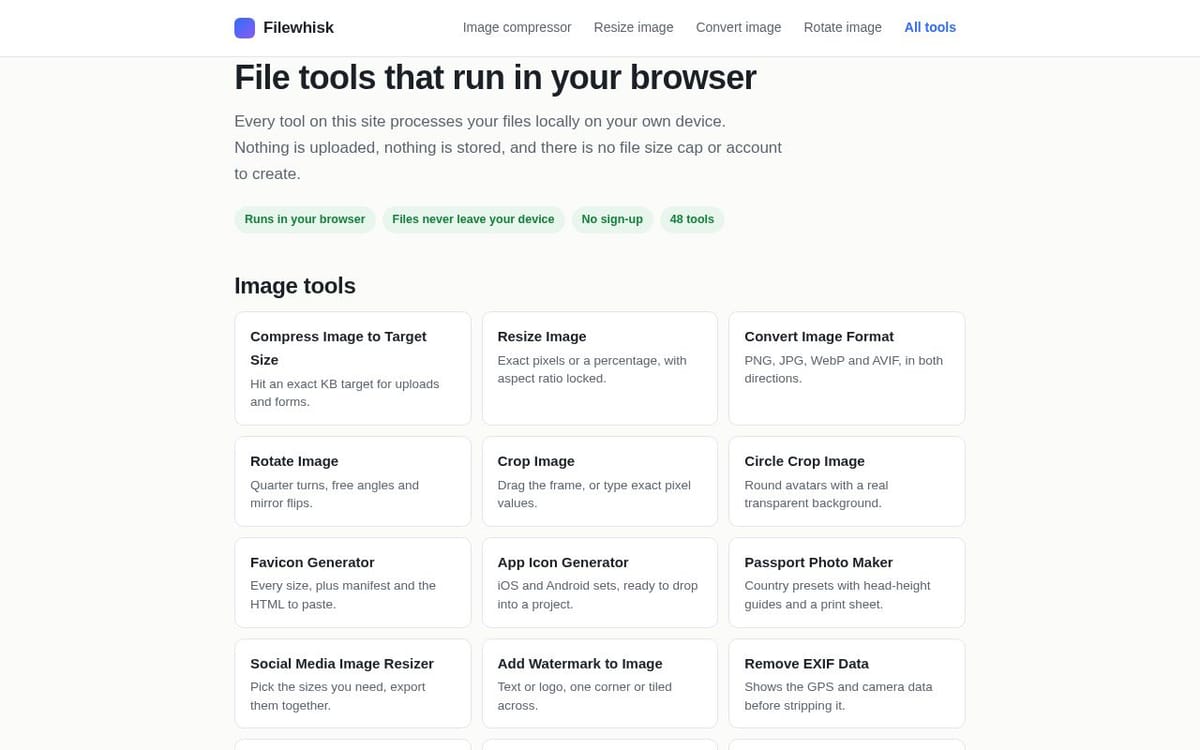
Filewhisk is a collection of free file tools that run entirely inside your web browser.
Almost every free file tool on the web works the same way: you upload your file, a server processes it, and you download the result. That model has three problems. Your file sits on someone else's disk. The operator pays for bandwidth and compute, so they impose file size caps, daily limits and sign-up walls. And you wait in a queue.
Modern browsers can do this work themselves. Filewhisk uses the Canvas API and WebAssembly to compress, convert and edit files on your own hardware. There is no upload, so there is nothing to cap, nothing to store and nothing to wait for.
You do not have to take our word for it: open the image compressor, disconnect from the internet, then drop a file in. It still works.
What is available today (48 tools):
- Compress an image to an exact file size target — 100 KB, 500 KB, 1 MB, or any KB value a form demands
- Resize by exact pixels or percentage, plus ready-made sizes for Instagram, YouTube, X, Facebook and LinkedIn
- Convert between PNG, JPG, WebP and AVIF in both directions
- HEIC to JPG for iPhone photos, SVG to PNG, GIF to JPG/PNG
- TIFF to JPG or PNG — every page of a multi-page scan, not just the first
- Crop, circle crop, rotate, add a border, pixelate or blur areas, combine images
- Favicon generator and app icon generator (full iOS and Android sets)
- Passport photo maker with US, UK, Schengen and Indian presets and a printable sheet
- Meme maker, watermarking, EXIF viewer and remover, grid splitting, colour picking, Base64
PDF tools are next, then video and audio.
Free, ad-supported, no account required.