
ClickTray
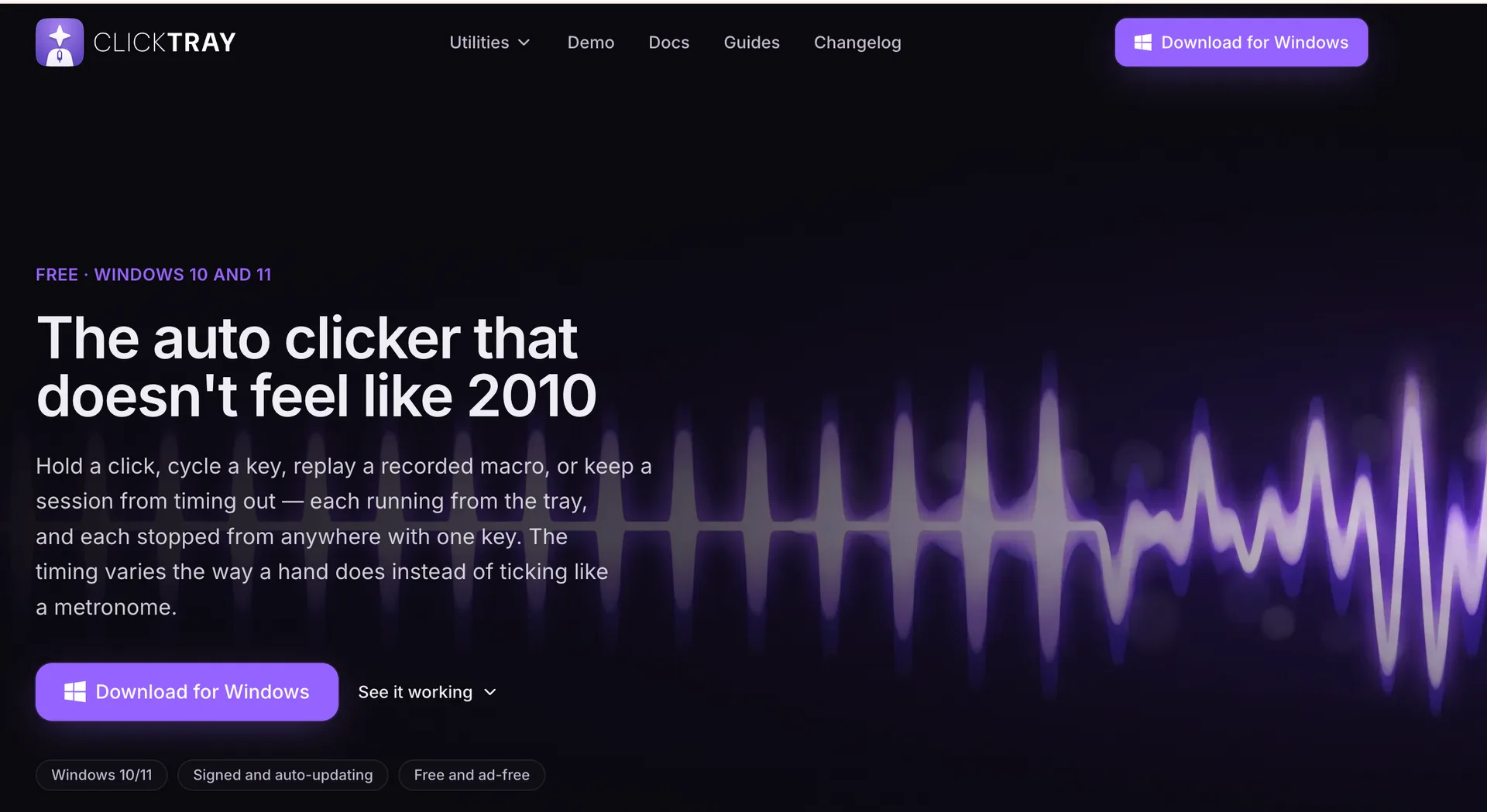
The auto-clicker that doesn't feel like 2010
0points
Details
Launched
October 20, 2026
Category
AI & Machine Learning
Pricing
Free
Tags
ai-productivity-toolsautomationdesktop-appsno-code-toolsproductivity
About ClickTray
ClickTray is a free Windows tray app that combines an auto clicker, key presser, macro recorder and stay-awake tool. It uses human-like timing instead of fixed intervals, and you can edit your macros instead of re-recording them. It has no ads and needs no account.
What ClickTray does
ClickTray is a Windows tray app that combines an auto clicker, key presser, macro recorder, and Stay Awake utility. It automates mouse and keyboard input with timing that varies rather than following a fixed interval, and can help prevent idle timeouts. The app keeps macros and captured pictures on the user's PC. It is free and ad-free, with its tools funded by sharing a slice of idle internet bandwidth through its partner Massive.
A user installs ClickTray with its signed installer, chooses a tool, and configures the action. The clicker can use an interval or target CPS, while the key presser repeats, holds, cycles, or types text. The macro recorder captures mouse movement, clicks, scrolling, and keystrokes into an editable step list for replay. Sessions run from the system tray; F6, holding Esc, the Stop bar, or the tray icon can stop them. Runs can be loaded again from the Runs screen.
ClickTray is for Windows 10 and 11 users who want click, key, macro-replay, or keep-awake utilities in one tray app. The page describes it as a replacement for older free clickers and recorders, with editable recordings, variable timing, and a signed, auto-updating installer. It uses ordinary Windows input and targets the focused window; it does not claim to be invisible. Its funding depends on bandwidth sharing, which users can disable in Settings, though the tools stop when sharing is off.
Based on clicktray.io, read on Nov 2, 2026.
Key features
- Automated mouse clicks with configurable timing
- Key repetition, holds, sequences, and text entry
- Records and replays editable macros
- Prevents device sleep and session timeouts
- Runs from the system tray with global stop keys
- Stores macros and captures on the device
What people use ClickTray for
- 01Repeat mouse clicks at a cursor or fixed position
- 02Cycle keys or type text at a set rate
- 03Record, edit, and replay mouse and keyboard actions
- 04Prevent idle timeouts or keep the PC awake
More in AI & Machine Learning
Browse all AI & Machine Learning APIMart
 is a unified AI API platform that provides access to over 500 AI models,
 MojoMake AI Video & Image Studio
Generate AI video and image with Veo, Kling, Flux, and 15+ models — plus 100+ effects
 MusVideo
 is the AI music to video generator that turns your audio tracks into cinematic music videos
 Image Translator Pixel-Perfect
AI Image Translator is an advanced tool that utilizes AI to translate text within images
 GPT Image 2 - Advanced Image 2
Create and edit high-fidelity images with GPT Image 2, featuring accurate multilingual text
 Omni Flash
 is a multimodal AI video generator that produces cinematic 4K clips