
ExportMyResume
Turn your LinkedIn into a job-ready resume.
450points
Recent Supporters
Details
Launched
October 18, 2026
Category
Productivity
Pricing
Freemium
Tags
About ExportMyResume
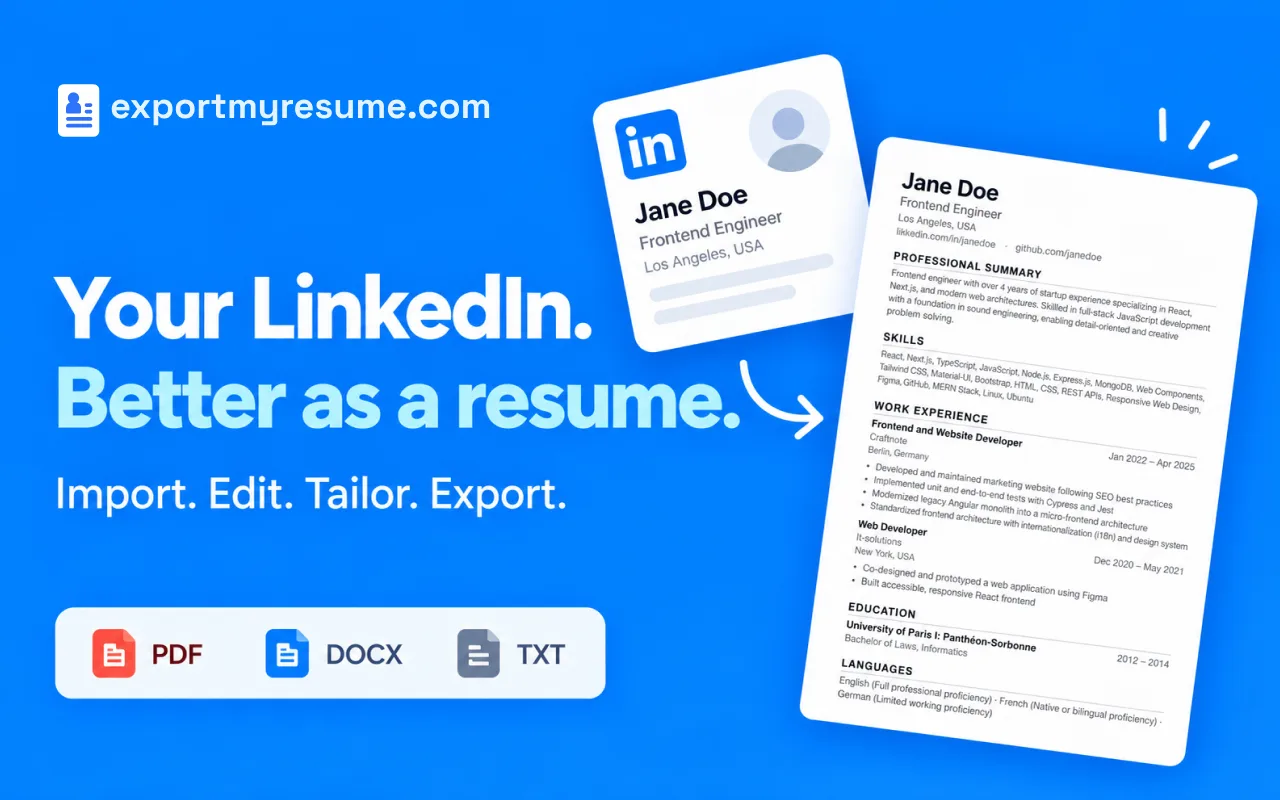
ExportMyResume imports your own LinkedIn profile into an editor where you can revise text, reorder or hide sections, customize the layout, and create multiple resume versions. It is designed for job seekers who want to turn profile information into an editable resume without retyping it all.
The tool offers AI-assisted rewriting and job-specific tailoring, alongside manual editing and a live preview. Resumes use clean, text-based formatting intended to be readable by applicant tracking systems. Exports include PDF, DOCX, PNG, JSON, and TXT. Editing is mostly local in the browser; AI features and account sync send data to the service’s servers.
What ExportMyResume does
ExportMyResume turns a user's LinkedIn profile into an editable, job-ready resume. It imports profile details such as experience, education, skills, and projects, then lets the user revise content, customize the layout, and export the result in several file formats. Its text-based formatting is designed to remain readable by applicant tracking systems and recruiters. The page says resume tools are free during the launch month, with optional paid upgrades for a higher daily AI request limit.
The user imports their own LinkedIn profile through the Chrome extension, which reads the profile they are signed in to and viewing when they choose Export. They edit fields and bullet points manually or use optional AI suggestions, then reorder or hide sections and adjust layout settings such as fonts, spacing, and margins. A live preview shows changes. The user can create versions for different roles and export the finished resume as PDF, DOCX, PNG, JSON, or TXT.
ExportMyResume is for job seekers who want to turn their own LinkedIn profile into a resume, edit it, and prepare versions for different applications. The page emphasizes control over every section, ATS-friendly text-based formatting, and local-first editing in the browser. It is an independent tool, not affiliated with LinkedIn, and only supports importing the profile the user is signed in to and viewing.
Based on exportmyresume.com, read on Oct 18, 2026.
Key features
- Import LinkedIn profile data
- Edit and reorder resume sections
- Use AI to improve resume text
- Tailor resumes to job descriptions
- Customize templates, fonts, and spacing
- Export PDF, DOCX, PNG, JSON, or TXT
What people use ExportMyResume for
- 01Turn your LinkedIn profile into a resume
- 02Create tailored resume versions for different roles
- 03Improve resume wording with AI suggestions
- 04Match a resume to a job description
- 05Export a resume in a requested file format
More in Productivity
Browse all Productivity Mumble AI
Mumble AI is a voice-first productivity app for Mac that combines meeting recording, dictation
 PixPin
An all-in-one productivity tool featuring smart screenshots, scrolling capture, screen recording
 DuoPlus Cloud Phone
DuoPlus Cloud Phone helps you run unlimited accounts on independent Android environments.
 VidBG Remover
VidBG Remover is an AI-powered online tool that allows users to remove video backgrounds quickly
 PDFtoMD
Convert any PDF into clean, structured Markdown in seconds with PDFtoMD
 MikeSullyTools
Fix blurry photos and improve short videos in your browser.