
HomeDesignly
AI home design from one photo: rooms, exteriors and gardens
675points
Recent Supporters
Details
Launched
October 29, 2026
Category
Design Tools
Pricing
Free trial
Tags
About HomeDesignly
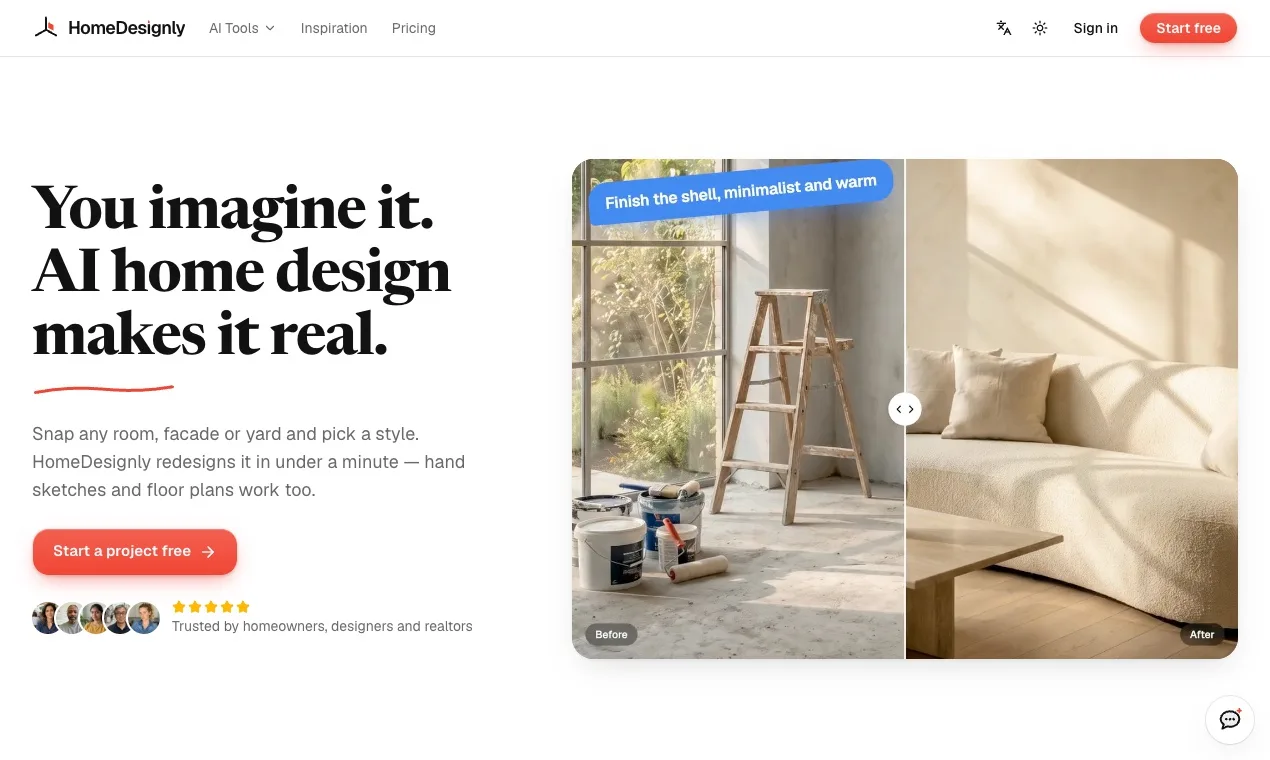
HomeDesignly is an AI home design studio that works from the photos you already have. Upload a room, a facade or a yard, pick a style, and get a redesign in about a minute, with the walls, windows and perspective of your own space.
What you can do:
- Redesign any room in a new style, or match a look from a reference image
- Preview renovations: cabinets, countertops, tiles, flooring and fixtures
- Try paint colors, flooring and siding before you buy
- Virtually stage empty rooms and clear clutter for listing photos
- Design exteriors, front yards, gardens and backyards
- Turn sketches into floor plans and floor plans into 3D views
- Make before-and-after clips, room tours and renovation timelapses
Each design costs credits, shown before you generate. New accounts get 5 free credits, no card required. Paid monthly or yearly plans and one-off credit packs that never expire are available. Available in English and Chinese.
What HomeDesignly does
HomeDesignly uses AI to create visual redesigns of rooms, house exteriors, and yards from photos or short descriptions. It can reimagine furniture, materials, colors, planting, and other finishes while aiming to preserve the original space’s walls, openings, and camera position. The product also supports virtual staging, photo cleanup, floor plans, and before-and-after visuals, helping users explore design options and show a proposed vision before building or hiring a contractor.
A user uploads a site photo, hand sketch, plan, elevation, or screenshot from tools such as SketchUp, Rhino, or Revit, then chooses a style or provides a short description. HomeDesignly generates a design render, with Lite and Max options using different credit amounts. Users can create room redesigns, staged or cleaned-up photos, exterior concepts, and garden plans. Free accounts generate one image per run; paid plans allow up to four. Failed generations have their credits refunded.
The page presents HomeDesignly as a tool for homeowners, designers, realtors, agents, hosts, and studios. Homeowners can plan projects, while agents and hosts can stage rooms for listings and designers can prepare client-ready proposals. Studios and teams with many listings are also named. The product’s stated distinction is that it works from photos as well as sketches, plans, elevations, and 3D-model screenshots, and is designed to preserve key spatial geometry while changing finishes and furnishings.
Based on homedesignly.app, read on Oct 29, 2026.
Key features
- Redesign rooms from photos
- Virtually stage empty rooms
- Remove clutter from photos
- Redesign house exteriors
- Plan gardens and outdoor spaces
- Generate renders from sketches and plans
What people use HomeDesignly for
- 01Preview different interior styles and materials
- 02Furnish vacant rooms for property listings
- 03Remove furniture and personal items from room photos
- 04Compare exterior siding, roofing, windows, and colors
- 05Plan patios and garden planting beds
HomeDesignly alternatives
Browse all Design Tools ArchOne AI
All-in-one AI spatial design visualization platform for interior, exterior and landscape design.
 YouCam Online Editor
AI-powered online photo and video editor for creating, enhancing, and transforming visual content wi
 Craft Apps
Free online creative tools for photos, design, PDF, documents, video, audio, and CAD, all in your br
 LandscapeAI
Turn yard photos into AI landscape design ideas in minutes.