Launching Dec 6–12, 2027
This launch is approved and scheduled. The page and its dofollow backlink are live now - it joins the weekly drop in its launch week.
SmoothCapture
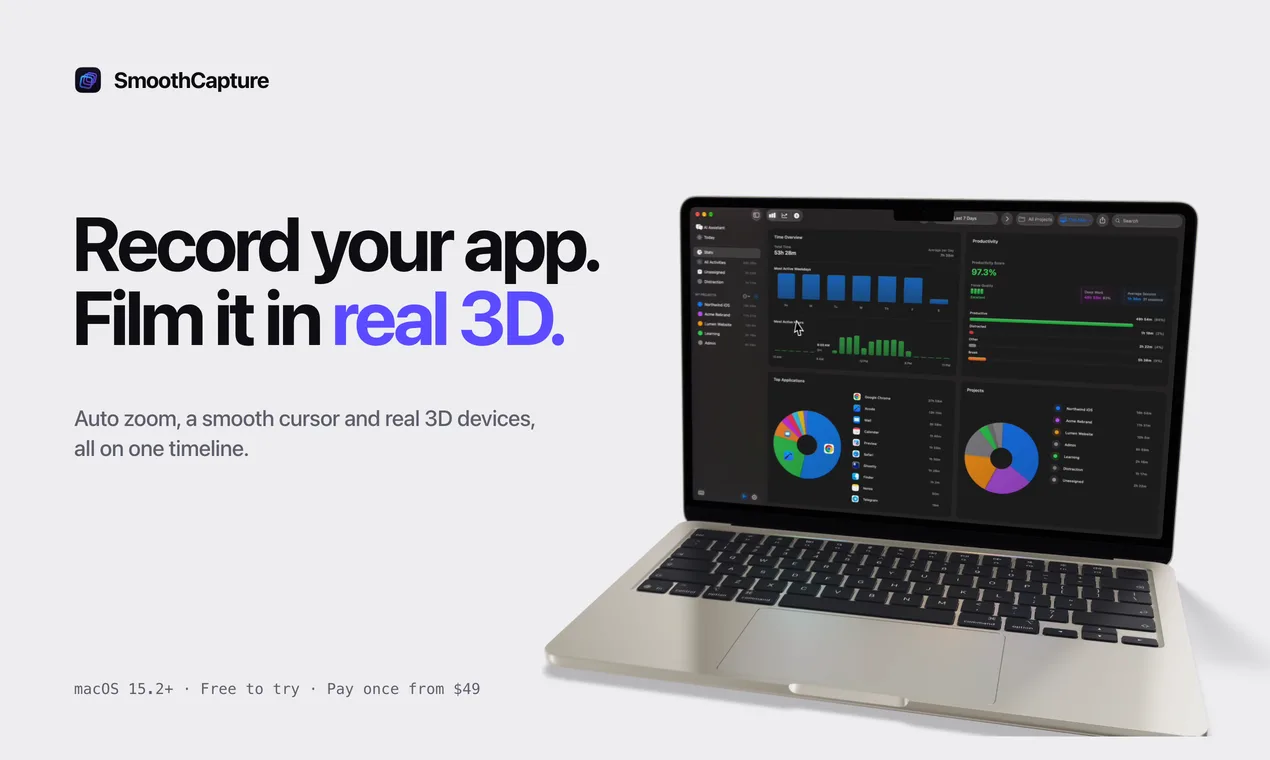
Record your app, then film it on real 3D devices. Native Mac app, pay once.
50points
Recent Supporters
Details
Launched
November 2, 2026
Category
Design Tools
Pricing
Free trial
Tags
About SmoothCapture
SmoothCapture is a native Mac app for founders and developers who need a good-looking video of their app, today, without learning a video editor.
Record your Mac screen, a single window, a USB-connected iPhone or iPad, or the iOS Simulator. Every take comes back with automatic zooms that follow your clicks and typing, a smoothed cursor, and click effects.
Then film it. Put the recording on a real 3D iPhone, iPad, MacBook, Studio Display or Apple Watch, light it like a product shot, and add camera moves with one click. Animated titles, a library of editable motion graphics, captions in 25 languages, music with automatic ducking and AI narration all sit on the same multi-clip timeline.
Export MP4, ProRes with transparency, GIF or App Store preview sizes, up to 4K at 60 fps. Recording, editing and export all happen on your Mac.
SmoothCapture also ships a built-in MCP server, so AI agents like Claude Code, Codex and Cursor can record, edit and export a video for you.
Free to download, record and edit. Exporting needs a license: pay once from $49, or $10 a month.
What SmoothCapture does
SmoothCapture turns screen recordings into product videos using recording, editing, styling, and export tools in one Mac app. It automatically adds zooms that follow clicks and smooth cursor motion, and lets users place recordings on 3D devices with camera moves. Animated titles, graphics, captions, and audio tools are available on the same timeline. The product is intended to reduce the hand-offs between recording, mockup, and motion-design applications when making launch videos.
Users record a Mac screen, window, or area, connect an iPhone or iPad, or capture the iOS Simulator. They can also import an MP4, MOV, or image. SmoothCapture places footage on a timeline, where users can adjust clips, add titles and graphics, and apply automatic zooms or cursor smoothing. They can place a take on a 3D device and choose or create camera shots. An MCP server and command-line tool let compatible AI agents make edits in the open project.
SmoothCapture is for Mac users making product recordings, app previews, demos, and launch videos. The page describes support for Apple Silicon and Intel Macs running macOS 15.2 or later, with recording and editing performed locally. It also supports users who want AI agents such as Claude Code, Codex, or Cursor to edit within the project. The product combines screen capture, a timeline editor, and 3D device scenes in one app.
Based on smoothcapture.app, read on Nov 2, 2026.
Key features
- Records Mac screens, iPhones, iPads, and iOS Simulator
- Automatically zooms on clicks and smooths cursor movement
- Places recordings on editable 3D device mockups
- Adds animated titles and graphics on a timeline
- Provides an MCP server for AI agent editing
- Captures system audio and microphone on separate tracks
What people use SmoothCapture for
- 01Create launch-ready product videos from screen recordings
- 02Record iPhone and iPad apps for preview videos
- 03Place existing video or screenshots on 3D devices
- 04Use an AI agent to edit clips and add titles
More in Design Tools
Browse all Design Tools Ai Logo Generator
AI Logo Generator Describe your brand and generate professional, custom logo designs in seconds
 ColoringStore
Create printable coloring pages from text prompts or photos with ColoringStore.
 Printery - Print for Figma
Printery is a Figma print plugin that exports print-ready PDFs with CMYK conversion, ICC profiles
 GROAR
Make your social metrics Roaaar
 Vidregen
Create Images and Videos With the World's Best AI Models
 ArchOne AI
All-in-one AI spatial design visualization platform for interior, exterior and landscape design.