Launching Dec 28, 2026 – Jan 3, 2027
This launch is approved and scheduled. The page is shareable now and goes fully live in its launch week.
Snaggy
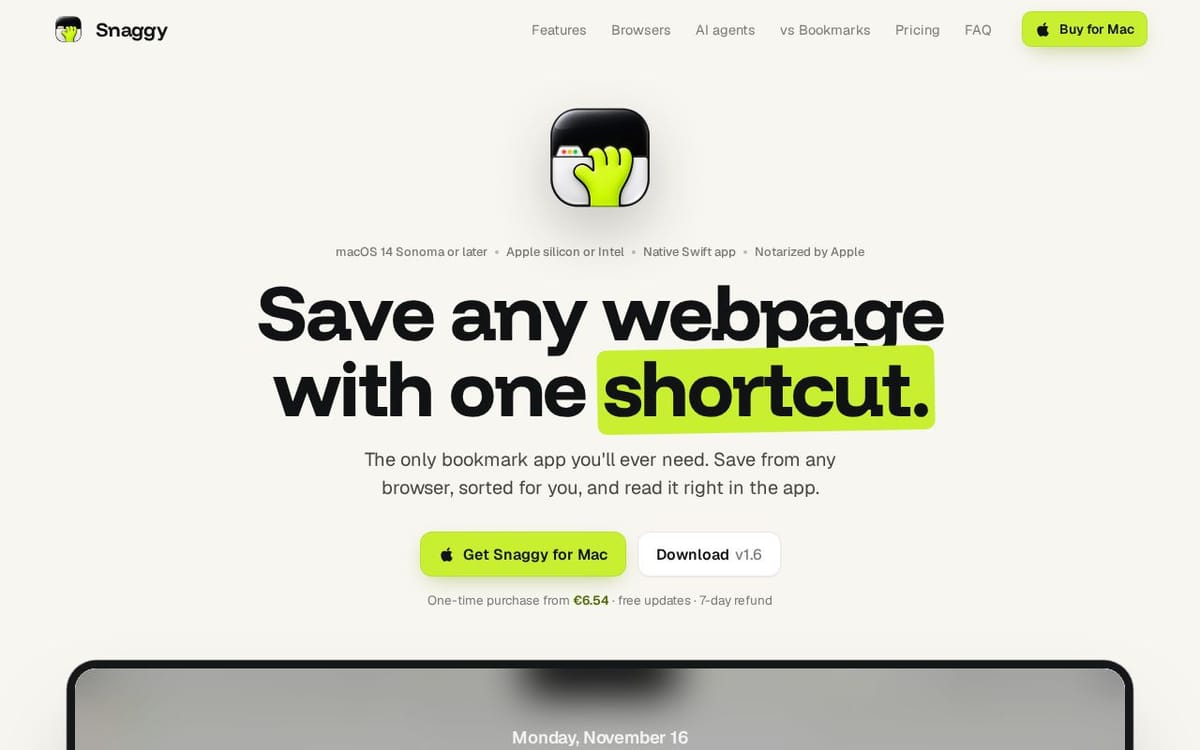
Save any webpage with one shortcut.
50points
Recent Supporters
Details
Launched
November 16, 2026
Category
Productivity
Pricing
Paid
Tags
About Snaggy
Snaggy is a menu bar bookmark app for people who use more than one browser. Press ⌘D in Safari, Chrome, Arc, Dia, Brave or Orion and Snaggy saves the page you're on. You never leave the page or pick a folder.
Apple Intelligence reads each page on your Mac, puts it in the right folder and writes a one-line summary of what it's about. Everything lands in one searchable library, with page previews, notes and an Unread list, instead of being split across browsers.
Bring your existing bookmarks over in a click, including Arc pinned tabs, with your folders kept. Pin the links you open every day to the menu bar and open them with ⌘1 to ⌘8. A built-in MCP server lets Claude, Codex and Cursor search and save your links.
No account and no Snaggy server: your links stay on your Mac, with optional iCloud sync between your Macs. Native SwiftUI, signed and notarized. One-time purchase. AI sorting needs a Mac with Apple silicon and Apple Intelligence.
What Snaggy does
Snaggy is a native macOS bookmark app that saves webpages from supported browsers into one library. It organizes links into folders, keeps unread items visible, and lets users search and revisit saved pages. Its built-in reader displays articles inside the app, with ads and trackers blocked. Snaggy is designed to replace browser-specific bookmarks with a single collection that can be accessed from different browsers and, optionally, synced across Macs through iCloud.
A user presses the configured shortcut while a browser is in front to save its current tab. Snaggy stores links locally and sorts them into folders using on-device AI on supported Macs; otherwise, it sorts links by site. Users can import bookmarks and pinned tabs, search their library, and press Space to open a saved page in the built-in reader. MCP-compatible agents can search links, list folders, and save links. Optional iCloud sync shares the library across Macs.
Snaggy is for Mac users who want to collect and read webpages from multiple browsers in one library. The page describes it as a native Swift app for macOS 14 Sonoma or later, on Apple silicon or Intel Macs. It runs locally without an account or Snaggy server, and users can optionally sync through their own iCloud. AI sorting requires macOS 26 Tahoe or later and Apple silicon. The app also supports MCP-compatible AI agents.
Based on snaggyapp.com, read on Nov 17, 2026.
Key features
- Save pages from browsers with a shortcut
- Import bookmarks and pinned tabs
- Sort links into folders with on-device AI
- Built-in reader blocks ads and trackers
- Search and manage links through MCP
- Sync links across Macs with iCloud
What people use Snaggy for
- 01Save a webpage from a supported browser
- 02Import bookmarks and pinned tabs from browsers
- 03Read saved articles inside Snaggy
- 04Search and save links using an AI agent
- 05Sync saved links across Macs
More in Productivity
Browse all Productivity Mumble AI
 is a voice-first productivity app for Mac that combines meeting recording, dictation
 PixPin
An all-in-one productivity tool featuring smart screenshots, scrolling capture, screen recording
 DuoPlus Cloud Phone
 helps you run unlimited accounts on independent Android environments.
 VidBG Remover
 is an AI-powered online tool that allows users to remove video backgrounds quickly
 PDFtoMD
Convert any PDF into clean, structured Markdown in seconds with PDFtoMD
 MikeSullyTools
Fix blurry photos and improve short videos in your browser.