Launching Jan 4–10, 2027
This launch is approved and scheduled. The page is shareable now and goes fully live in its launch week.

Xprite
Free browser pixel-art editor with a Web MCP interface for AI agents
50points
Recent Supporters
Details
Launched
November 19, 2026
Category
Design Tools
Pricing
Free
Tags
About Xprite
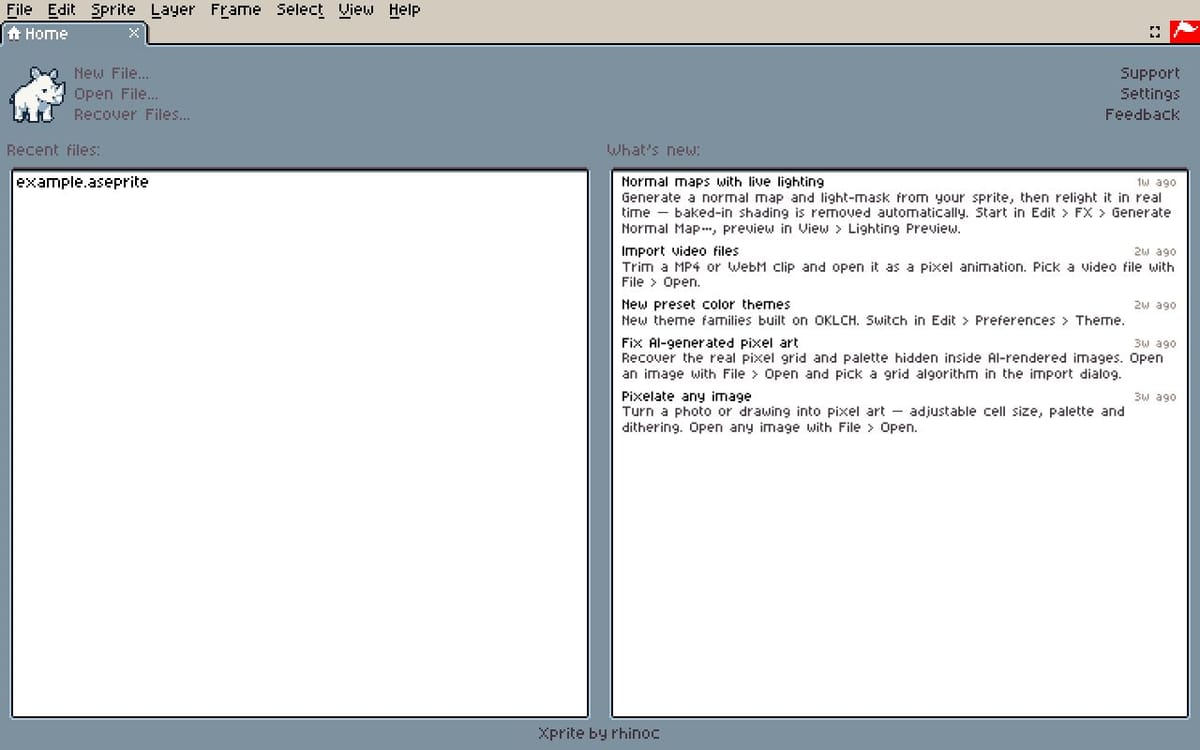
Xprite is a free, in-browser pixel-art editor, built as a web fork of Aseprite’s UI. It provides a browser-native workspace for creating pixel art and animations. Xprite also exposes a Web MCP interface through window.xpriteAgent and document.modelContext.registerTool, allowing compatible browser agents and AI assistants to call editor tools. See the public agent documentation at https://xprite.cc/agent/editor.md.
What Xprite does
Xprite is a browser-based pixel-art and animation editor. It lets users draw sprites, animate them frame by frame, and open and save Aseprite projects. Its tools include drawing, layers, palettes, tilemaps, and image and animation export. The page also offers small browser tools for tasks such as converting images into pixel art and GIFs into sprite sheets. Xprite addresses the need to create and edit pixel art across computers, tablets, and phones without uploading work during editing and saving.
Users open the editor in a browser and draw with a mouse, touch, or a pen such as Apple Pencil. They can arrange and dock workspace panels, work with layers and frames, and open .ase or .aseprite projects with their layers, frames, and tags. Projects can be saved in the current browser or as files on the device, then exported as formats including PNG, GIF, APNG, WebP, and sprite sheets with JSON. Editing and saving do not upload work; the editor can also be prepared for offline use.
Xprite is for people who make pixel art, sprite animations, and game tilemaps, including users working on computers, tablets, and phones. The page highlights support for touch and pens, Aseprite project files, and a workspace that can be moved, resized, and docked. It is an independent project with an interface and controls based on Aseprite, not affiliated with or endorsed by Aseprite or Igara Studio S.A. It is free, requires no account, and is open source.
Based on xprite.cc, read on Nov 19, 2026.
Key features
- Pixel-art drawing tools and custom brushes
- Frame-by-frame animation with onion skin
- Layers, palettes, and indexed images
- Tilemap layers and tilesets
- Apple Pencil and touch input
- PNG, GIF, APNG, WebP, and sprite-sheet export
What people use Xprite for
- 01Draw pixel-art sprites
- 02Create frame-by-frame animations
- 03Build tilemaps for game levels
- 04Open and edit Aseprite projects
- 05Convert images or GIFs into pixel art or sprite sheets
More in Design Tools
Browse all Design Tools Ai Logo Generator
AI Logo Generator Describe your brand and generate professional, custom logo designs in seconds
 ColoringStore
Create printable coloring pages from text prompts or photos with ColoringStore.
 Printery - Print for Figma
Printery is a Figma print plugin that exports print-ready PDFs with CMYK conversion, ICC profiles
 Vidregen
Create Images and Videos With the World's Best AI Models
 GROAR
Make your social metrics Roaaar
 ArchOne AI
All-in-one AI spatial design visualization platform for interior, exterior and landscape design.