Build with AI
Claude Code Subagents, Background Agents & Agent Teams in 2026: The Real Multi-Agent Guide
How multi-agent work actually works in Claude Code — the three real tiers (subagents, background agents, agent teams), how to create a custom subagent in .claude/agents/, the built-in Explore/Plan/general-purpose agents, cost-routing to cheaper models, and when to reach for which.

Contents (10)
Quick answer: Claude Code has three documented multi-agent tiers. A subagent runs inside your session in its own context window and returns only a summary. Background agents are independent parallel sessions monitored from one place. Agent teams are peer sessions that talk to each other. You define a subagent as a Markdown file with YAML frontmatter in .claude/agents/ or ~/.claude/agents/, setting name, description, optional tools, and an optional model such as Haiku for cost control. Built-ins are Explore, Plan, and general-purpose.
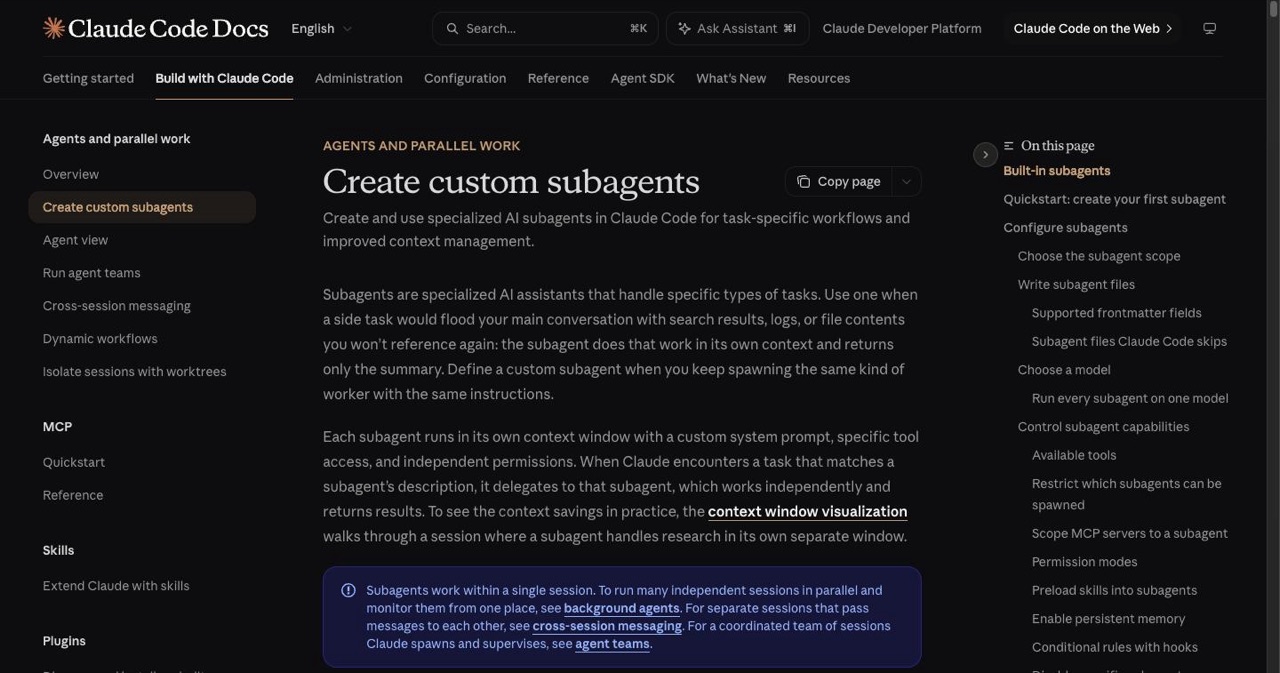
"Multi-agent" gets thrown around loosely. In Claude Code it's actually three distinct, documented things — and knowing which is which is the difference between a clean workflow and a token bonfire. This is the accurate guide: no mythical thousand-agent swarms, just what the tool really does.
(This is the subagents deep-dive. For the broader pro workflow, see advanced Claude Code tips; to structure the whole project, the projects hub.)
Key Takeaways
- Three distinct tiers: Subagents isolate context inside your session, background agents run independent parallel sessions, and agent teams are peer sessions that communicate.
- Subagents return only results: Search output, logs, and file dumps stay in the subagent's own context window instead of flooding your main conversation.
- Three built-ins ship by default: Explore (read-only, at quick, medium, or very thorough levels), Plan, and general-purpose. Explore and Plan skip CLAUDE.md and git status to stay fast.
- Definition is a Markdown file: YAML frontmatter with
name,description, optionaltools(supports patterns likemcp__github__*), and optionalmodeloreffort, followed by the system prompt. - Cheaper models are a field, not a workaround: Set
modelto something likeclaude-haiku-4-5for exploration and review while the main session stays on Opus. - Scope precedence is defined: managed, then project
.claude/agents/, then user~/.claude/agents/, then plugin subagents, which cannot use hooks, mcpServers, or permissionMode. /agentsapplies immediately: Agents created in the/agentsUI take effect at once, while files edited on disk load at the next session start.Ctrl+X Ctrl+Ktwice in three seconds stops background subagents.
The three tiers
| Tier | What it is | Use it for |
|---|---|---|
| Subagents | A worker inside your session with its own context window; reports a summary back | Isolating exploration, search, or a focused task so it doesn't flood your main context |
| Background agents | Many independent sessions running in parallel, monitored from one place | Running several separate tasks at once |
| Agent teams | Sessions that communicate with each other (peers, not just report-up) | Collaborative, multi-session work |
Most of the value for solo builders is in subagents — start there.
Subagents: the core primitive
A subagent runs in its own context window with a custom system prompt, specific tool access, and independent permissions. When a task matches a subagent's description, Claude delegates; the subagent works independently and returns only its result — keeping search results, logs, and file dumps out of your main conversation.
What they buy you (straight from the docs):
- Context preservation — exploration happens in the subagent's window, not yours.
- Constraint enforcement — limit which tools a subagent can use.
- Reuse — user-level subagents work across all your projects.
- Cost control — route a task to a faster, cheaper model like Haiku.
The built-in subagents
You get three without configuring anything:
- Explore — searches and understands a codebase without making changes, at a quick / medium / very thorough level. Keeps research out of your main context.
- Plan — planning work.
- General-purpose — tasks needing both exploration and modification, complex reasoning, or multiple dependent steps.
Explore and Plan deliberately skip your CLAUDE.md and the parent git status to stay fast and cheap; the others load both.
Create a custom subagent
A subagent is a Markdown file with YAML frontmatter in .claude/agents/ (project, checked into git for the team) or ~/.claude/agents/ (personal, all your projects). Minimal example:
---
name: code-reviewer
description: Reviews code for quality and best practices. Use after writing or changing code.
tools: Read, Grep, Glob, Bash
model: claude-haiku-4-5
---

You are a senior code reviewer. Check for correctness, error handling,
security, and test coverage. Report findings ranked by severity — don't
rewrite the code, just review it.
Key fields:
description— Claude reads this to decide when to delegate, so make it specific ("Use after writing code," not just "reviews code").tools— restrict what the subagent can touch (omit to inherit). Supports MCP patterns likemcp__github__*.model/effort— route to a cheaper model or set effort (low–max) independent of your session.
The fastest path is the /agents command — a UI with a Running tab (see and stop live subagents) and a Library tab (create/manage). Agents made in /agents take effect immediately; files edited on disk load on the next session start.
Scopes, in precedence order: managed (org admins) → project
.claude/agents/→ user~/.claude/agents/→ plugin subagents (which appear asplugin:name). Plugin subagents can't usehooks/mcpServers/permissionModefor security.
Useful patterns
- Specific over generalist. A subagent scoped to one job beats a vague "QA agent." Give it the exact task and the tools it needs.
- Fresh-context review. After implementing, delegate the review to a subagent that didn't write the code — it doesn't carry the writer's assumptions, so it catches more.
- Cheap exploration. Point your Explore-style or research subagents at Haiku via the
modelfield; keep Opus for the main thread. - Parallel research. Ask Claude to "research the auth, database, and API modules in parallel using separate subagents" — each works in isolation and returns a summary.
- Know the kill switch.
Ctrl+X Ctrl+K(twice in 3 seconds) stops background subagents in the session.
When to go beyond subagents
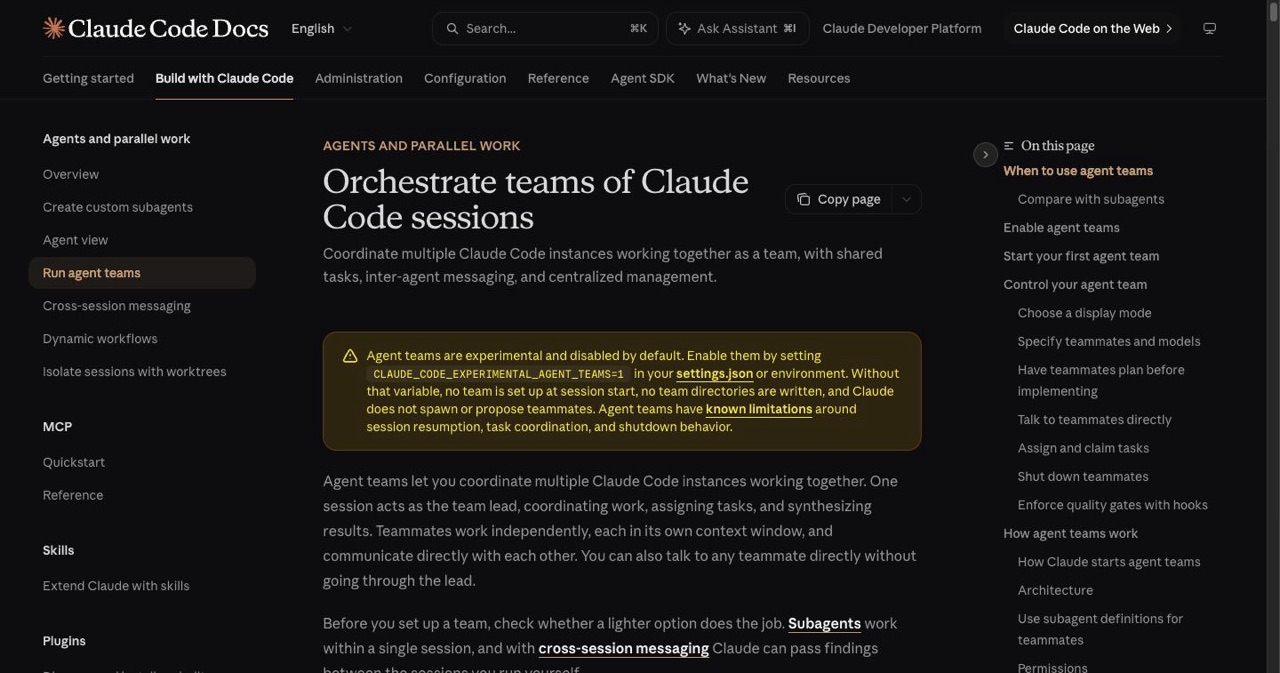
- Background agents (docs) — when you want several independent sessions running at once and a single place to watch them. Think multiple separate tasks, not one task split up.
- Agent teams (docs) — when sessions need to talk to each other rather than just report up to a parent. You can even reference your existing subagent definitions when spawning teammates. It's the heaviest tier — reach for it on genuinely collaborative multi-session work, not routine tasks.
Honest guidance: most solo and small-team work is well-served by subagents alone. Background agents and teams add real coordination power and real token cost — use them when the work is genuinely parallel or collaborative, not by default.
Ready-made subagent libraries
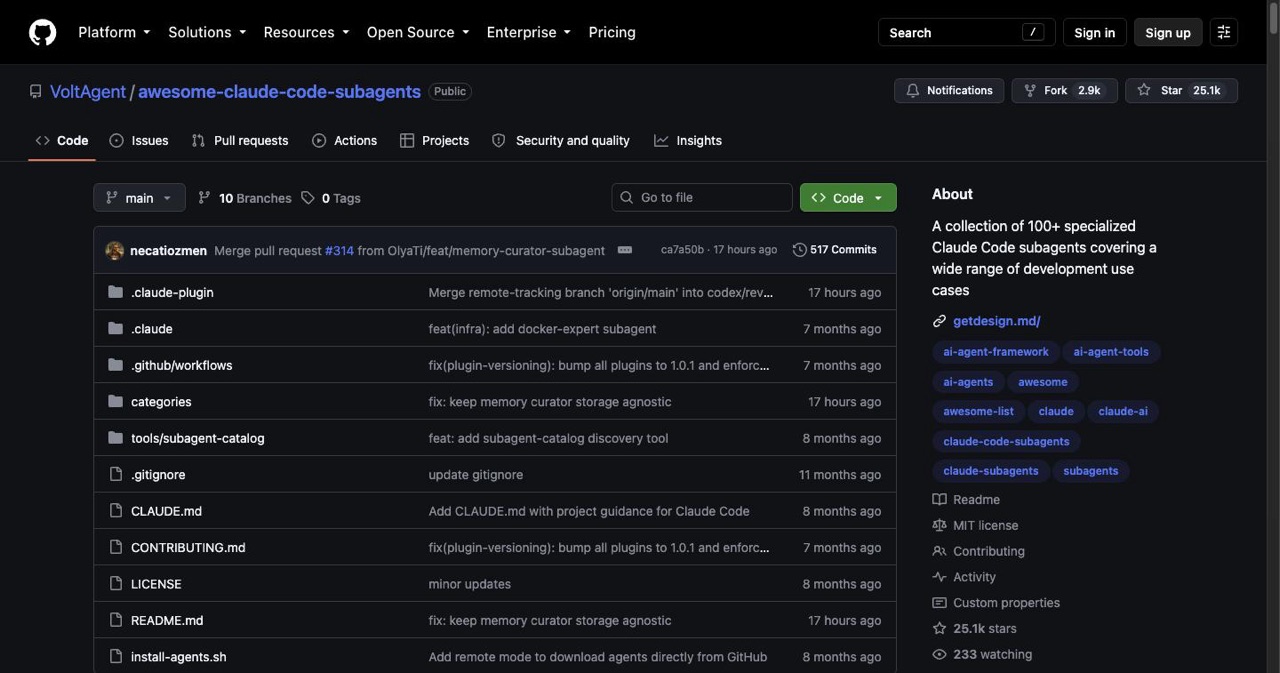
Don't write every role from scratch:
- VoltAgent/awesome-claude-code-subagents (~22k★) — 100+ specialized subagents (api-designer, security-auditor, python-pro, and more). Drop the YAML into
.claude/agents/. - wshobson/agents (~37k★) — a multi-harness agent/plugin marketplace.
Read the definitions before you install them — a subagent's tools and system prompt are code you're trusting.
Trade-offs to keep in mind
- Token cost scales with agents. One subagent is nearly free relative to the context it saves; a fleet of background agents or a team is not. Match the tier to the ROI.
- Subagents load at session start. Edit a file on disk → restart (or use
/agents, which is immediate). - Description quality is everything. Vague descriptions cause Claude to delegate to the wrong subagent — or not at all.
Go deeper
- The broader workflow: advanced Claude Code tips.
- Structure the project: the projects hub; the skills & plugins guide; best MCP servers.
- Built a slick multi-agent setup? List your project free on SaaSCity.
FAQ
Subagents vs background agents vs agent teams? Subagents = isolated worker in your session (reports up). Background agents = many independent parallel sessions you monitor. Agent teams = peer sessions that communicate.
How do I create one?
A Markdown file with YAML frontmatter in .claude/agents/, or use the /agents command. Set name, a specific description, optional tools/model.
Cheaper model for a subagent?
Yes — set model in its frontmatter (e.g. Haiku) while the main session stays on Opus.
What are the built-ins? Explore (read-only codebase search, quick/medium/very-thorough), Plan, and general-purpose.
Get your SaaS in front of founders
List your product on the SaaSCity live city map - a permanent listing, real discovery, and a backlink from a high-DR directory. Free to start; upgrade for a dofollow link and a building on the map.