Build with AI
Advanced Claude Code Tips for 2026: Context Hygiene, Plan Mode, Subagents & Power-User Moves
The pro layer of Claude Code — the context-management discipline, plan-mode and subagent patterns, hooks and skills, and the genuinely lesser-known interactive features (rewind menu, side questions, background-subagent control) that separate people who ship from people who fight the tool.

Contents (12)
- Key Takeaways
- Context hygiene — the foundation
- CLAUDE.md as leverage, not a dumping ground
- Plan mode & spec-first work
- Subagents & parallelism
- Hooks, skills & commands — from advisory to deterministic
- Verification & a note on "loops"
- Quick interactive moves worth knowing
- Pitfalls power users avoid
- Resources
- Go deeper
- FAQ
Quick answer: Advanced Claude Code work is context management, not prompt wording. Run /clear between unrelated tasks, use double-Esc to open the rewind menu instead of arguing in a polluted context, and push exploration into subagents that run with full tools and a fresh context. Cycle into plan mode with Shift+Tab for anything multi-file. Convert any CLAUDE.md rule Claude keeps missing into a PostToolUse or PreToolUse hook, since hooks are enforcement rather than suggestion. Demand a passing test, a diff, or a log before accepting "done."
Key Takeaways
- Context is the bottleneck, not the model: almost every advanced technique exists to keep context clean and verifiable.
- Rewind beats arguing: double-Esc opens the checkpointing menu and restores both code and conversation to an earlier point.
/btwasks side questions using the current conversation without adding to history, the inverse of a subagent.- Plan mode is one keystroke:
Shift+Tabcycles default, acceptEdits, plan, auto, bypassPermissions. - Hooks are deterministic: a
PostToolUsehook runs a linter after every edit; aPreToolUsehook blocks writes to sensitive paths. - Fresh-context review catches more: a reviewer subagent that did not write the code lacks the writer's assumptions.
- Know the kill switch:
Ctrl+X Ctrl+Kpressed twice within three seconds stops all background subagents. - Evidence closes the loop: a passing test or a log is a signal; "it should work" is not.
The beginner tutorial gets you running. This is the layer above it: the workflow discipline that decides whether Claude Code is a force multiplier or a source of half-finished, context-rotted messes. (New to the tool? Start with the beginner guide and come back.)
The through-line for all of it: context is the real bottleneck, not the model. Almost every advanced tip below is a way to keep the context clean, focused, and verifiable.
Context hygiene — the foundation
1. /clear between unrelated tasks. The single highest-leverage habit. Claude Code's context holds the whole conversation; let it sprawl from a bug fix to a new feature to a refactor and quality drops. Clear and start fresh per task.
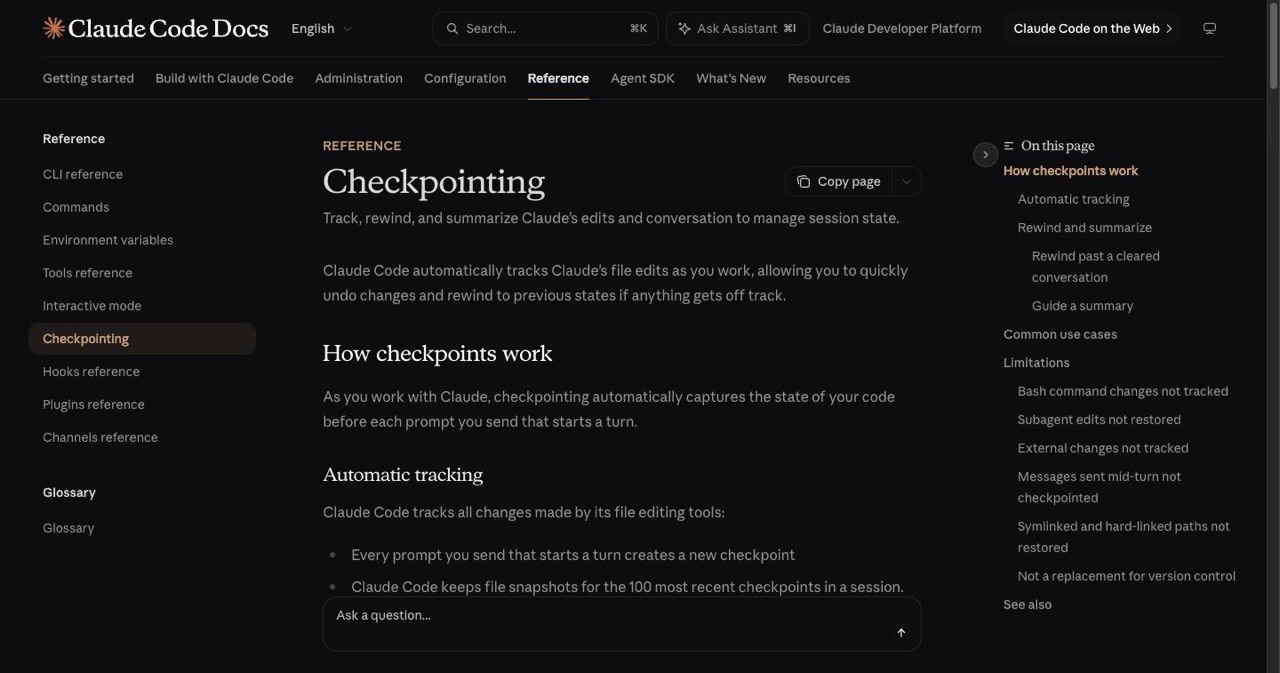
2. Use the rewind menu instead of arguing in a polluted context. When you're empty-prompt, double-Esc opens the rewind menu (Claude Code's checkpointing) — restore code and conversation to an earlier point. If you've corrected Claude twice and it's still wrong, don't keep talking; rewind and re-prompt clean. Far better than "no, fix that."
3. Ask side questions with /btw. A genuinely underused feature: /btw what was that config file? answers from the current conversation without adding to history — it's the inverse of a subagent (full context, no tools). Use it for quick lookups mid-task so you don't derail a long run or bloat the context.
4. Let the task list ride. Ctrl+T toggles Claude Code's task list, and tasks persist across context compactions — so on big multi-step work the plan survives even when the conversation gets summarized.
CLAUDE.md as leverage, not a dumping ground
5. Keep CLAUDE.md tight and front-loaded. Put the rules Claude would otherwise get wrong in the first lines. Only include what actually changes behavior — a 500-line CLAUDE.md dilutes the signal. Pull deeper docs in with @import references rather than inlining everything.
6. Capture corrections, then promote them. When you correct Claude on something it should have known, write the lesson down (a lessons.md, then graduate the durable ones into CLAUDE.md or a skill). Over weeks this compounds into a project that "just knows" your conventions — a self-improving setup.
7. Use AGENTS.md for portability. If you work across more than one agent tool, keep the shared rules in an AGENTS.md and reference it from a short CLAUDE.md, so the same conventions travel.
Plan mode & spec-first work
8. Cycle into plan mode for anything non-trivial. Shift+Tab cycles permission modes — default → acceptEdits → plan → auto → bypassPermissions. In plan mode Claude outlines what it will change and waits for approval before editing. Make this reflexive for multi-file or architectural work.
9. Run the explore → plan → implement → verify loop. Let Claude read the relevant code first ("analyze the auth module"), then plan, then build, then verify. Skipping straight to implementation on complex work is the #1 cause of sprawling, wrong output.
10. Phase-gate big plans. Instead of one giant plan, break it into phases with a test/verification gate per phase. Claude finishes and verifies phase one before touching phase two — you catch drift early.
Subagents & parallelism
11. Offload exploration to subagents. A subagent runs with full tools but a fresh, empty context, and returns only its result to your main session. Use them to research, search a large codebase, or investigate — the digging happens in their context, not yours. One focused task per subagent.
12. Prefer specific subagents over generalist ones. A subagent scoped to a concrete job beats a vague "QA agent" or "backend engineer." Give it the exact task and the context it needs.
13. Control background subagents. Subagents can run in the background; Ctrl+X Ctrl+K (twice within 3 seconds) stops all background subagents in the session. Know the kill switch before you fan out.
14. Use git worktrees for true parallel streams. Separate worktrees give each parallel effort its own isolated checkout, so concurrent agents/sessions don't collide. The clean way to scale beyond one thing at a time.
15. Writer/reviewer with fresh-context review. After implementation, spin up a fresh subagent to review the diff. A reviewer that didn't write the code (and doesn't carry the writer's assumptions) catches far more than self-review in the same context.
Hooks, skills & commands — from advisory to deterministic
16. Convert ignored rules into hooks. If a CLAUDE.md rule keeps getting missed, make it a hook. A PostToolUse hook can auto-run a linter or tests after every edit; a PreToolUse hook can block writes to sensitive paths. Hooks are enforcement, not suggestion.
17. Give every skill a "Gotchas" section. When you build a skill, document where Claude has previously gone wrong on that workflow. The gotchas are often more valuable than the happy path. Save repeated prompts as slash commands; save reusable domain logic as skills.
Verification & a note on "loops"
18. Demand evidence on every "done." "It should work" is not a signal — a passing test, a diff, or a log is. Give Claude something that produces a pass/fail and have it run that, or use a verification subagent. This closes the loop without you being the loop. It's the same idea Anthropic's Head of Claude Code, Boris Cherny, points at with "loop engineering" — you increasingly write the checks and let the agent satisfy them, rather than hand-holding each step.
Quick interactive moves worth knowing
!shell mode — prefix a line with!to run a shell command and add its output to the conversation context (! npm test). Lets Claude see real state.Option+Ttoggles extended thinking;Option+Pswitches model without clearing your prompt./recapgenerates a one-line summary of the session so far — handy after stepping away.
Pitfalls power users avoid
- A bloated CLAUDE.md (signal drowns in noise).
- Correcting in a polluted context instead of rewinding.
- Generalist subagents for work that needs a specific, scoped one.
- Skipping verification.
- Over-engineering small tasks — for a one-file change, vanilla Claude Code beats a five-skill orchestration.
Resources
- shanraisshan/claude-code-best-practice (~58.7k★, updated continuously) — the dominant community best-practices repo.
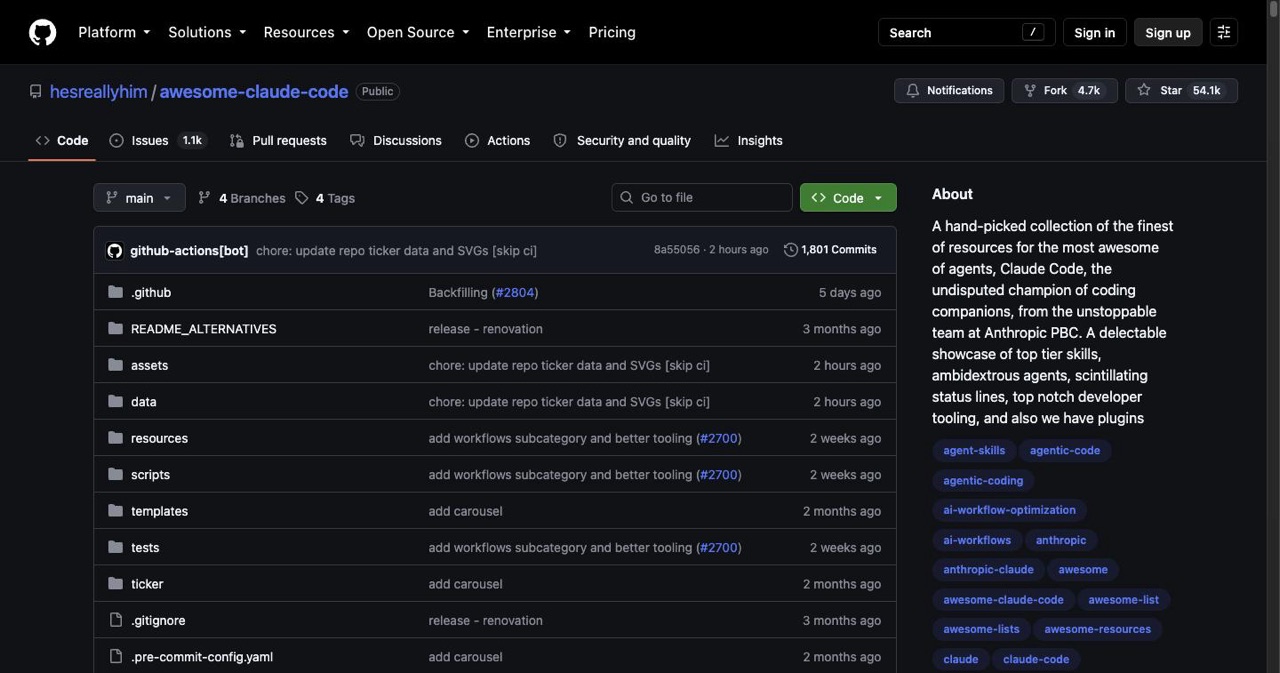
- hesreallyhim/awesome-claude-code (~47k★) — curated patterns, hooks, commands.
- Official Claude Code docs — interactive mode, checkpointing, hooks, subagents.
Go deeper
- Structure a real project: the Claude Code projects hub.
- The skills/plugins + MCP layers: skills & plugins guide · best MCP servers.
- Repos worth cloning: 10 open-source Claude Code repos.
- Built something with this workflow? List it free on SaaSCity.
FAQ
Why does Claude ignore my CLAUDE.md rule? If a rule is repeatedly missed, convert it to a hook — deterministic enforcement that can't be skipped. Keep CLAUDE.md for context, not for must-hold rules.
Hook vs skill vs subagent vs command? Automate with hooks, encode knowledge with skills, isolate work with subagents, save workflows as slash commands.
Best way to manage long-session context?
/clear between tasks, double-Esc to rewind a polluted context, and subagents to keep exploration out of your main session.
Plan mode every time?
For non-trivial work, yes (Shift+Tab → plan). For a quick one-file edit, it's overhead.
Get your SaaS in front of founders
List your product on the SaaSCity live city map - a permanent listing, real discovery, and a backlink from a high-DR directory. Free to start; upgrade for a dofollow link and a building on the map.