AI
Claude Code Projects in 2026: Real Shipped Builds, Project Structure & the Shift to Agent Loops
The builder's reference for Claude Code projects in 2026 — how real products actually get shipped: the .claude/ project structure that scales, when to use skills vs MCP, real builds people launched, and the shift from prompting to writing agent loops.

Contents (9)
- Key Takeaways
- The 2026 shift: from prompting to agent loops
- Anatomy of a production-ready Claude Code project
- Skills vs MCP servers — when to use which
- Real products shipped with Claude Code in 2026
- What the builders who actually shipped did differently
- Resources & living indexes
- Apply this to your own project
- FAQ
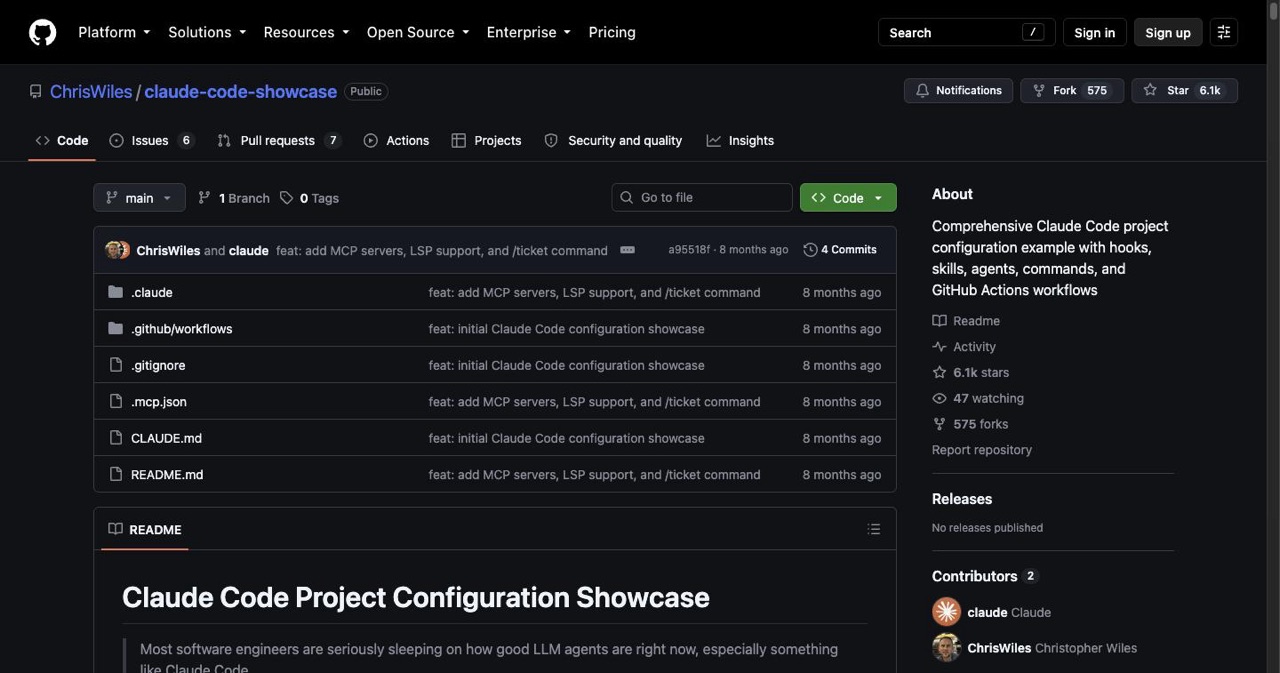
Quick answer: A production Claude Code project in 2026 is built on a root CLAUDE.md plus a .claude/ folder holding skills, agents, commands, hooks, and an .mcp.json. Skills carry local conventions; MCP servers reach external systems like databases or Unreal Engine. The workflow shift is loop engineering: Anthropic's Head of Claude Code, Boris Cherny, says he writes loops that prompt Claude rather than prompting turn by turn. ChrisWiles/claude-code-showcase is the clearest public template of that layout.
Most "Claude Code projects" articles are either a list of wild demos or a beginner's first-app walkthrough. This isn't that. This is the builder's reference for the part that actually decides whether your project ships: how you structure it, how you delegate to Claude, and the workflow shift that's separating people who prototype from people who put real products in front of real users.
If you want the lighter stuff first, we have it: the wildest projects going viral, 15 project ideas with copy-paste prompts, and the beginner install tutorial. This page is the hub the rest hangs off — the production layer.
Key Takeaways
- Loop engineering is the 2026 shift: Boris Cherny, Anthropic's Head of Claude Code, describes writing loops that prompt Claude instead of prompting one turn at a time.
- CLAUDE.md is the project memory: Stack, conventions, run and test commands, and gotchas live there, and Claude reads it automatically every session.
.claude/has five parts: skills for domain knowledge, agents for specialized assistants, commands for reusable slash commands, hooks for event automation, and.mcp.jsonfor integrations.- Skills and MCP solve different problems: Skills encode how we do things here; MCP servers reach into other systems and live data.
- A public template exists: ChrisWiles/claude-code-showcase ships CLAUDE.md, hook-driven quality gates, six example skills, review and GitHub agents, seven slash commands, and four GitHub Actions workflows.
- Real shipped builds span domains: iOS and React Native health apps, Mac menu-bar utilities and Kanban tools, and an Unreal Engine MCP server doing semantic asset search and placement.
- Shippers spec before they prompt: Detailed requirement docs, a living architecture doc, a custom skill team, and plan mode with human review on anything touching users or security.
The 2026 shift: from prompting to agent loops
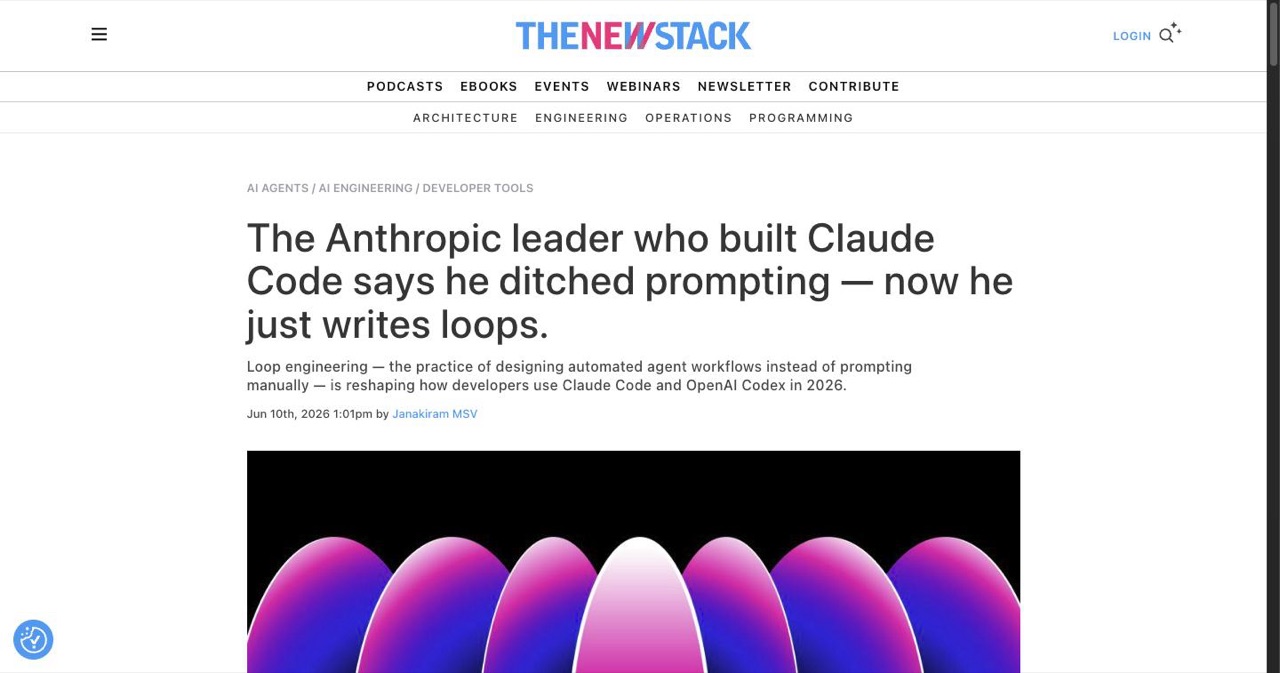
The biggest change this year isn't a model — it's a workflow. The best builders stopped typing prompts one at a time.
Anthropic's Head of Claude Code, Boris Cherny, said it plainly: "I don't prompt Claude anymore. I have loops running that prompt Claude and figuring out what to do. My job is to write loops." The community calls it loop engineering (covered by The New Stack and Addy Osmani, among others).
The old loop was: write a prompt, read the output, write the next prompt — you are the control system. The new one: you build a small program that finds the work, hands it to an agent, checks the result against a test, records what's done, and decides the next step — then you let it run. You poke the system; the system pokes the agents.
You don't need to go full autonomous to benefit. The mindset alone — give Claude a checkable goal and a way to verify itself, not a stream of instructions — is what makes the projects below reliable instead of fragile.
Anatomy of a production-ready Claude Code project
Throwaway scripts don't need structure. Anything you'll touch across multiple sessions does. The pattern that's emerged in 2026 centers on a CLAUDE.md at the root plus a .claude/ folder:
CLAUDE.md— the project's memory. Stack, conventions, run/test commands, gotchas. Claude reads it automatically every session, so you stop re-explaining your project..claude/skills/— markdown docs encoding domain knowledge ("how we write tests here", "our React patterns"). Reusable, auditable, in version control..claude/agents/— specialized assistants (a code reviewer, a GitHub-workflow agent) you can hand specific jobs..claude/commands/— reusable slash commands (/onboard,/pr-review,/ticket) for repeated workflows..claude/hooks/— automation that fires on events (e.g. run a test after every file write — the feedback loop, automated)..mcp.json— external integrations: GitHub, JIRA, Slack, databases, live data.
The clearest public reference is ChrisWiles/claude-code-showcase (6k+ stars) — a drop-in template with exactly this layout: CLAUDE.md, hook-driven quality gates, six example skills, review/GitHub agents, seven slash commands, and four GitHub Actions workflows. Clone it, strip what you don't need, and you've skipped the hardest part of setup.
Skills vs MCP servers — when to use which
People conflate these. They solve different problems:
- Skills = how we do things here. Local knowledge and conventions, transparent and version-controlled. Use them to make Claude consistent with your codebase's standards.
- MCP servers = reach into that other system. Live connections to databases, APIs, third-party tools — even a game engine. Use them when Claude needs data or actions outside your repo.
A mature project usually has both: a pile of skills for consistency, and a few MCP servers for the systems it has to touch.
Real products shipped with Claude Code in 2026
Not demos — things with users. (Details below are as builders described them publicly; treat the specifics as their claims, not our benchmarks.)
- Mobile & health apps. Builders have shipped iOS/React Native apps — health-insight trackers, symptom journals with pattern recognition, local-discovery apps — with Claude Code handling the large majority of the code, plus data models, on-device storage, and even the marketing pipeline. The common thread: detailed up-front requirement docs, not vague prompts. (Shared across r/ClaudeAI showcase threads and builder write-ups like Ondrej Machart's 13-project retrospective.)
- Desktop & productivity tools. Mac menu-bar utilities, custom Kanban apps, folder-sync tools — often built with a plan-first method and heavy human questioning on edge cases and security (see Ran Isenberg's builds).
- Creative & vertical integrations. The standout: driving Unreal Engine via an MCP server — semantic asset search, automatic placement, custom lighting — turning game-dev tasks into conversational ones. Vertical MCPs are how Claude Code is reaching domains far outside web apps.
- Meta-tools built for Claude Code. Visual agent-graph canvases, self-hosted memory servers for multi-agent persistence — the ecosystem is now tooling itself.
The pattern isn't "Claude wrote my app." It's "I scoped tightly, gave it structure and a way to verify, and reviewed everything that mattered."
What the builders who actually shipped did differently
- Spec before prompt. They hand Claude detailed technical requirements (sometimes a "translation pack" of project context), not one-liners.
- A living architecture doc. A maintained map of the system so Claude (and they) stay oriented as it grows.
- A custom skill "team." Treating skills/agents as specialized teammates — an engineering lead, a clinical PM, a marketer — each with its own knowledge doc.
- Plan mode + real human review. Anything with users or a security surface gets planned, then reviewed by a human. The shipping speed comes from structure, not from skipping review.
Resources & living indexes
- ChrisWiles/claude-code-showcase — production-ready
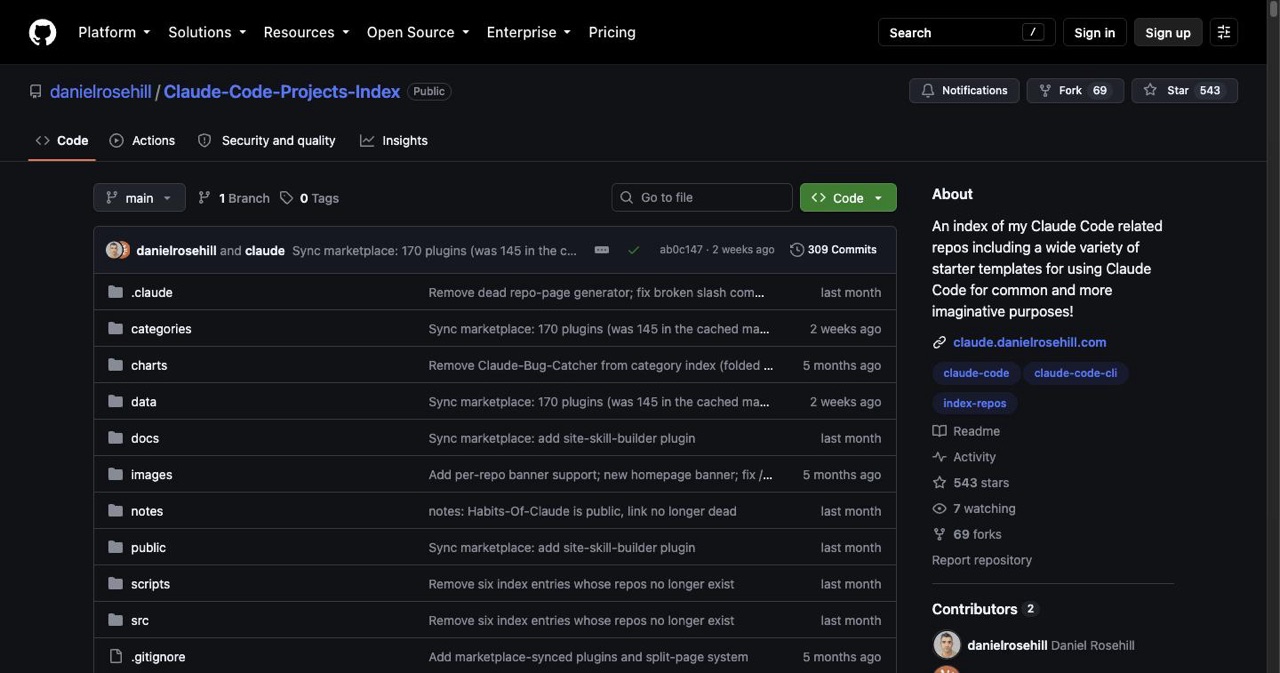
.claude/template (6k★). - danielrosehill/Claude-Code-Projects-Index — a curated index of agent workspaces, 28 cluster plugins, MCP servers, and slash commands (treats Claude Code as a general-purpose agent workspace).
- Official Claude Code docs — the source of truth for setup, skills, MCP, and hooks.
- 10 open-source Claude Code repos worth cloning — our full breakdown of the frameworks, skill libraries, and tools above, with verified star counts and a must-clone tier list.
Apply this to your own project
You've got the structure and the workflow. Now ship something:
- Pick a build from the 15 project ideas with prompts, or get set up first with the beginner tutorial.
- Want a reality check on the ceiling? The wildest viral projects.
- Shipped something? List it free on SaaSCity — a product page, a backlink, and your first eyes from other builders.
The teams shipping real products with Claude Code aren't prompting harder. They're structuring better and letting the loops do the typing.
FAQ
What .claude/ structure should a serious project use?
A root CLAUDE.md plus .claude/ with skills, agents, commands, hooks, and an .mcp.json. The claude-code-showcase repo is a copy-paste reference.
Skills vs MCP — when do I use each? Skills for your team's conventions and knowledge (local, auditable); MCP for reaching external systems and live data.
Can a solo founder ship a real app with it? Yes, with structure — detailed specs, a living architecture doc, custom skills, and human review on anything touching users or security.
What are agent loops? A small program that finds work, hands it to Claude, verifies the result, and decides the next step — instead of you prompting turn by turn. It's the defining 2026 shift in how Claude Code gets used.
Get your SaaS in front of founders
List your product on the SaaSCity live city map - a permanent listing, real discovery, and a backlink from a high-DR directory. Free to start; upgrade for a dofollow link and a building on the map.