Build with AI
Claude Code Skills & Plugins in 2026: How They Work, Installing Safely & Which to Use
The practical guide to Claude Code skills and plugins: how skills, plugins, and the two official marketplaces actually work, the exact commands to install them safely, the ones worth using, and how to build your own.

Contents (9)
Quick answer: A Claude Code skill is a single SKILL.md file, YAML frontmatter plus instructions, that Claude invokes automatically when the task matches its description. A plugin is a bundle that ships multiple skills plus agents, hooks, MCP servers, LSP servers, and settings, with a plugin.json manifest, versioning, and a namespace. Anthropic runs two public marketplaces: claude-plugins-official, which auto-registers, and claude-community, added with /plugin marketplace add anthropics/claude-plugins-community. Install with /plugin install name@marketplace, or test first with claude --plugin-dir ./the-plugin.
Skills and plugins are where Claude Code stops being a generic agent and starts working the way you work. They're the real multiplier. But the ecosystem moves fast and the install story confuses people, so here's the practical version: how they actually work, how to install them without breaking things, which are worth your time, and how to build your own.
This is the mechanics-and-install guide. For the full breakdown of repos worth cloning (with star counts and a tier list), see 10 open-source Claude Code repos worth cloning; for how to structure a whole project, the Claude Code projects hub.
Key Takeaways
- A skill is one file:
.claude/skills/<name>/SKILL.mdwith adescriptionin frontmatter plus instructions, invoked automatically when the task matches. - A plugin is a bundle: Multiple skills plus agents, hooks, MCP servers, LSP servers, and default settings, with
plugin.json, versioning, and a namespace so two plugins cannot collide. - There are two official marketplaces:
claude-plugins-officialregisters itself on first start;claude-communityis added manually and screens submissions automatically. - Any GitHub repo can be a marketplace: That is how most of the large community frameworks distribute their plugins.
- Test before you trust:
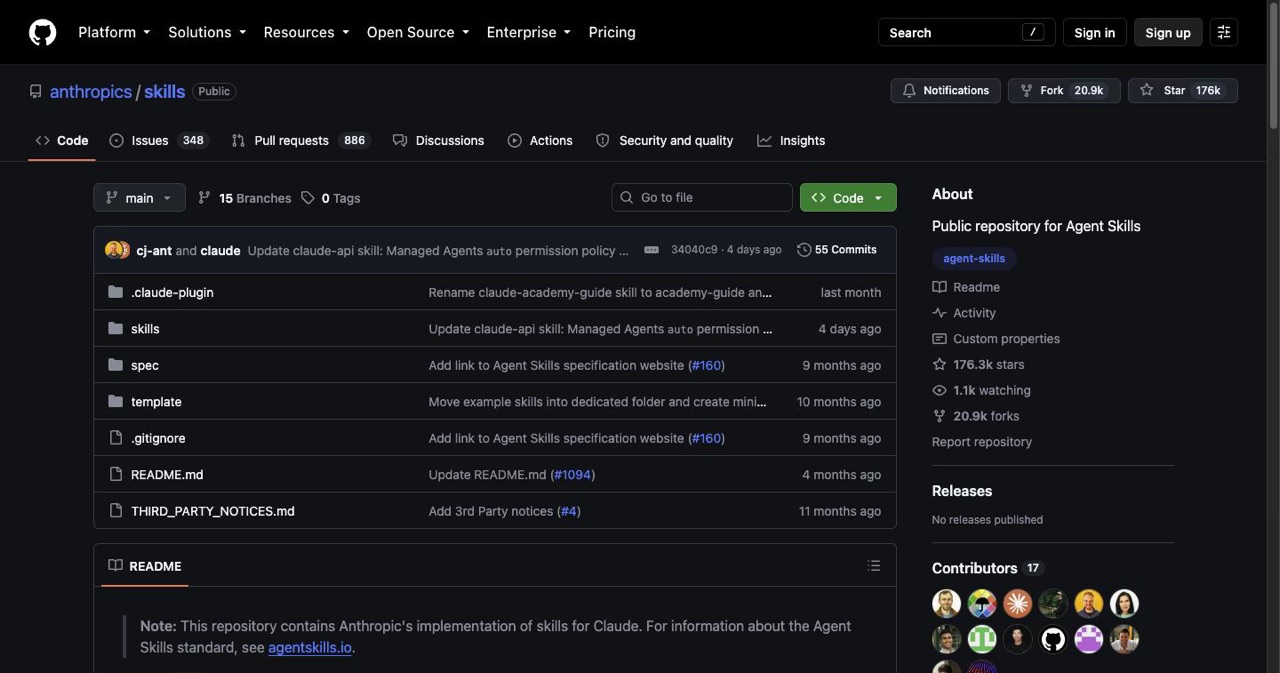
claude --plugin-dir ./the-pluginloads a plugin for one session without installing, because plugins can run shell commands through hooks. - Six picks worth using in June 2026: obra/superpowers, mattpocock/skills, anthropics/skills, ComposioHQ/awesome-claude-skills, multica-ai/andrej-karpathy-skills, and vercel-labs/agent-skills.
- Scaffolding your own takes one command:
claude plugin init my-toolcreates~/.claude/skills/my-tool/with a manifest and starterSKILL.mdthat auto-loads next session.
Skills vs plugins — the actual difference
People mix these up. They're related but not the same:
- A skill is a single
SKILL.mdfile: YAML frontmatter (adescriptiontelling Claude when to use it) plus instructions. Claude invokes it automatically based on the task. Drop one in.claude/skills/<name>/SKILL.mdand it's available in that project. - A plugin is a self-contained bundle that can ship multiple skills plus agents, hooks, MCP servers, LSP servers, and default settings — with a manifest (
plugin.json), versioning, and a namespace. Its skills are called namespaced, like/plugin-name:skill, so two plugins can't collide.
Rule of thumb: standalone skill for a personal or project-specific tweak; plugin when you want to share a whole workflow across projects or with a team.
Official vs community marketplaces
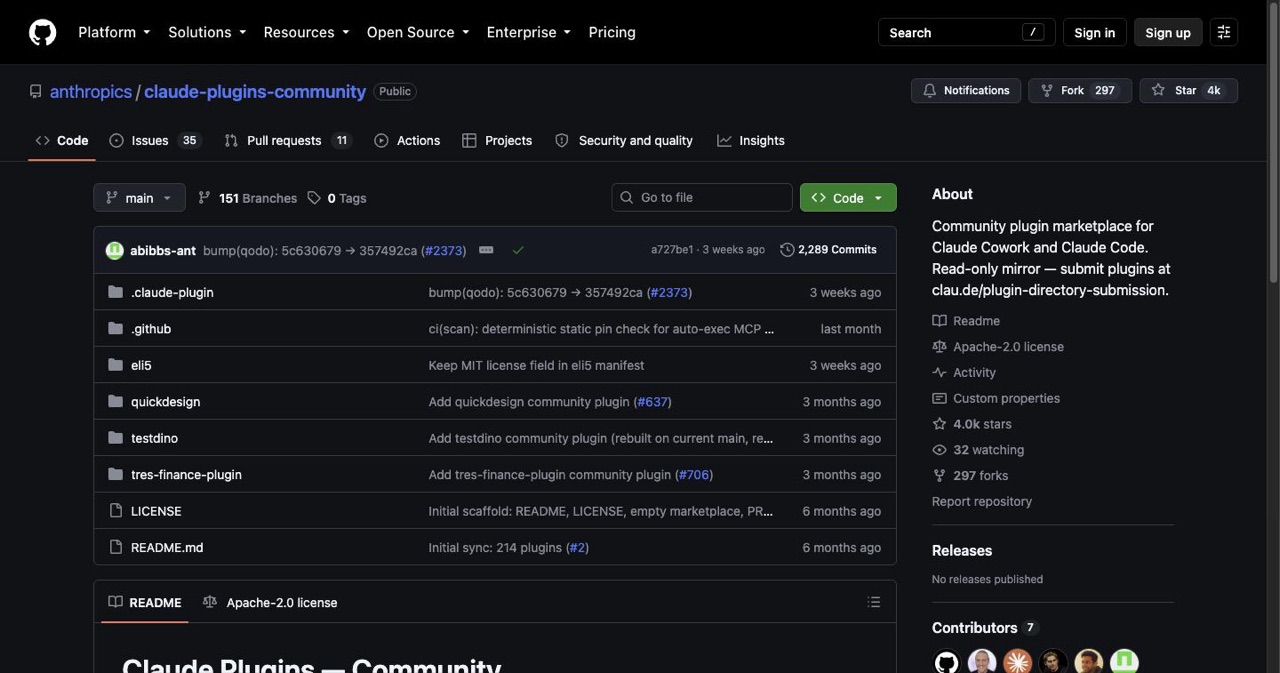
This is the part most posts get wrong. Anthropic runs two public marketplaces:
claude-plugins-official— a curated set maintained by Anthropic, registered automatically the first time you start Claude Code. (A non-interactive script can add it explicitly withclaude plugin marketplace add anthropics/claude-plugins-official.) Anthropic decides what's in it; there's no application process.claude-community— the public community marketplace where third-party plugins land after review (with automated safety screening). Add it with/plugin marketplace add anthropics/claude-plugins-communityand install from it as@claude-community.
Beyond those, any GitHub repo can be its own marketplace — that's how most of the big community frameworks distribute.
How to install — the exact commands
# 1. Add a marketplace (official auto-registers; add community or any repo)
/plugin marketplace add anthropics/claude-plugins-community
/plugin marketplace add owner/repo            # any community marketplace

# 2. Install a plugin from a marketplace
/plugin install name@marketplace

# 3. Open the plugin manager UI
/plugin

# 4. Test a plugin locally BEFORE trusting it (no install)
claude --plugin-dir ./the-plugin

# 5. Reload after changes
/reload-plugins
Each community framework's README will give you its exact marketplace add / install line — follow theirs, the pattern is always the same.
Install safely — read this before you /plugin install
Plugins can ship hooks that run shell commands automatically and MCP servers that reach external systems. That's powerful and also a trust decision. Don't skip it:
- Review before enabling — open the skills, hooks, and commands and read what they do.
- Test in isolation first —
claude --plugin-dir ./pluginloads it for one session without installing, ideally in a throwaway project. - Never paste secrets into a session; keep keys in
.env. - Adopt incrementally — one plugin, confirm it behaves, then the next. Don't drop five frameworks into a live repo on day one.
Skills & plugins worth using right now (June 2026)
A curated short list — verified live on GitHub. For the full tier list and what each teaches, see the repos-worth-cloning breakdown.
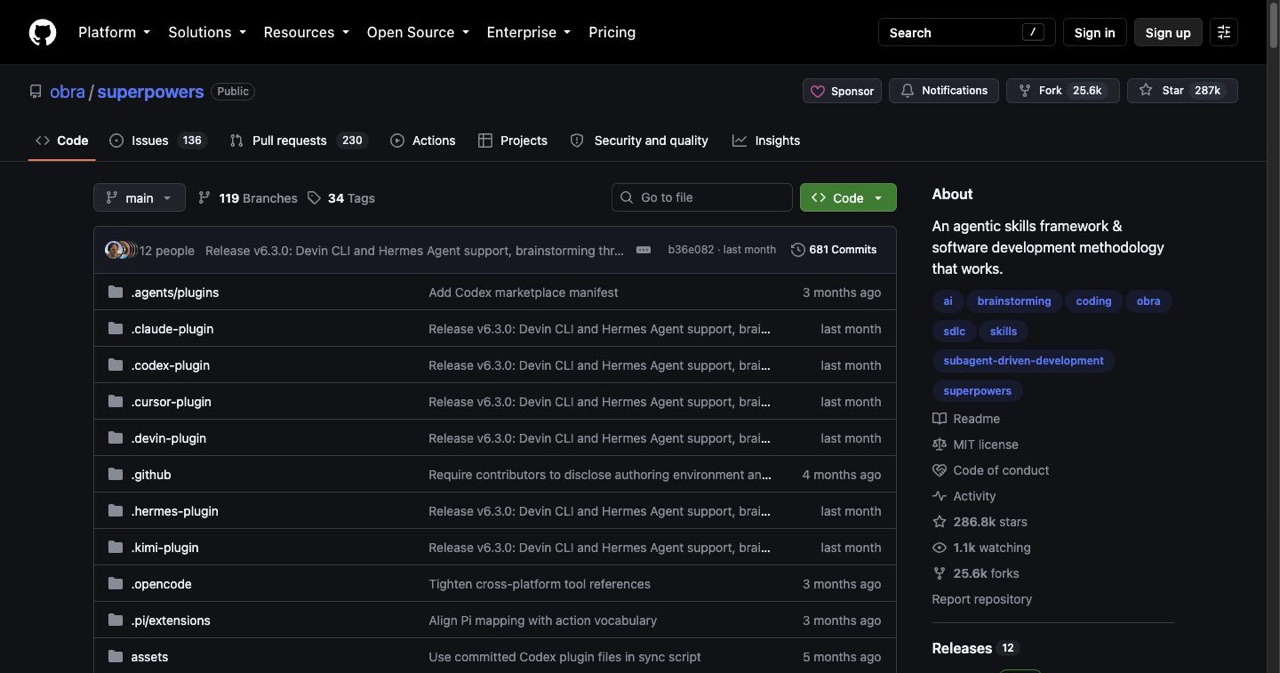
- obra/superpowers (~236k★) — the most complete agentic methodology: TDD enforcement, subagent-driven development, planning and review gates. The structure-and-discipline pick.
- mattpocock/skills (~141k★) — Matt Pocock's production engineering skills (
/tdd,/diagnosing-bugs,/grill-me,/handoff). Small and composable — adopt one at a time. - anthropics/skills (~154k★) — Anthropic's official skills, including document handling and frontend/design skills. The first-party reference.
- ComposioHQ/awesome-claude-skills (~66k★) — 1,000+ skills plus 78 Composio SaaS-automation integrations. Find a skill before you write one.
- multica-ai/andrej-karpathy-skills (~180k★) — Karpathy-style coding guardrails (think first, simplicity, surgical changes, verify against a goal).
- vercel-labs/agent-skills (~28k★) — Vercel's React/Next.js performance and best-practice skills.
Pick one framework as your spine (superpowers or a role set), add a skill source, and stop there. More isn't better.
Build your own skill
The fastest path to a custom skill:
claude plugin init my-tool
That scaffolds ~/.claude/skills/my-tool/ with a plugin.json manifest and a starter SKILL.md, and it auto-loads next session as my-tool@skills-dir — no marketplace step. For a single project, you can skip the scaffold entirely and just create .claude/skills/<name>/SKILL.md:
---
description: Reviews code for best practices and potential issues. Use when reviewing PRs or analyzing code quality.
---

When reviewing code, check for: organization, error handling, security, and test coverage.
Run /reload-plugins and Claude will invoke it automatically when the task matches the description. That's the whole loop — start tiny, then grow it into a plugin (/plugin install-able) when it's worth sharing.
Put it to use
- Structure the project first: the Claude Code projects hub.
- The full clone-and-learn repo list: 10 open-source repos worth cloning.
- Connect external tools: the best MCP servers for Claude Code (with exact setup commands).
- New to the tool? The beginner tutorial. Need a project? 15 ideas with prompts.
- Built something with a slick skill setup? List it free on SaaSCity.
FAQ
Skill vs plugin?
A skill is one SKILL.md; a plugin bundles multiple skills plus agents, hooks, and MCP, with versioning and a namespace.
How do I install one?
/plugin marketplace add owner/repo, then /plugin install name@marketplace. Official marketplace auto-registers; add community with /plugin marketplace add anthropics/claude-plugins-community.
Are community plugins safe?
Review them first (hooks auto-run shell commands), test with --plugin-dir, never paste secrets. The community marketplace screens submissions, but still review.
How do I make my own?
claude plugin init my-tool, or drop a .claude/skills/<name>/SKILL.md in your project. It's frontmatter + instructions.
Get your SaaS in front of founders
List your product on the SaaSCity live city map - a permanent listing, real discovery, and a backlink from a high-DR directory. Free to start; upgrade for a dofollow link and a building on the map.