Launch & Growth
JSON-LD for SaaS: The Structured Data Guide That Actually Gets You Rich Results
JSON-LD tells Google exactly what your SaaS does — here are the schema types, the implementation, and the rich result payoff that lets smaller SaaS products punch above their weight in search.


Contents (8)
Quick answer: JSON-LD is a schema.org script block placed in a page's head that tells Google and AI crawlers what a SaaS product is rather than leaving them to infer it from headings and copy. For SaaS the stack is WebApplication on the homepage, Organization sitewide, then FAQPage, AggregateRating, and BreadcrumbList. It does not change ranking position. It changes how the result looks, which is why Nestle measured 82 percent higher click-through on rich results.
Google can read your SaaS landing page. It just doesn't know what any of it means.
That gap — between content Google can parse and content Google understands — is exactly what JSON-LD for SaaS closes. It's why two products at the same search ranking can look completely different: one gets a plain blue link, the other gets star ratings, live pricing, breadcrumbs, and an expandable FAQ dropdown. You know which one earns the click.
Key Takeaways
- Google recommends JSON-LD over other formats: It sits in its own script tag separate from your HTML, so it does not break when frontend engineers refactor a component.
- WebApplication is the SaaS core type: It is the correct SoftwareApplication subtype for browser-based products, and its
offersobject can surface "From $29/mo" in the SERP before anyone clicks. - Organization runs sitewide: Put it in the root layout and fill
sameAswith every profile URL, including Product Hunt, G2, GitHub, and LinkedIn, to tie them to one entity. - Visible content is a hard requirement: FAQPage needs the questions on the page and AggregateRating needs the reviews on the page, or Google flags it as spam.
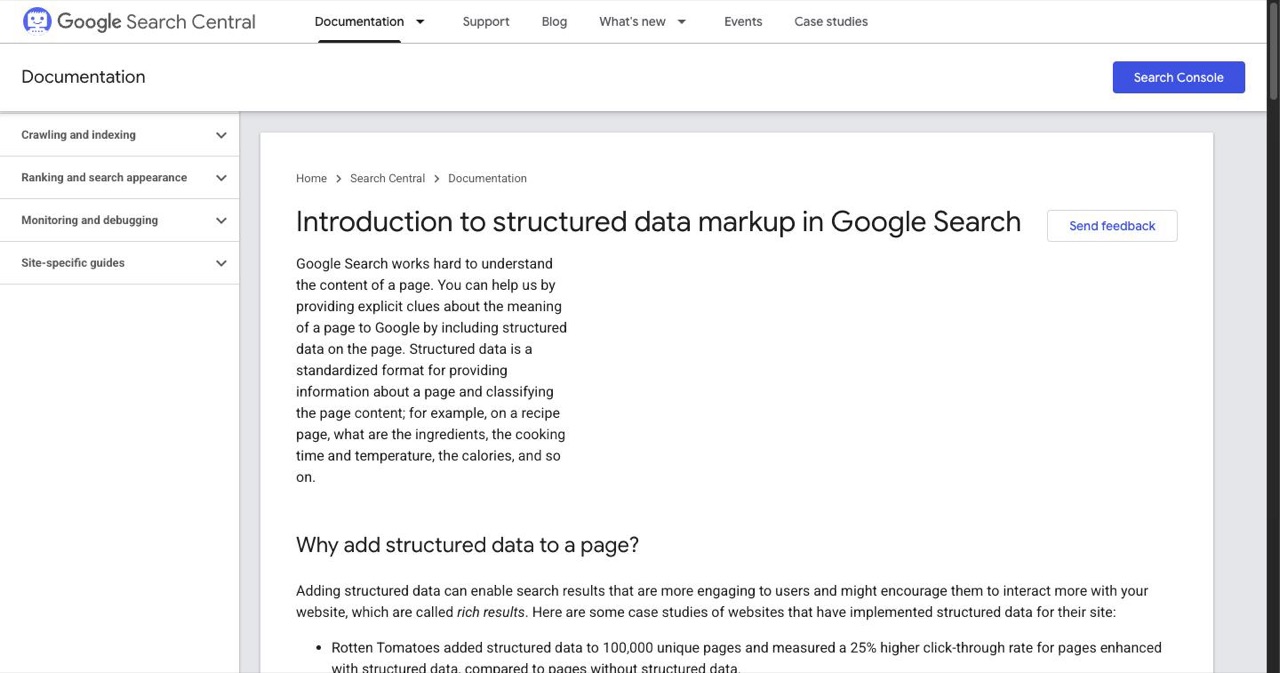
- Rich results lift CTR, not rank: Nestle saw 82 percent higher CTR, Rotten Tomatoes 25 percent across 100,000 pages, and a SearchPilot test 20 percent within 30 days.
- AI search reads it too: Perplexity, ChatGPT Search, and Gemini parse structured data when deciding how to surface a product in generated answers.
- Validate before shipping: Google's Rich Results Test and the schema.org validator are both free and both show the exact error lines.
What JSON-LD Actually Is
JSON-LD stands for JSON Linked Data. It's a script block you embed in your page's <head> that describes your content in a vocabulary every major crawler can parse without inference or guesswork.
What makes it different from older structured data formats like Microdata: you don't annotate your HTML elements. JSON-LD sits completely separate, in its own <script> tag. Browsers ignore it entirely. Crawlers treat it as a direct signal about what the page is, not just what it says.
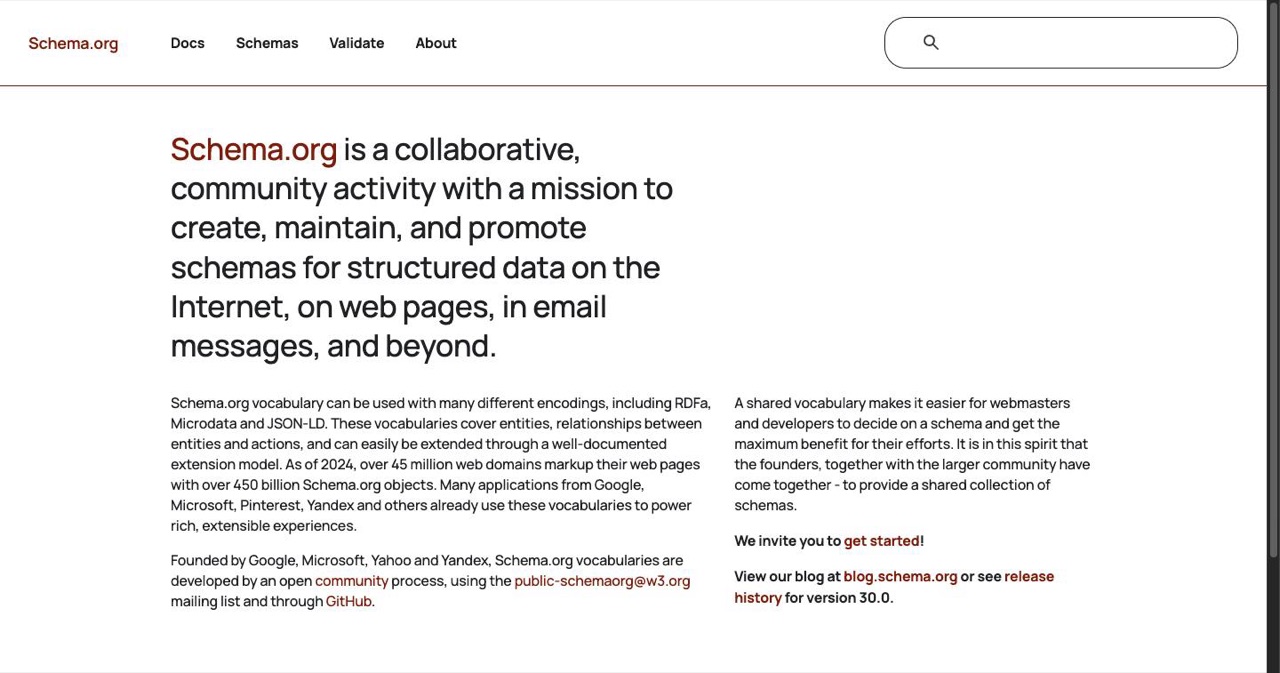
The vocabulary comes from schema.org — a joint project by Google, Microsoft, Yahoo, and Yandex to standardize how entities are expressed on the web. When you set "@context": "https://schema.org", you're using a shared dictionary that every major search engine reads natively.
That's why Google officially recommends JSON-LD over every other structured data format. It's simpler to write, easier to maintain, and because it's separated from your HTML, it doesn't break when your frontend engineers refactor a component.
Why This Matters Specifically for SaaS
SaaS products have a structural disadvantage in organic search. A homepage isn't an article. It doesn't have publication dates, named authors, or the content signals that help Google categorize editorial pages. Without structured data, Google is left inferring your product category from heading tags, copy density, and whatever it can scrape.
JSON-LD hands you direct control over that signal. You tell Google explicitly: this is a WebApplication, it costs $X/month, it has 4.8 stars from 247 reviews, it belongs in the BusinessApplication category. You stop relying on inference. This is the foundation of real SaaS technical SEO.
In 2026, the audience extends beyond Google. AI search systems — Perplexity, ChatGPT Search, Gemini — parse structured data when deciding whether and how to surface your product in generated answers. Machine-readable schema is no longer optional if you want visibility across AI-driven search.
The Schema Types That Move the Needle
Not all schema types are equally useful for SaaS. Here's the stack that actually matters:
| Schema Type | Primary Use | Rich Result Payoff |
|---|---|---|
| WebApplication | Browser-based SaaS core | App info + pricing in SERP |
| Organization | Brand identity, Knowledge Graph | Logo, sitelinks |
| FAQPage | Q&A sections | Expandable dropdowns |
| HowTo | Tutorial/walkthrough content | Step-by-step display |
| AggregateRating | Reviews from any source | Star ratings |
| BreadcrumbList | Site hierarchy | Clean path display |
| Product / Offer | Pricing structure | Price data in results |
WebApplication (Your Core Schema)
SoftwareApplication is the foundational type for any software product. WebApplication is the correct subtype for browser-based SaaS — which covers virtually every modern product in this category.
{
  "@context": "https://schema.org",
  "@type": "WebApplication",
  "name": "YourSaaS",
  "url": "https://yoursaas.com",
  "applicationCategory": "BusinessApplication",
  "operatingSystem": "Web",
  "offers": {
    "@type": "Offer",
    "price": "29",
    "priceCurrency": "USD",
    "description": "Pro plan, billed monthly"
  }
}
The offers object is where pricing data surfaces in rich results — potentially displaying "From $29/mo" directly in the SERP before anyone clicks. For conversion-conscious SaaS products, that pre-qualification matters. Visitors who click already know the price point; you're not filtering them out on the landing page.
Organization (Run It Sitewide)
Organization schema establishes your brand as a named entity in Google's Knowledge Graph, not just a string of text. Put it in your root layout and let it run on every page.
{
  "@context": "https://schema.org",
  "@type": "Organization",
  "name": "YourSaaS",
  "url": "https://yoursaas.com",
  "logo": "https://yoursaas.com/logo.png",
  "sameAs": [
    "https://twitter.com/yoursaas",
    "https://linkedin.com/company/yoursaas",
    "https://www.producthunt.com/products/yoursaas"
  ]
}
The sameAs array does the disambiguation work. Every profile URL you add tells Google "these are all the same entity." Include your Product Hunt page, G2 profile, GitHub org, LinkedIn page — each one strengthens the connection. This feeds into brand recognition across Google Search and how AI systems attribute your product in generated answers.
FAQPage (Unclaimed SERP Real Estate)
Every SaaS homepage has some version of an FAQ section. Most founders don't mark it up, which means they're leaving expandable search result space unclaimed.
{
  "@context": "https://schema.org",
  "@type": "FAQPage",
  "mainEntity": [{
    "@type": "Question",
    "name": "Does YourSaaS integrate with Slack?",
    "acceptedAnswer": {
      "@type": "Answer",
      "text": "Yes. YourSaaS connects natively via OAuth. Once authorized, you get real-time notifications in any channel you configure."
    }
  }]
}
FAQ schema makes qualifying pages eligible for expandable Q&A directly in the SERP — before the user clicks. For SaaS, that's valuable: you can place pricing questions, integration answers, or "does this replace X" objections right in the search result. Objections handled before the visitor even lands.
One hard requirement: FAQ content must be visibly present on the page. Google won't show rich results for questions that live only in your JSON and are hidden from users.
HowTo (For Tutorial Content)
If your site has walkthrough content — setup guides, integration tutorials, feature walkthroughs — HowTo schema makes them eligible for step-by-step rich results. Particularly useful for technical SaaS products where "how to connect X to Y" drives consistent search traffic. Mark up any content structured as numbered steps: documentation pages, blog posts, dedicated guide pages.
AggregateRating (If You Have Reviews)
Star ratings in SERPs are the highest-visibility rich result available to most SaaS products. The markup is straightforward:
{
  "@context": "https://schema.org",
  "@type": "WebApplication",
  "name": "YourSaaS",
  "aggregateRating": {
    "@type": "AggregateRating",
    "ratingValue": "4.8",
    "reviewCount": "247",
    "bestRating": "5"
  }
}
The requirement: ratings must be visible on the page itself. You can pull aggregate scores from G2 or Trustpilot — a "4.8/5 on G2 from 247 reviews" line in your social proof section qualifies. Schema with no visible reviews on the page gets flagged as spam and disqualifies you from rich results entirely.
BreadcrumbList (Five Minutes, Permanent Payoff)
Breadcrumbs replace the full URL in search results with a readable path. /pricing becomes YourSaaS › Pricing. It makes your listing look intentional — meaningfully different from a competitor still showing yoursaas.com/pricing?utm_source=nav&ref=top.
Add this to every page except the homepage:
{
  "@context": "https://schema.org",
  "@type": "BreadcrumbList",
  "itemListElement": [{
    "@type": "ListItem",
    "position": 1,
    "name": "Home",
    "item": "https://yoursaas.com"
  },{
    "@type": "ListItem",
    "position": 2,
    "name": "Pricing",
    "item": "https://yoursaas.com/pricing"
  }]
}
List Your SaaS on SaaSCity
Building something worth finding? Get it indexed where builders are actually looking.
SaaSCity is a free startup directory with an interactive 3D city map — every listed product gets a building, a permanent indexed page, and a dofollow backlink that builds your domain authority from day one.
What you get:
- Free listing with a dedicated, indexed product page — add our badge to your homepage and book a launch week in the free queue
- Dofollow backlink (DR 40+) that strengthens your SEO baseline
- 3D city presence — your SaaS on the map, not buried in a spreadsheet
- Direct visibility to founders and early adopters actively exploring new tools
Submit your product for free →
The Click-Through Data Is Hard to Dismiss
Structured data doesn't change your ranking position — Google says this explicitly. What it changes is how your result looks, and that changes how often people click.
The data from brands that have implemented it is consistent enough to be a real signal:
- Nestlé saw an 82% higher CTR for pages with rich search results vs. plain links
- Rotten Tomatoes added structured data to 100,000 pages and measured a 25% CTR lift on enhanced results
- A SearchPilot experiment found 20% CTR improvement on product pages within 30 days of schema implementation
- FAQ schema alone drove a 30% organic CTR increase within three months on a mid-size ecommerce site
The mechanism makes sense. A result with star ratings, pricing, and expandable Q&A occupies more visual space, answers questions before the click, and carries trust signals that plain links can't. Users trained on years of rich Google results will skip the plain blue link in favor of the one that tells them more.
For smaller SaaS teams, the competitive asymmetry here is worth noting. Most competitors at the same ranking position haven't implemented structured data correctly. A complete schema markup setup — particularly AggregateRating and FAQPage — can make your result outperform competitors who rank two or three positions above you.
Position 6 with rich results often beats Position 3 without.
What to Actually Do This Week
The implementation sequence that makes sense for most SaaS products, in order:
1. Homepage first. Add WebApplication schema with your name, URL, applicationCategory, and offers. 20 minutes to write, five minutes to place in your <head>. This is your core machine-readable product signal.
2. Organization schema sitewide. Embed it in your root layout. Populate sameAs with every profile URL you have — Twitter, LinkedIn, GitHub, Product Hunt, G2, wherever your product is listed. Build entity recognition once; it persists on every page.
3. Mark up your FAQ section. If visible Q&A content exists on your site, the JSON-LD wrapping it takes ten minutes. Expandable SERP dropdowns as soon as Google re-crawls.
4. BreadcrumbList on every non-homepage route. Pricing, features, blog posts, docs — each declares its position in your site hierarchy. Clean breadcrumbs in search results at zero ongoing cost.
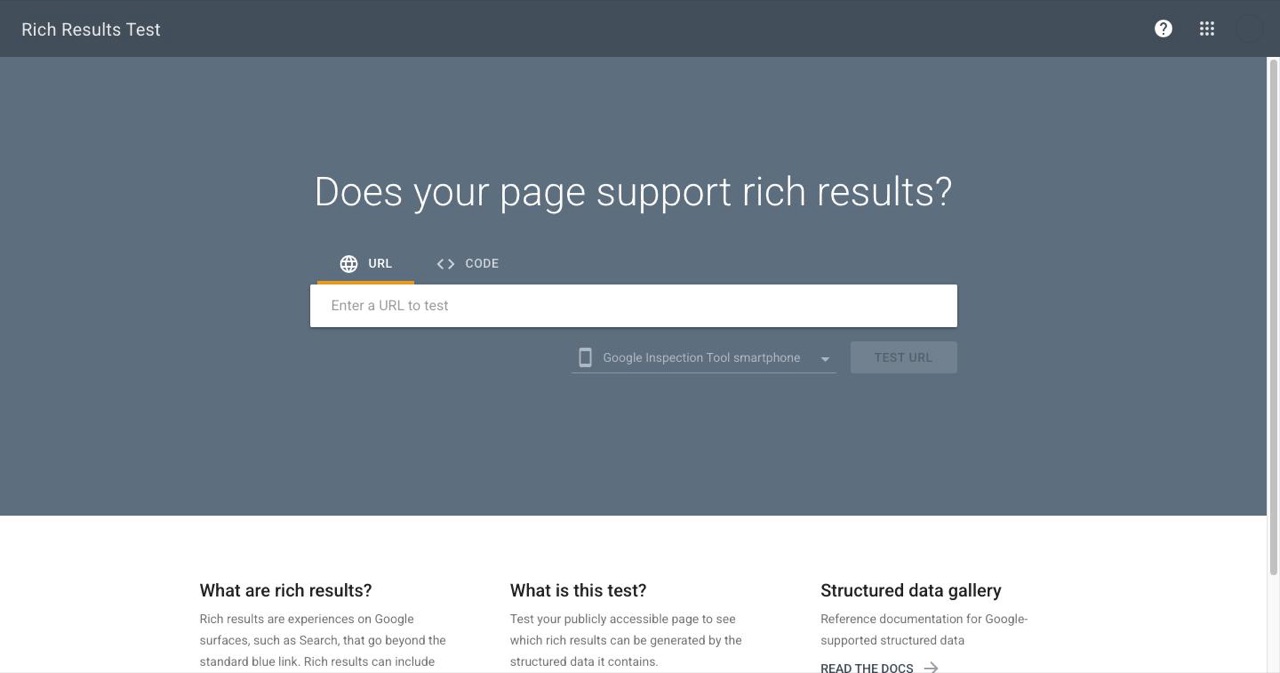
5. Validate before shipping. Run every page through Google's Rich Results Test and the schema.org validator. Both are free, both show exact error lines. No reason to guess.
6. Layer it with your other SEO work. Schema sits at the technical layer. Directory submissions and backlinks from high-DR sources build domain authority in parallel. None of these conflict — they compound. Structured data makes pages machine-readable; backlinks make them authoritative. Taken together with everything in a solid startup launch checklist, you're building a search presence that holds.
The Part Most Guides Skip
Schema implementation has a ceiling, and it's worth knowing where it sits.
WebApplication schema doesn't guarantee a rich result — Google decides eligibility, and those criteria aren't always published. AggregateRating requires reviews on the page. FAQPage requires visible questions. HowTo requires actual numbered steps. Partial implementations with missing required fields produce nothing.
The fastest path to rich results isn't implementing every schema type. It's implementing the types you're genuinely eligible for, completely. A complete FAQPage with three well-structured questions gets expandable SERP dropdowns within weeks. Six schema types bolted on sloppily get nothing.
The right mental model: structured data SEO isn't a ranking trick. It's a communication layer between your site and every system that indexes the web. You're giving search engines and AI crawlers an accurate description of what your product is, what it costs, how it's rated, and where it sits in your site structure. Their job is to decide what to display. Your job is accuracy and completeness.
One <script> tag, done correctly, outperforms six schema types done halfway. Start with the one that fits your page, get it right, and build from there.
SaaSCity.io covers SaaS growth, SEO, and the startup ecosystem. Explore the SaaSCity directory to discover what's shipping right now — or list your own product.
Get your SaaS in front of founders
List your product on the SaaSCity live city map - a permanent listing, real discovery, and a backlink from a high-DR directory. Free to start; upgrade for a dofollow link and a building on the map.