Launching Aug 2–8, 2027
This launch is approved and scheduled. You can share the page now, and it goes live in the feed during its launch week.
Kura
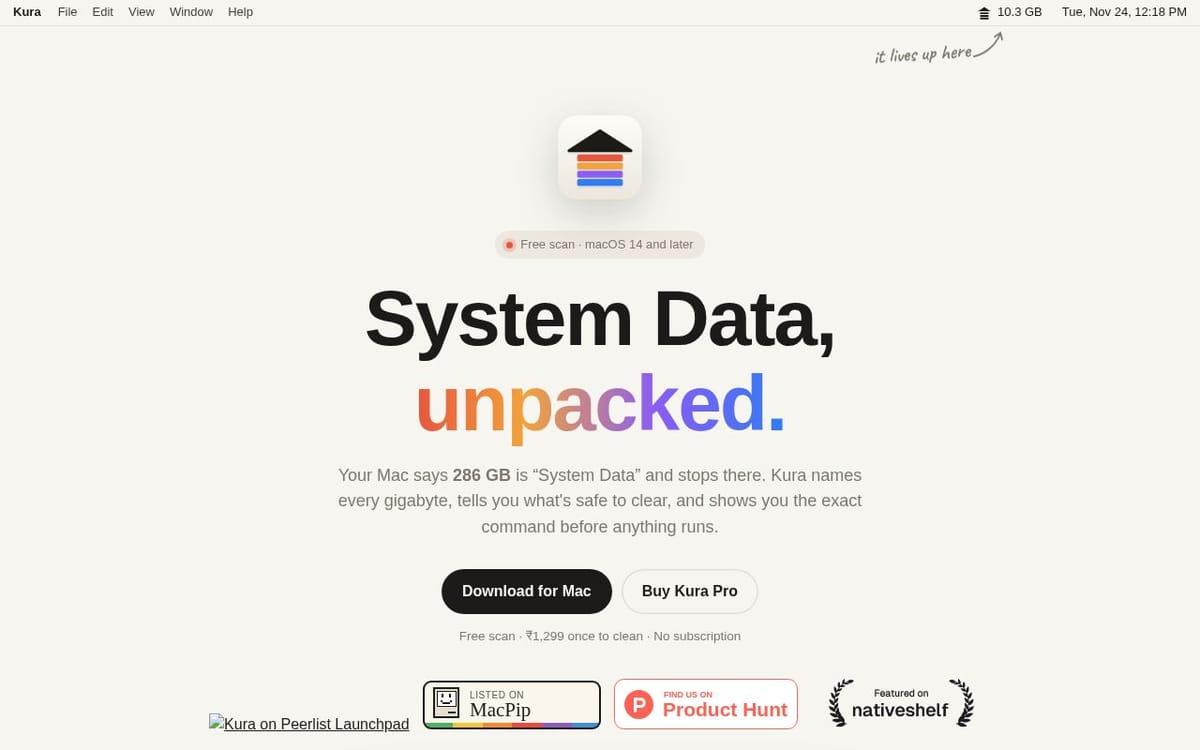
Kura names every gigabyte, tells you what's safe to clear, and shows you the exact command before
50points
Recent Supporters
Details
Launched
November 24, 2026
Category
Productivity
Pricing
Freemium
Tags
About Kura
Kura for Mac scans System Data and lists what is taking up space, including snapshots, AI models, Docker data, Xcode files, backups, and app caches. It shows the size and safety rating for each item, helping Mac users understand what can be removed and what should stay.
The scan and its explanations are free. Kura Pro adds one-click cleaning, snapshot cleanup, Finder access, and the option to view and copy the command behind each fix. Files are moved to the Trash where possible, and the scan and cleanup happen on the Mac. Kura supports macOS 14 Sonoma and later on Apple silicon and Intel.
What Kura does
Kura scans a Mac’s System Data and lists the items that make up the storage category, including snapshots, caches, Docker data, Xcode files, AI models, and device backups. It shows each item’s size and a safety rating so users can review what is taking up space and what can be removed. The scan and explanations are free; Kura Pro cleans selected items. The product is designed to clarify a storage category that macOS presents as a single number.
Kura reads file names and sizes on the Mac and organizes detected System Data into a map and list. Users review each item, its size, and its safety status, then select items to clean with Kura Pro. Kura shows the exact command behind each fix; Pro users can copy and run it themselves. Files are moved to the Trash so they can be restored, while snapshot cleanup requires a second confirmation. Kura also offers Show in Finder for detected items.
Kura is for Mac users who want to understand and manage storage reported as System Data. It supports macOS 14 Sonoma and later on Apple silicon and Intel Macs. The page distinguishes it from whole-disk visualization tools and all-in-one cleaning suites: Kura focuses on explaining System Data line by line. Scans happen locally, with no account or telemetry; the free version never goes online.
Based on kura.ninad.wtf, read on Nov 24, 2026.
Key features
- Scans and lists System Data files with sizes
- Rates items for safety
- Shows disk space before and after cleaning
- Moves selected files to Trash
- Displays the exact Terminal command for each fix
- Runs scans and cleaning locally on Mac
What people use Kura for
- 01Find what is using Mac System Data storage
- 02Review which items are safe to remove
- 03Clean selected snapshots, caches, and other files
- 04Open detected items in Finder
- 05Copy commands to run fixes in Terminal
More in Productivity
Browse all Productivity Mumble AI
 is a voice-first productivity app for Mac that combines meeting recording, dictation
 PixPin
An all-in-one productivity tool featuring smart screenshots, scrolling capture, screen recording
 VidBG Remover
 is an AI-powered online tool that allows users to remove video backgrounds quickly
 PDFtoMD
Convert any PDF into clean, structured Markdown in seconds with PDFtoMD
 MikeSullyTools
Fix blurry photos and improve short videos in your browser.
 Reply Argus
Best app review management for iOS and Android