
MyFreeTools
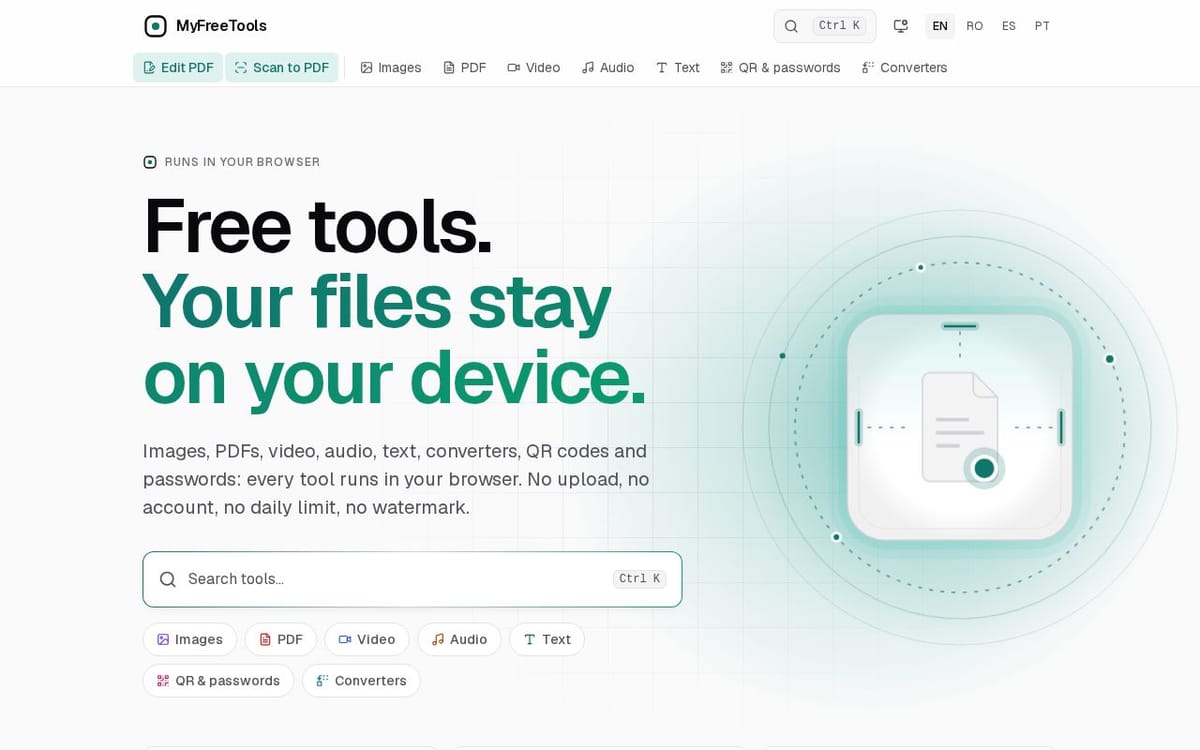
Free tools. Your files stay on your device.
150points
Recent Supporters
Details
Launched
November 14, 2026
Category
Productivity
Pricing
Free
Tags
About MyFreeTools
MyFreeTools is a collection of browser-based tools for working with images, PDFs, video, audio, text, QR codes, passwords, archives, fonts and documents. Tools include image and document converters, PDF editing and scanning, video and audio editing, text comparison, OCR, and QR code generation and reading.
The site is for people who want to process files without uploading them or creating an account. Files are handled in the browser using open-source engines compiled to WebAssembly, and the site says tools work offline after their first visit. It also states there are no daily limits or watermarks.
What MyFreeTools does
MyFreeTools provides browser-based tools for working with images, PDFs, video, audio, text, QR codes, passwords, and other file formats. Users can edit, convert, compress, organize, and extract information from files using individual tools. The site says files are processed on the user's device rather than uploaded to a server, and it offers the tools without an account, daily limit, or watermark.
A user opens a tool in the browser and selects or drops a file. The browser reads the file into the device's memory and passes it to a Web Worker for processing. The site says its tools use open-source engines compiled to WebAssembly, along with browser video and audio encoders. Pages and engines are cached after they are downloaded, allowing tools that have been opened once to work offline. Results are processed on the device.
The site is for people who need browser-based utilities for documents, images, video, audio, text, archives, fonts, QR codes, or passwords. Its tools cover tasks such as converting formats, editing PDFs, compressing media, and extracting text. MyFreeTools states that processing happens on the user's device, with no upload or account required, and that tools can work offline after the first visit.
Based on myfreetools.com, read on Nov 14, 2026.
Key features
- Edit and convert images and PDFs
- Compress, trim, and convert video
- Trim, adjust, and convert audio
- Compare text and recognize text in images
- Generate QR codes and passwords
- Process files in the browser
What people use MyFreeTools for
- 01Edit, merge, split, or convert PDF files
- 02Compress or resize images
- 03Trim, join, or convert video and audio
- 04Extract text from photos or scanned PDFs
- 05Generate QR codes and random passwords
More in Productivity
Browse all Productivity Mumble AI
 is a voice-first productivity app for Mac that combines meeting recording, dictation
 PixPin
An all-in-one productivity tool featuring smart screenshots, scrolling capture, screen recording
 DuoPlus Cloud Phone
 helps you run unlimited accounts on independent Android environments.
 VidBG Remover
 is an AI-powered online tool that allows users to remove video backgrounds quickly
 PDFtoMD
Convert any PDF into clean, structured Markdown in seconds with PDFtoMD
 MikeSullyTools
Fix blurry photos and improve short videos in your browser.