Launching Mar 22–28, 2027
This launch is approved and scheduled. The page is shareable now and goes fully live in its launch week.

NoScribe
Transcribe Audio & Video Files
50points
Recent Supporters
Details
Launched
November 10, 2026
Category
SaaS & B2B
Pricing
Freemium
Tags
About NoScribe
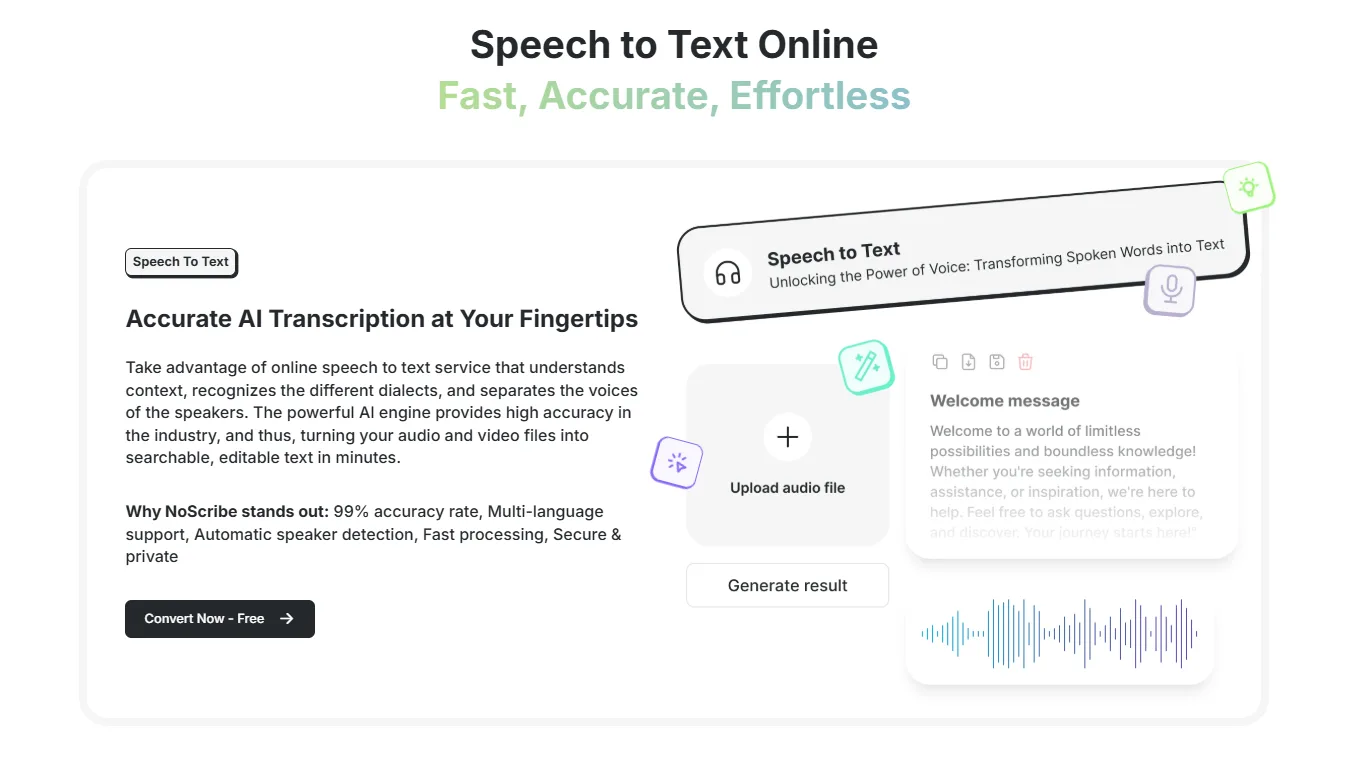
NoScribe is an easy-to-use speech-to-text and transcription platform that helps you convert spoken words into written text quickly and accurately.
Whether you need to transcribe audio recordings, dictate notes, or convert lengthy recordings into text, NoScribe makes the process simple. Upload audio files or use live dictation to turn speech into text without spending hours typing manually.
Key features include:
- **Audio Transcription:** Convert audio recordings into text with ease.
- **Live Dictation:** Speak naturally and see your words converted into text in real time.
- **Multilingual Support:** Transcribe content in multiple languages.
- **Speaker Detection:** Automatically identify different speakers in recordings.
- **Timestamp Support:** Keep track of when words are spoken.
- **Multiple Export Formats:** Download transcripts in formats such as TXT, PDF, DOCX, SRT, and VTT.
NoScribe is designed for students, professionals, researchers, content creators, and businesses looking for a faster and more convenient way to work with spoken content.
What NoScribe does
NoScribe converts audio and video files into editable, searchable text. It supports more than 100 languages and can automatically detect the language or use a language selected by the user. Its speaker identification feature distinguishes voices and labels them in the transcript. The service is intended for recordings such as podcasts, meetings, interviews, and lectures, and offers transcript exports for captions, notes, and sharing.
A user uploads an audio or video file by dragging and dropping it or selecting it, then chooses a language or uses automatic detection. Speaker identification can be enabled, with an expected speaker count selected or detected automatically. NoScribe processes the recording into text that can be edited in its built-in editor. The user can download the transcript as .txt, .srt, .vtt, .docx, or .pdf, with timestamps and speaker labels when applicable.
The page describes NoScribe for people transcribing podcasts, meetings, interviews, and lectures, and highlights content creators and freelancers, as well as teams, businesses, and agencies in its paid plan descriptions. It supports multilingual recordings and speaker identification for recordings with multiple voices. The page also states that files are encrypted during upload and processing and are not stored on its servers after processing is complete.
Based on noscribe.ai, read on Nov 10, 2026.
Key features
- Transcribes audio and video files
- Supports over 100 languages
- Automatically detects and labels speakers
- Exports transcripts in multiple formats
- Translates transcripts
- Provides encrypted cloud storage
What people use NoScribe for
- 01Transcribe podcasts, meetings, interviews, and lectures
- 02Create subtitles and web captions
- 03Download transcripts for notes or sharing
- 04Translate transcripts for multilingual content