Launching Dec 7–13, 2026
This launch is approved and scheduled. The page is shareable now and goes fully live in its launch week.

NotchPop
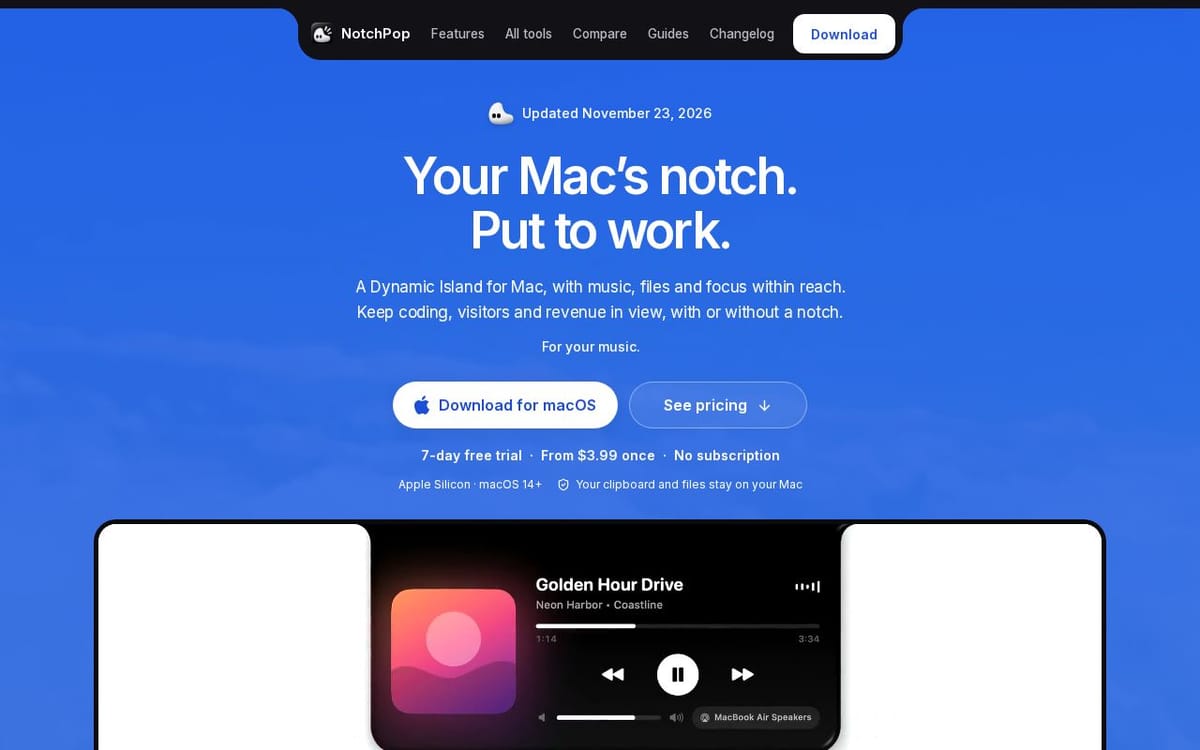
A Dynamic Island for Mac, with music, files and focus within reach.
50points
Recent Supporters
Details
Launched
November 23, 2026
Category
Productivity
Pricing
Free trial
Tags
About NotchPop
NotchPop is a native Mac app that brings tools and live activity into a notch or floating island. It includes music controls, a file shelf, clipboard history, focus timers, calendar and meeting alerts, Mac vitals, and activity from coding agents. Users can pin and reorder the tools they want to keep close. It works with or without a physical notch and requires macOS 14 or newer on Apple Silicon Macs.
The app is aimed at Mac users, including builders who want to keep local servers, coding activity, website visitors and revenue in view. Clipboard and file processing stay on the Mac, while connected features fetch data from selected services. NotchPop offers a 7-day free trial; a lifetime license starts at $3.99 for one Mac, with no subscription.
What NotchPop does
NotchPop is a native Mac app that puts tools and live activity in the Mac’s notch or a floating island. It brings music controls, a file shelf, clipboard history, focus timers, calendar information, coding activity, local servers, website visitors, and revenue into view. The app is designed to keep frequently used tools and work updates accessible without opening separate windows or dashboards. Clipboard history and files stay on the Mac.
Users choose which tools appear, turn extensions on or off, and arrange the tab bar to fit their workflow. NotchPop displays selected tools in the Mac’s notch or in a floating island on Macs without a physical notch. Users can control music, stage files, run focus timers, and check connected activity. Modules fetch live data directly from chosen providers, while API keys are stored in the Mac’s Keychain. Features request permissions when needed.
NotchPop is for Mac users who want music, files, focus tools, and work updates close at hand, including builders who monitor coding activity, local servers, and revenue. It is a native Swift and SwiftUI app for Apple Silicon Macs running macOS 14 or newer. It works with or without a physical notch, and users can choose which tools to show. Clipboard and file processing stays local.
Based on notchpop.com, read on Nov 23, 2026.
Key features
- Music playback and audio output controls
- File shelf and clipboard history
- Focus timers and hydration reminders
- Revenue and paid-order monitoring
- Coding activity and usage tracking
- Customizable notch or floating island
What people use NotchPop for
- 01Control music and switch audio outputs
- 02Stage files before sending them elsewhere
- 03View coding activity and usage
- 04Check sales and revenue from connected providers
- 05Run focus timers and receive hydration reminders
More in Productivity
Browse all Productivity Mumble AI
 is a voice-first productivity app for Mac that combines meeting recording, dictation
 PixPin
An all-in-one productivity tool featuring smart screenshots, scrolling capture, screen recording
 VidBG Remover
 is an AI-powered online tool that allows users to remove video backgrounds quickly
 PDFtoMD
Convert any PDF into clean, structured Markdown in seconds with PDFtoMD
 MikeSullyTools
Fix blurry photos and improve short videos in your browser.
 Reply Argus
Best app review management for iOS and Android