Skip to main content
Signatoro
Create and manage your email signatures effortlessly.
200points
Recent Supporters
About Signatoro
Signatoro gives AI agents and automation workflows a way to append a real, up-to-date email signature to every outgoing message. Each user gets a personal API key, and any AI assistant, CRM, n8n, Zapier, or Make scenario can call the REST API to fetch the saved signature at send time. No mail-server configuration is involved: there are no server-side rules, no Group Policy scripts, and no add-ins to install. The API also supports a "short" cold-outreach mode that returns only a name, role, and one link, alongside the full signature mode for standard correspondence.
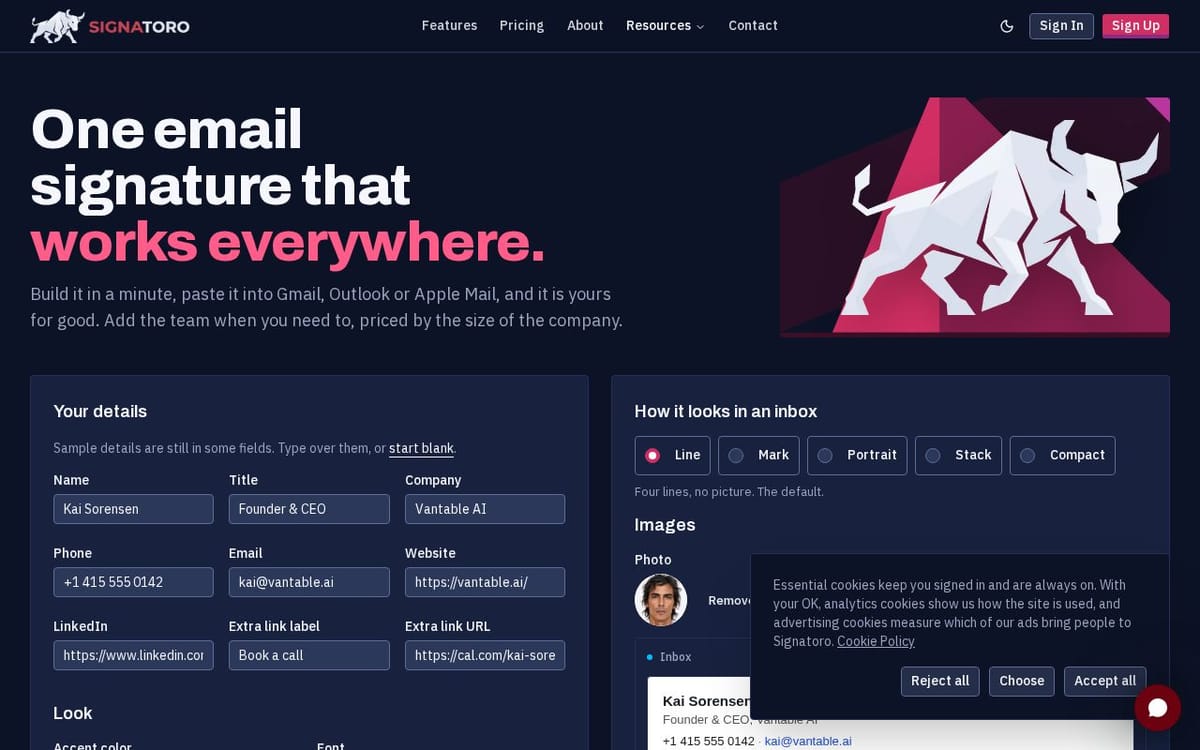
For humans building signatures by hand, Signatoro offers five layouts, one accent colour, and an optional photo or logo upload. A signature can be created in minutes and pasted into Gmail, Outlook (classic and new), Apple Mail, Zoho Mail, iOS Mail, or any client that accepts HTML. Zoho Mail is supported natively, so teams already inside the Zoho ecosystem can adopt Signatoro without workarounds. Export options include copy as plain text, copy as HTML, download, and a test-email send. Paid plans add PNG export for tools that require an image-format signature.
Company branding is controlled in one place. An owner sets a single logo, accent colour, and font, and those choices propagate to every team member's signature automatically. When the owner updates the brand, each person receives their new signature by email. Team members are invited by email and keep their own name, title, phone number, links, and photo.
Every signature ships as real HTML and text. Layouts use inline-styled tables, hosted images, no tracking pixels, and no broken links. Phone numbers stay selectable, links stay clickable, and content remains accessible to screen readers. Because Signatoro never sits in the mail path, there is no risk of interfering with email delivery.
What Signatoro does
Signatoro helps users create and manage professional email signatures. It provides tools to customize signatures to suit different styles and integrates with various mail applications. Users can test how their signatures appear in their inboxes before finalizing them, improving email professionalism and consistency.
Users start by entering their details to create a signature. They can choose a design, modify fonts, and adjust colors. After customizing, they can test how it appears in their email clients. Once satisfied, instructions are provided for easy installation on popular email platforms.
Signatoro is designed for professionals and teams looking to enhance their email communication with consistent and polished signatures. It caters to users across different industries, providing customizable options to fit varying brand identities.