Build with AI
7 Must-Have Tools Every iOS Developer Should Use in 2026
Starting April 2026, every App Store submission requires the iOS 26 SDK. Here are the seven tools—from Xcode 26's native AI to RocketSim's simulator superpowers—that separate weekend shippers from six-week debuggers.

Contents (14)
- Key Takeaways
- Why 2026 Is a Different Game
- 1. Xcode 26 — The Foundation You Can't Skip
- 2. Cursor — The AI-First Editor That Pairs With Xcode
- 3. Claude Code — The Agentic Workhorse for Complex Swift
- 4. GitHub Copilot for Xcode — The Daily Driver
- 5. iSwift.dev — iOS-Specific AI App Generation
- 6. Firebase — Still the Fastest Backend for Indie Apps
- 7. RocketSim — The Simulator Enhancement You Didn't Know You Needed
- The 2026 Stack at a Glance
- How the Workflow Actually Fits Together
- Common Mistakes Worth Avoiding
- Get Your App Discovered on SaaSCity
- The Bottom Line
Quick answer: The seven tools worth an iOS developer's time in 2026 are Xcode 26 (free, with built-in GPT-5 and Claude Sonnet 4 coding intelligence and agentic coding since 26.3), Cursor (~$20/month for multi-file AI refactors), Claude Code (terminal agent for large restructures), GitHub Copilot for Xcode (daily in-editor assistant with Agent Mode), iSwift.dev (iOS-native app generation with HIG compliance), Firebase (free Spark tier backend), and RocketSim (simulator enhancement, reported 2x faster testing).
Key Takeaways
- The deadline is live: Since April 2026 every App Store submission must be built with the iOS 26 SDK or later.
- Xcode 26 ships AI natively: GPT-5, GPT-4.1 and Claude Sonnet 4 are selectable from Intelligence settings on macOS Tahoe with Apple Silicon.
- Agentic coding arrived in 26.3: Claude Agent and Codex can create files, build projects, run tests and snapshot results inside Xcode.
- Use two tools, not one: Xcode's AI handles focused local tasks; Cursor and Claude Code handle multi-file refactors.
- SwiftUI is the default: UIKit is legacy maintenance, and SceneKit is now deprecated across all Apple platforms in favor of RealityKit.
- Free stack first: Xcode 26 and RocketSim cost nothing, and Firebase's Spark plan covers 0 to 10,000 users.
- Review every diff: Agent hallucinations are real, so AI speeds up the first version while your judgment decides what ships.
Your app idea is ready. You open Xcode, stare at the blank project, and six weeks later you're still fighting a layout bug in portrait mode. Meanwhile, someone on X just shipped a full SwiftUI app in a weekend. The difference? Their tool stack.
Starting April 2026, every App Store submission must be built with the iOS 26 SDK or later — which means this is the exact moment to audit your workflow. Whether you're launching a SaaS product or shipping your first indie app, the right tools make or break your timeline.
Here are the seven tools that are actually worth your time.
Why 2026 Is a Different Game
SwiftUI is no longer the "new" thing. It's the default. UIKit is for legacy maintenance and that's about it. AI now supports the entire development lifecycle — from writing code to testing, debugging, and documentation. The indie devs shipping apps in days aren't superhuman. They've just assembled the right stack.
If you're building an AI-powered app and need a backend fast, our guide on how to build an AI SaaS in 2026 covers the full architecture. But first — the tools.
Here's that stack.
1. Xcode 26 — The Foundation You Can't Skip
Free | Requires macOS Tahoe (Apple Silicon)
With Xcode 26 and macOS Tahoe, Apple introduced built-in AI coding assistance — you can now use models like ChatGPT and Claude directly inside Xcode, no extra setup required.
That's the headline. But the details matter more.
Supported models include GPT-5 (the default for complex tasks), GPT-4.1, and Claude Sonnet 4 — each accessible directly from Intelligence settings. You can generate code, fix bugs, write documentation, and get inline explanations without ever leaving the editor.
Then in February 2026, Apple pushed it further. Xcode 26.3 introduced agentic coding — agents like Claude Agent and Codex can now create new files, examine code structure, build projects, run tests, take image snapshots to verify their work, and access Apple's full developer documentation.
Other highlights include two new hardware-assisted Instruments tools — Processor Trace and CPU Counter — plus a new SwiftUI instrument that visualizes how data changes affect view updates. The #Playground macro lets you preview non-UI code inline. The new Icon Composer creates layered Liquid Glass icons from a single design across iPhone, iPad, Mac, and Watch.
The honest catch: Xcode's AI assistant works best with simple, localized tasks. When a change touches several files or layers of the app, keeping prompts focused and contained gives the best results. For complex multi-file refactoring, you'll want something else alongside it.
Best for: Everyone. This is non-negotiable.
2. Cursor — The AI-First Editor That Pairs With Xcode
Free tier | Pro ~$20/month
Cursor doesn't replace Xcode. It runs alongside it — and handles the parts Xcode's native AI still struggles with.
Cursor indexes your entire Swift project and allows you to ask questions like "Where is user authentication handled, and how can I add a new field to the token?" — pointing you directly to the relevant files. The Cmd+K shortcut lets you select a block of SwiftUI code and write "Refactor this to use MVVM and extract the logic to a ViewModel" and Cursor will make the changes in-place, showing a clean diff.
In 2026, the agent capabilities are the real story. Cursor's agents plan, write code across multiple files, run tests, fix bugs, and iterate — building entire features end-to-end while you focus on architecture decisions. The Tab autocomplete predicts multi-line edits based on context from your entire codebase. If you've been following the vibe coding revolution, Cursor is ground zero for that movement.
Cursor also ships with multi-model flexibility — you can switch between GPT-5.4, Claude Opus 4.6, Gemini 3, and proprietary models per task. Five major releases shipped in March 2026 alone.
The workflow is: write in Cursor, compile in Xcode. Yes, there's window-switching. Worth it.
Best for: Developers who want maximum AI power for complex features and multi-file refactors.
3. Claude Code — The Agentic Workhorse for Complex Swift
Subscription (Claude Max or Pro)
Developers can now use Anthropic's Claude Agent directly in Xcode 26.3 to tackle complex tasks autonomously — from breaking down tasks to making decisions based on project architecture and using built-in tools.
But Claude Code in the terminal is its own thing. Think of it as your senior engineer who never gets tired, never context-switches, and deeply understands Swift concurrency, MVVM patterns, and which SwiftUI modifiers got deprecated last month. We covered some of the wildest Claude Code projects going viral — iOS work is a major category.
Where Claude Code shines is long, multi-step work: restructuring an entire feature, enforcing architectural consistency across 20 files, or migrating from a UIKit legacy codebase. You describe the goal; Claude Code maps the project, makes the changes, builds, checks for errors, and iterates.
The combination of Claude Code in the terminal + Xcode 26.3's native Claude Agent integration is the closest thing to pair programming with someone who has read all of Apple's documentation.
Best for: Experienced devs building production-grade features or dealing with complex codebases.
4. GitHub Copilot for Xcode — The Daily Driver
Copilot subscription required (free tier available)
If you had to pick one third-party tool that integrates most smoothly into an existing Xcode workflow, GitHub Copilot is it.
GitHub Copilot for Xcode is an AI coding assistant for Swift, Objective-C, and iOS/macOS development — with completions, chat, code review, next edit suggestions, Agent Mode, and vision features.
Agent Mode is the 2026 update worth knowing. It edits files, runs commands, searches your codebase, and supports MCP tool integrations — meaning you can plug in external context sources and workflows directly.
The most useful AI work in Xcode is usually not flashy. Writing Swift faster, building first-pass SwiftUI views, explaining compiler errors, drafting tests, cleaning old code, summarizing crash logs, writing release notes — these are the tasks where AI saves time without asking you to trust it too much. Copilot covers all of it without making you change editors.
If you're shipping your app and want to nail the visual first impression too, check out the best AI iOS App Store screenshot generators — because great code deserves great marketing.
Best for: Developers who want the smoothest GitHub integration and a reliable daily assistant inside Xcode.
5. iSwift.dev — iOS-Specific AI App Generation
Free tier | Pro from ~$20/month
General-purpose AI tools are good at code. iSwift.dev is specifically good at iOS code — and that specificity matters.
Xcode AI is the only option with native SwiftUI and Apple framework awareness built in — and iSwift.dev is built on the same premise, focused specifically on iOS development. It handles real-time iPhone previews, concept-to-Xcode export, Apple Human Interface Guidelines compliance, and production-ready SwiftUI output.
For indie developers who want to go from "I have an app idea" to "I have a compiling Xcode project" in an afternoon, iSwift.dev fills a gap that general-purpose tools miss — they don't know iOS HIG, they don't know which modifiers are deprecated in iOS 26, and they don't have Xcode export built into the workflow.
If you need rapid prototyping inspiration, our roundup of 10 AI-powered iOS app ideas for fitness coaching shows what's possible when you combine tools like iSwift.dev with a focused niche.
Best for: Rapid prototyping, non-developer founders, and anyone who wants an iOS-native starting point before diving into Xcode.
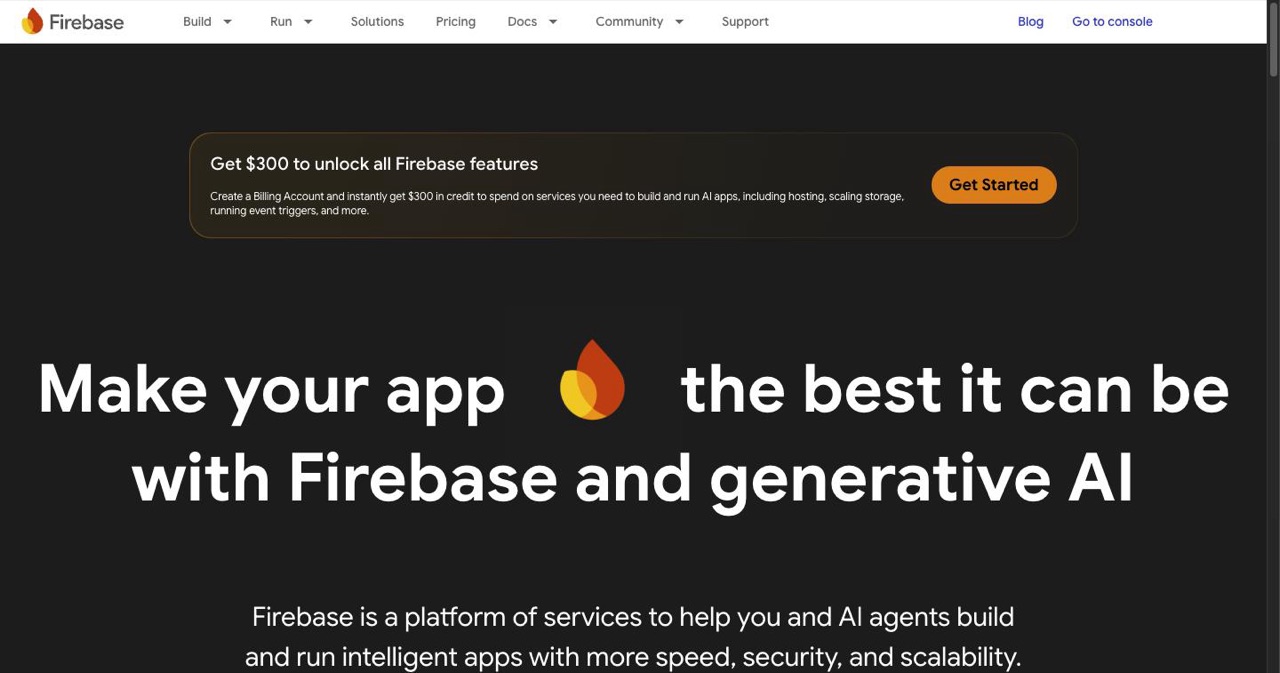
6. Firebase — Still the Fastest Backend for Indie Apps
Free tier | Usage-based scaling
Nothing has replaced Firebase for solo iOS developers who need auth, a real-time database, push notifications, and analytics without running a backend server.
The SwiftUI SDK is mature. Firestore handles offline sync cleanly. Firebase Auth has Sign in with Apple built in (which Apple requires for most app categories). And for an app with 0 to 10,000 users, the free Spark plan doesn't cost a cent.
In 2026, the relevance has increased rather than decreased — more Apple Intelligence features require server-side logic, and Firebase's cloud functions give you that without managing infrastructure. If you need open-source with Postgres under the hood, Supabase is the alternative worth a look — we compared the options in our self-hosting alternatives guide. But for speed from zero to deployed? Firebase.
If you want to go even leaner and avoid costs entirely, our $0 developer toolkit guide covers the full free stack including Firebase alternatives.
Best for: Indie developers who need a real backend without a DevOps budget.
7. RocketSim — The Simulator Enhancement You Didn't Know You Needed
Free core | Pro features available
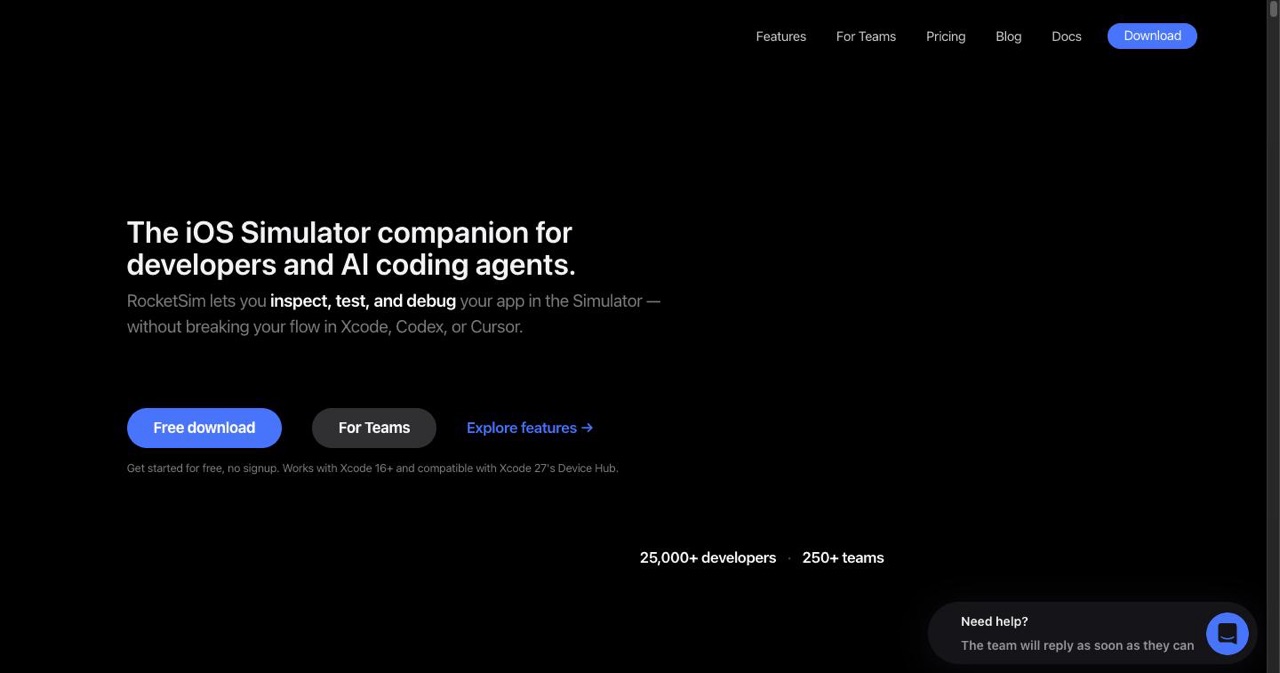
The Xcode Simulator is fine. RocketSim makes it actually good.
Developers report building, testing, and verifying apps up to 2x faster with RocketSim. The feature list is long, but the ones that matter daily: network throttling that only disconnects your simulator (not your Mac), push notification testing without physical devices, location simulation for GPS-dependent apps, and design comparison — overlay your Figma mockup directly over the running app.
RocketSim 15 added VoiceOver accessibility overlay with keyboard navigation, 120fps simulator recording via framebuffer (Pro), a dedicated networking tab, and a tinted Liquid Glass accessibility toggle for iOS 26 simulators.
One App Store reviewer put it well: "RocketSim was great... and then they added network logging and it became an app I cannot do without." The push notification testing alone saves hours per sprint.
Best for: Every iOS developer who tests in the simulator (which is all of them).
The 2026 Stack at a Glance
| Tool | Core Job | AI Level | Pricing | Best For |
|---|---|---|---|---|
| Xcode 26 | IDE + compilation | Native (Claude/GPT) | Free | Everyone |
| Cursor | Multi-file AI editing | Agentic | Free + $20/mo | Complex features |
| Claude Code | Terminal-based refactoring | Agentic | Subscription | Production codebases |
| GitHub Copilot | Daily code assistant | Chat + Agent | Subscription | Daily workflow |
| iSwift.dev | iOS app generation | iOS-native | Free + $20/mo | Prototyping |
| Firebase | Backend-as-a-service | None | Free tier | Indie backends |
| RocketSim | Simulator enhancement | None | Free + Pro | All testing |
How the Workflow Actually Fits Together
Here's a realistic indie dev day in 2026:
Morning: Open Xcode 26. Use Coding Intelligence to draft the new feature's SwiftUI view. Accept completions with ^ for speed.
Mid-morning: The feature needs a new data layer and ViewModel. Switch to Cursor. Use Agent Mode to scaffold MVVM structure across multiple files, review the diff, accept changes. Back to Xcode to compile and preview.
Afternoon: Something's off with the networking. Open RocketSim, throttle to 3G, reproduce the issue. Use Copilot in Xcode to explain the error and suggest a fix.
Late afternoon: New feature needs a Firebase cloud function for push notifications. Set it up in the Firebase console, test push delivery through RocketSim in the simulator.
End of day: Need a new screen? Describe it in iSwift.dev, get a SwiftUI starting point, import it into Xcode, refine with Claude Code.
That's not a hypothetical. That's how fast teams are moving right now. If you're looking at the broader picture of which tools pay for themselves, our startup launch checklist lays out every step from idea to App Store.
Common Mistakes Worth Avoiding
Ignoring the April 2026 SDK deadline. All new app submissions require the iOS 26 SDK or later. If you're building on Xcode 15, your next submission is blocked.
Trusting AI output blindly. Cursor's agents can build features end-to-end, but agent hallucinations mean you can't blindly trust every code change. Review every diff. AI gets you to the first version faster; your judgment decides if it stays.
Using one tool for everything. Xcode's built-in AI is great for focused tasks. Claude Code is great for complex refactors. Using Xcode's AI to restructure 40 files is like using a butter knife to chop vegetables — technically possible, deeply frustrating.
Not checking for deprecated modifiers. iOS 26 introduced Liquid Glass and new modifier patterns. AI tools trained on older Swift data will sometimes suggest deprecated code. Always run the build and read the warnings.
Skipping App Store Optimization. You built the app — now make sure people can find it. If your screenshots are an afterthought, you're leaving downloads on the table. Use the best AI screenshot generators to create professional store listings in minutes.
Not submitting to directories. The App Store alone won't get you discovered. Submitting to 30+ iOS app directories builds backlinks, drives referral traffic, and puts your app in front of people actively browsing for new tools.
Get Your App Discovered on SaaSCity
You've got the tools. You've built the app. Now what?
Here's the part nobody tells developers: building is only half the battle. Discovery is the other half. You can have the best app in the world, but it means nothing if nobody knows it exists.
That's where SaaSCity comes in — the gamified startup directory that's changing how indie hackers, solo developers, and small teams get discovered.
SaaSCity isn't your typical boring directory. It's a living, interactive 3D city map where every listed startup appears as a building. Your building grows taller as your project gains traffic, upvotes, and reviews. It's like SimCity for startups — and your app deserves a skyscraper.
Why list on SaaSCity?
- 🔗 Free backlinks — Boost your domain rating with high-quality, SEO-indexed directory links
- 👀 Targeted traffic — Get discovered by early adopters, fellow builders, and potential users actively browsing for new tools
- 🗳️ Community upvotes — Rise through the ranks as the SaaSCity community validates your work
- 🚀 Directory rankings — Work through our directories ranked by live DR to build backlinks far beyond SaaSCity
- 🤖 OpenClaw integration — Connect your free AI agent with one API key and automatically join the SaaSCity community
Whether you've built an iOS app, an AI-powered SaaS, an OpenClaw project, or a simple utility that solves a real problem — submit it for free on SaaSCity and start getting the visibility your project deserves.
The Bottom Line
The developers shipping fast in 2026 aren't necessarily better programmers. They've just stopped doing the slow parts manually.
Xcode 26 handles your daily coding and AI assistance. Cursor and Claude Code handle the complex, multi-file work you used to spend days on. RocketSim makes the simulator actually useful. Firebase eliminates your backend excuse. iSwift.dev gets you from idea to Xcode project in hours.
Start with what's free — Xcode 26 and RocketSim. See where the friction is. Then add the tools that solve your specific bottlenecks. The goal isn't to use every tool on this list. The goal is to ship.
Your next app won't get slower to build if you're reading more blog posts. Pick one tool from this list you're not using yet and install it today.
Then submit your creation to SaaSCity and let the community see what you've built.
Last updated: April 2026
Get your SaaS in front of founders
List your product on the SaaSCity live city map - a permanent listing, real discovery, and a backlink from a high-DR directory. Free to start; upgrade for a dofollow link and a building on the map.