Launching Nov 9–15, 2026
This launch is approved and scheduled. The page and its dofollow backlink are live now - it joins the weekly drop in its launch week.

ArkWarden
Privacy-focused photo and file vault for iPhone, with open-source encryption. No account, no server.
150points
Recent Supporters

Details
Launched
November 8, 2026
Category
Mobile Apps
Tags
About ArkWarden
ArkWarden is a privacy-focused photo and file vault for iPhone, with open-source encryption. It keeps your photos, videos, documents and audio encrypted on your device. There is no account, no email, no sign-in, no ArkWarden server and no ads. ArkWarden collects no personal data and runs no file analytics. Setup, unlock and encryption all run on your iPhone, and the app works fully offline.
ArkWarden is built for everyday moments: showing a friend one photo on your unlocked phone, sharing an iPhone at home, or lending your phone to your kids. It is a place for passports, IDs, tax returns, medical records and contracts, for private photos and videos, and for the notes and files that journalists, activists and researchers keep for themselves. If your iPhone is lost or stolen, your vault files stay encrypted, and when you travel and are asked to unlock your phone, Wing lets you open a real vault with real files.
When you set up your vault, ArkWarden creates a random 256-bit master key on the device. Every file you import is encrypted individually with AES-256-GCM before it is written to storage, and each file gets its own random nonce, so two copies of the same photo become two different encrypted files. The vault index, with category names, file titles and ordering, is encrypted separately with ChaCha20-Poly1305. Encrypted files live in ArkWarden's own sandboxed storage, apart from your Photos library and the Files app.
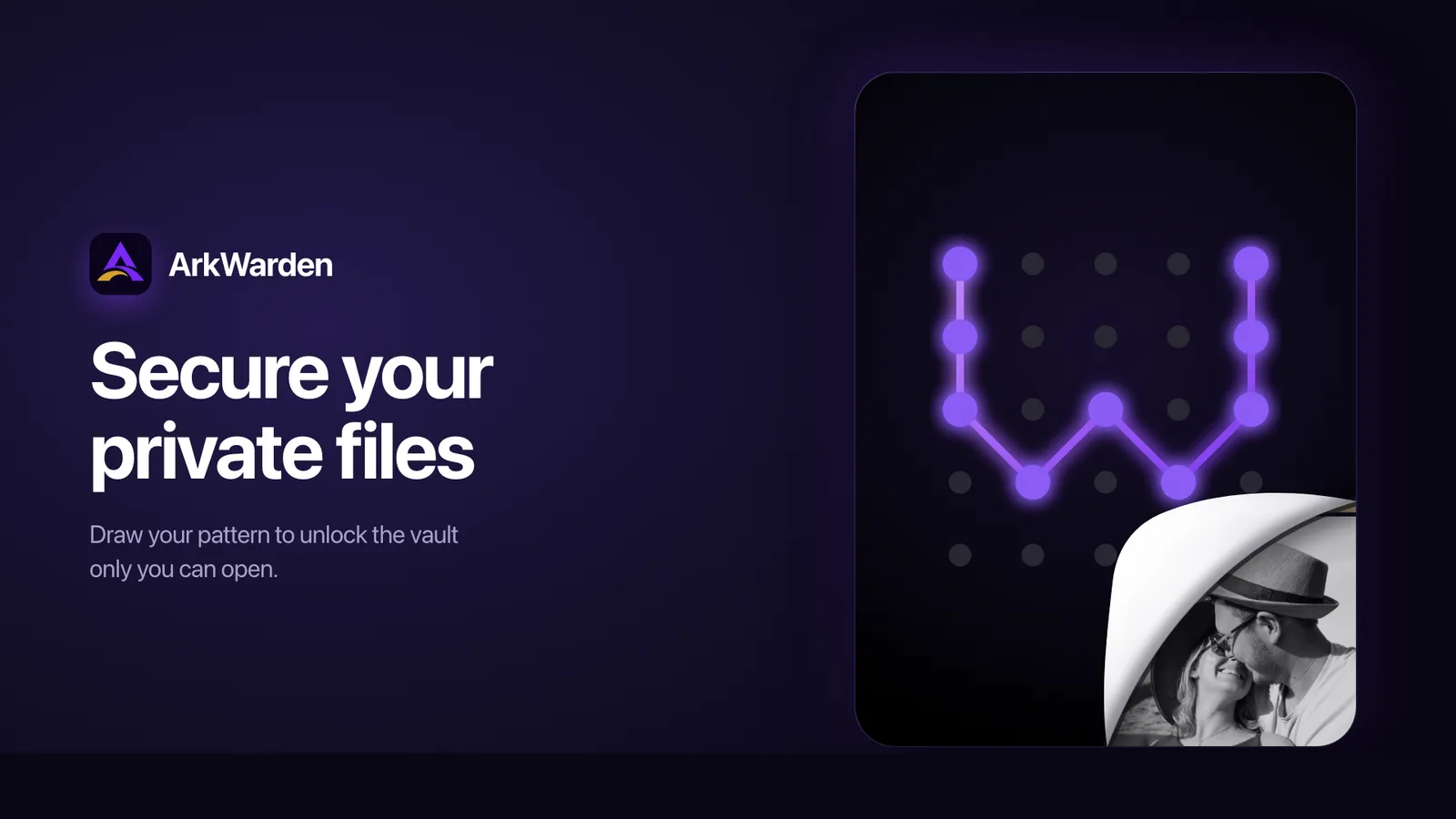
You unlock by drawing a pattern on a 5x5 grid. New patterns use at least six dots and two direction changes. ArkWarden runs your pattern through PBKDF2 with 600,000 iterations and a random salt unique to your vault, following NIST SP 800-132, then combines the result with a key held in your iPhone's Secure Enclave. Together they unlock the master key. ArkWarden does not store your pattern. When you lock or close the app, the master key is released from memory, so every session starts with a fresh unlock. Keys and salts are kept in the iOS Keychain with device-only protection.
After the pattern, you can add a second check: Face ID, Touch ID, a 6-digit PIN that is separate from your iPhone passcode, or a YubiKey tapped over NFC. The vault opens after both checks pass. Biometrics run through Apple's frameworks and the YubiKey through Yubico's SDK. ArkWarden passed Yubico's technical review and is listed in the Works with YubiKey catalog.
Wing is an optional second vault with its own pattern, name, icon, color and files. Draw your main pattern and your main vault opens. Draw the Wing pattern and Wing opens. The lock screen has one pattern grid and shows only the vault you open, so when someone asks you to open the app, you can open Wing and your main vault stays private. An optional emergency gesture, a triple-tap on the vault name or a shake, switches from your main vault to Wing in one move.
During setup, ArkWarden generates a BIP-39 recovery phrase of 12 words, or 24 if you choose, from the iPhone's secure random source. It is shown once, and you keep it. If you forget your pattern, enter the phrase on the lock screen to open your vault and set a new pattern. The same phrase restores your vault on a new iPhone.
Store photos, videos, documents and audio, with room for as many files as your iPhone's storage holds. Create unlimited folders in each category, drag files into them, rename them at any time, or import straight into the folder you want. Folders are encrypted along with everything else. Photos and videos taken with ArkWarden's built-in camera are saved directly in the encrypted vault and stay out of the Photos app.
Backup is optional and off by default. You can back up your main vault and Wing to your own iCloud account, or export a backup file to Files, AirDrop or a computer. Each backup is encrypted on your iPhone before it leaves, and your recovery phrase is what opens it again.
Intruder Detection is optional and off by default. Choose 3, 5 or 10 wrong pattern attempts. After that limit, ArkWarden takes a front-camera photo on each wrong attempt and stores it encrypted on your iPhone with its own AES-256-GCM key. You review and delete the photos in Settings.
ArkWarden's core encryption code is open source on GitHub at github.com/ArkWardenApp/ArkWarden. It covers key derivation, file encryption, master key encryption and key storage in the iOS Keychain, and it is the same code the app is built from. Anyone can read it, or ask someone they trust to check it. The security overview at arkwarden.app/security lists every claim with the standard behind it.
ArkWarden is available on the App Store as a lifetime purchase or an annual subscription.
What ArkWarden does
ArkWarden is an iPhone app for keeping photos, videos, documents, and audio files in an encrypted vault. It encrypts each file on the device with AES-256-GCM and opens the vault with a drawn pattern rather than the iPhone passcode. With Trash off, the default setting, deleting a file removes it from the iPhone at once. The app keeps vault files separate from Photos and does not use an ArkWarden account or server.
Users install the app, draw a pattern, and write down a recovery phrase; no ArkWarden account is created. They can take photos or videos with the built-in camera, which saves them directly in the vault, or import existing media and documents. Users open files in the vault and tap Delete to remove them. Trash is off by default; when enabled, deleted files remain encrypted on the iPhone for seven days and can be recovered. Optional encrypted backups are off by default and use the user's iCloud.
ArkWarden is for iPhone users who want to keep photos and other files private in a vault rather than in the camera roll. The page describes its pattern-based access, on-device file encryption, and lack of an ArkWarden account or server as differences from the standard Photos deletion flow. Users can choose immediate deletion with Trash off or a seven-day recovery period with Trash on. The app also offers optional encrypted iCloud backup.
Based on arkwarden.app, read on Nov 8, 2026.
Key features
- AES-256-GCM file encryption on iPhone
- Pattern-based vault access
- Built-in camera saves directly to vault
- Imports photos, videos, and documents
- Optional encrypted iCloud backup
- Trash retains deleted files for seven days
What people use ArkWarden for
- 01Store photos and videos outside the camera roll
- 02Import photos, videos, and documents into a vault
- 03Delete vault files immediately with Trash off
- 04Recover deleted files with Trash enabled
- 05Back up the vault to the user's iCloud
More in Mobile Apps
Browse all Mobile Apps PowerGoodies
Download the app and see who EV Drivers are rewarded for EV Charging.
 Timefolk
A marketplace for practical, in-person sessions with local Experts.
 Headache & Migraine Diary
Track headaches and migraines, find your triggers
 TapMap
A social network built on maps: where to go and with whom
 Calloza
Cheap international calls from your browser, from $0.024/min
 TruHue
Tell us about your coloring, and our app will tell you YAY, OKAY, or NAY for every lipstick,