Launching May 17–23, 2027
This launch is approved and scheduled. The page is shareable now and goes fully live in its launch week.

FilmCraft
A free, open-source Premiere Pro alternative.
50points
Recent Supporters
Details
Launched
November 22, 2026
Category
Other
Pricing
Free
Tags
About FilmCraft
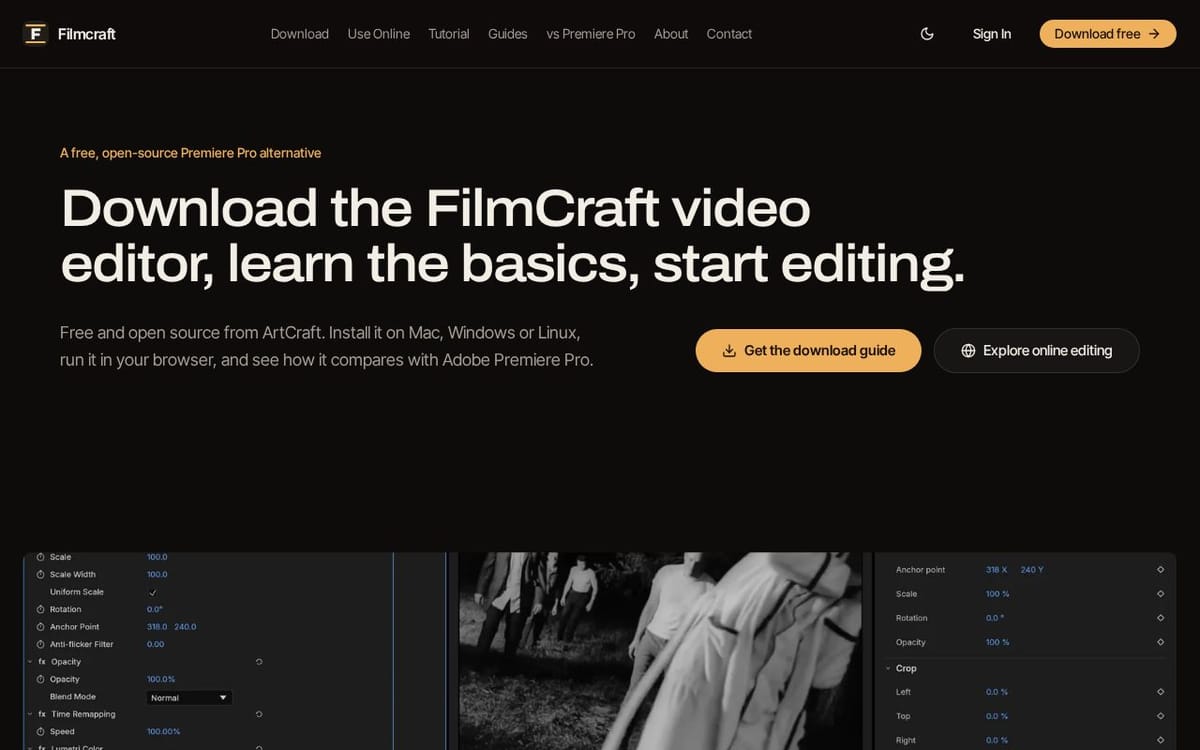
FilmCraft is a free, open-source non-linear video editor developed by the ArtCraft team. Built with Rust, it offers a Premiere Pro-style layout with a multitrack timeline, source and program monitors, three-point editing, ripple, roll, slip and slide trims, J-K-L playback, curves, color wheels, HSL adjustments, LUTs, HDR and log footage support, waveform and vectorscope displays, more than 90 video effects, around 30 transitions, and animated keyframes. It supports H.264, HEVC, ProRes, VP9, AV1, AAC, and Opus, with exports including MP4, ProRes, image sequences, and GIF. GetFilmCraft.org covers desktop and browser builds, tutorials, setup, troubleshooting, media, color, audio, captions, and a Premiere Pro comparison. FilmCraft has no subscription, watermark, or export limit, but remains in alpha and lacks Premiere project import and third-party plugins.
What FilmCraft does
FilmCraft is a free, open-source non-linear video editor from the ArtCraft team. It provides a Premiere-style editing workflow for arranging footage, trimming clips, grading color, adding effects, and exporting video. Its integer timebase keeps supported timelines frame-accurate, while native codecs handle common video and audio formats. FilmCraft runs as a desktop application or in a browser, offering an alternative for users who want video editing without a software subscription.
Users import media into project bins, load clips into a Source monitor, and assemble sequences in the timeline for playback in the Program monitor. Editing includes three-point edits, ripple, roll, slip, and slide trims, with J-K-L playback controls. Users can apply effects and keyframes, grade with curves, color wheels, scopes, and LUTs, and mix audio with automation. The editor decodes supported formats natively and exports H.264 MP4, ProRes 422 HQ, PNG sequences, or GIF. Its WebAssembly build runs in supported browsers.
FilmCraft is for people learning video editing, working on personal projects, or looking for a familiar Premiere-style workflow without a subscription. It runs on macOS, Windows, Linux, FreeBSD, and in WebGPU-compatible browsers. The project is open source under MIT or Apache-2.0 and is still in alpha; the page says it is about 56% production-ready. It does not yet import .prproj files or support third-party plugins, and the page advises testing media and export needs before client work.
Based on getfilmcraft.org, read on Nov 22, 2026.
Key features
- Multitrack timeline with three-point editing
- Color grading with curves, wheels, LUTs, and scopes
- Over 90 video effects and about 30 transitions
- Frame-exact drop-frame timelines
- Native video and audio codecs
- Browser-based editing with WebAssembly
What people use FilmCraft for
- 01Import, arrange, and trim video clips
- 02Grade footage using color tools and scopes
- 03Add effects, transitions, and keyframes
- 04Mix dialogue and music with audio automation
- 05Export videos as MP4, ProRes, image sequences, or GIF
More in Other
Browse all Other NovenAI
 is an AI-powered platform for Australian skilled migration. It combines official data
 Nick Launches
Launch your product to thousands of builders.
 Car History Check
Instant UK Vehicle History Check & Car DVLA Reports
 Top Alternatives
Compare tools. Find the right alternative.
 Doggy Pawtraits
Turn Your Pet Snaps into Tail-Wagging Illustrations.
 WellyOn
Your Always-On AI Customer Service Agent.